Best Project Management Software for Small Teams 2026 hero showing Asana Monday.com ClickUp and Trello rankings
This article may contain affiliate links. We may earn a commission when you sign up through our links — at no extra cost to you. Our recommendations are based on independent evaluation and are not influenced by commissions.
TL;DR: For most buyers, Asana is the best project management software for small teams because it gives a 2- to 25-person team the safest balance of easy onboarding, clear task ownership, multiple planning views, and enough structure to improve visibility without forcing an enterprise-style rollout. Trello is best for pure simplicity, Monday.com is best for flexible operations workflows, and ClickUp is best if you want an all-in-one workspace and can tolerate more setup.
What small teams should check before choosing Best project management software
Choosing project management software for a small team means balancing structure, adoption speed, and cost control — not chasing the longest feature list. A founder with six people does not need enterprise governance theater. They need a system that makes owners, due dates, and next steps obvious without requiring extra admin work. That is why the best tools for small teams tend to win on clarity and rollout speed first, then add flexibility only where the team can realistically maintain it.
The first criterion is onboarding speed for mixed-skill teams. Asana, Monday.com, ClickUp, and Trello all run in the browser and on mobile, which matters because most small teams want no-IT deployment and immediate access. In practice, Trello and Asana are easier to teach to casual users, while ClickUp and Monday.com reward a bit more setup effort with broader workflow options.
The second criterion is day-to-day visibility across projects. Your team does not just need a to-do list — you need a way to assign owners, track deadlines, and reduce the number of status meetings. Asana offers List, Board, Calendar, and Timeline views. Monday.com documents Kanban, Calendar, Timeline, Gantt, and Workload views. ClickUp lists List, Board, Calendar, Gantt, and Timeline. Trello provides Board plus added planning views. The real question is not which tool has the most view names, but which one surfaces deadline risk before work actually slips. [1] [2] [3]
The third criterion is workflow flexibility without creating sprawl. Monday.com is strong when operations teams need custom columns, dashboards, and approvals. ClickUp appeals to growing teams that want tasks, docs, dashboards, and automations in one place. But flexibility can backfire fast: if every board or space uses different statuses, fields, and reporting logic, things fall apart. Small teams should favor a tool they can standardize in the first two weeks.
The fourth criterion is pricing predictability. Asana publishes a Personal plan and paid tiers, ClickUp lists a Free Forever plan, and Trello lists Free through Enterprise tiers — all of which give smaller teams a visible entry path. Monday.com can still be worth it, but its seat-based packaging matters more for a 3-person team than for a 15-person team. Finally, import paths and ecosystem fit matter because spreadsheet-based teams need CSV or Excel imports, templates, and integrations with Slack, Google Drive, Microsoft 365, Zoom, and email so the new tool reduces app sprawl instead of adding it.
Comparison table
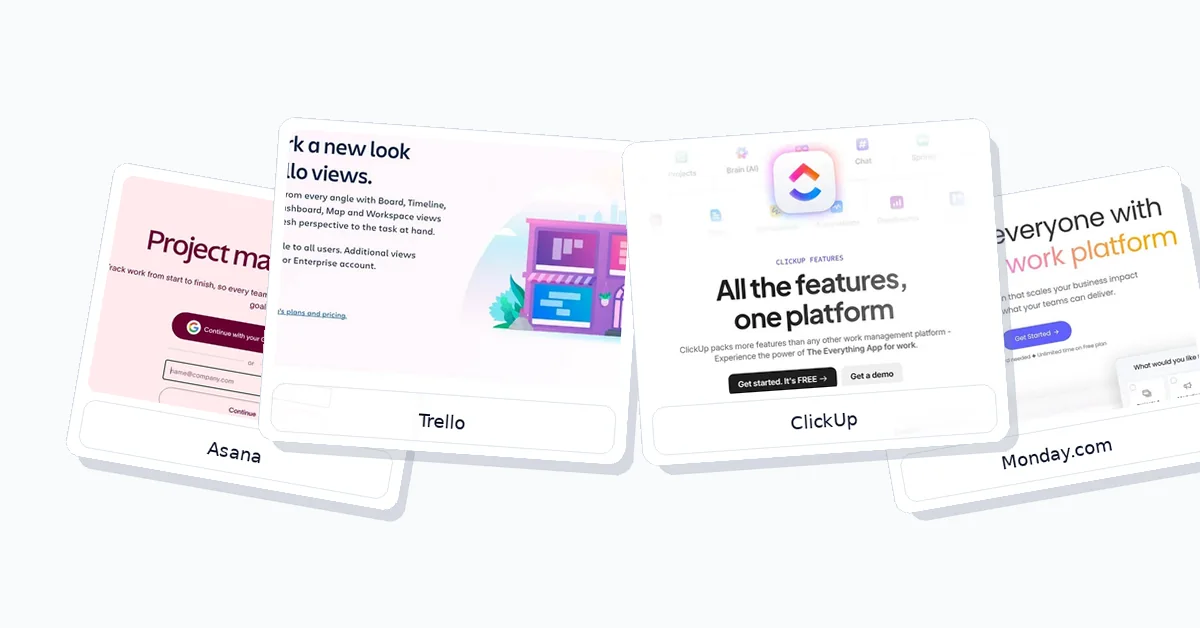
Layered comparison image showing Asana Trello ClickUp and Monday.com for small team project management evaluation
The table below compares each product across pricing, differentiator, setup, and constraint.
| Product | Pricing | Differentiator | Setup | Constraint |
|---|---|---|---|---|
| Asana | Clear entry tiers | Task ownership clarity | Fast for mixed teams | Timeline gated by plan |
| Monday.com | Seat-based packaging | Flexible board workflows | Moderate setup effort | Governance needed across boards |
| ClickUp | Free tier, paid upgrades | All-in-one consolidation | Slower, hierarchy-heavy | Dense interface for casual users |
| Trello | Visible low-cost entry | Simplest kanban rollout | Fastest to launch | Weaker multi-project structure |
For a 3-person team, Trello or Asana usually produces the cleanest value because both can start lightweight without forcing heavy architecture decisions. For a 7-person cross-functional team, Asana often gives the best pricing-to-value tradeoff because it improves ownership and visibility faster than ClickUp while avoiding some of Monday.com’s seat-structure friction. For a 15-person growing team, Monday.com becomes more attractive when operations complexity is rising, while ClickUp becomes worth paying for when consolidating tasks, docs, dashboards, and automations replaces multiple separate tools.
Product reviews
Asana
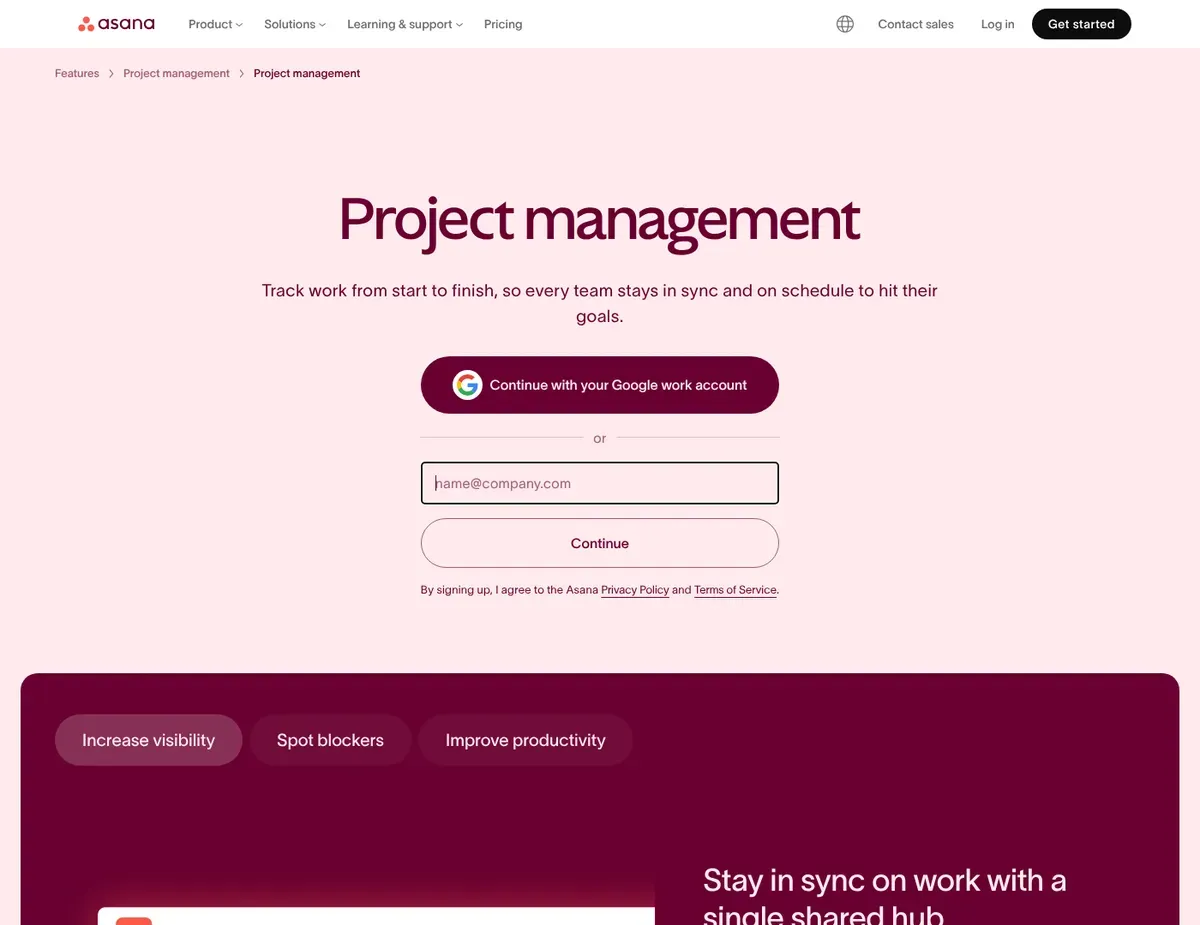
Asana Task-centric workspace with a left navigation rail
Asana is the safest default for small teams that want a polished project management system built around tasks, owners, deadlines, and project status. It is especially well suited to managers replacing spreadsheets or email-driven coordination with a more structured workflow — the product feels opinionated enough to guide adoption without becoming rigid for a 5- to 10-person team.
Its biggest strength is making accountability visible in a way small teams actually use. Asana offers List, Board, Calendar, and Timeline views, so a manager can work in a familiar list while a teammate checks deadlines in calendar form and a founder reviews timing in a broader plan view. It also supports workflow automation through Rules, which helps teams automate recurring handoffs or status changes without needing a separate no-code stack. That balance of structure and accessibility is why Asana consistently ranks well for teams moving from messy trackers into a system with clearer ownership.
Another practical advantage is ecosystem fit and migration support. Asana includes Slack, Microsoft Teams, Google Drive, OneDrive, and Zoom integrations, along with CSV importing and a template library. Teams can move from spreadsheets into a task-centric workspace without rebuilding everything manually. Web, iOS, and Android access keeps rollout simple for teams with mixed devices or remote contributors who just need quick browser-based entry.
The main limitation is plan gating around planning depth. Timeline availability varies by tier, so a small team trying to map dependencies for a launch may find that the exact planning view they want is not available on the cheapest option — confirm the tier before assuming the lowest-cost plan covers your workflow. Asana is also less natural for teams that want many custom item types in one workspace, like a founder trying to manage bugs, CRM follow-ups, content production, and internal operations in a database-style setup. If your workflow is mostly task execution and project status, that trade-off is fine. If you need a highly customized work OS, it can feel constraining.
Unlike ClickUp, Asana gives small teams a more constrained task model. That reduces setup time but offers fewer ways to build custom work objects and deeply tailored workspace structures. Worth knowing before you commit.
⚠ Caution: Asana’s public materials confirm multiple views and automation, but the exact first-week onboarding speed for a mixed-skill 2- to 25-person team is not something the vendor documents as a measurable outcome — verify: Asana — project management.
Monday.com
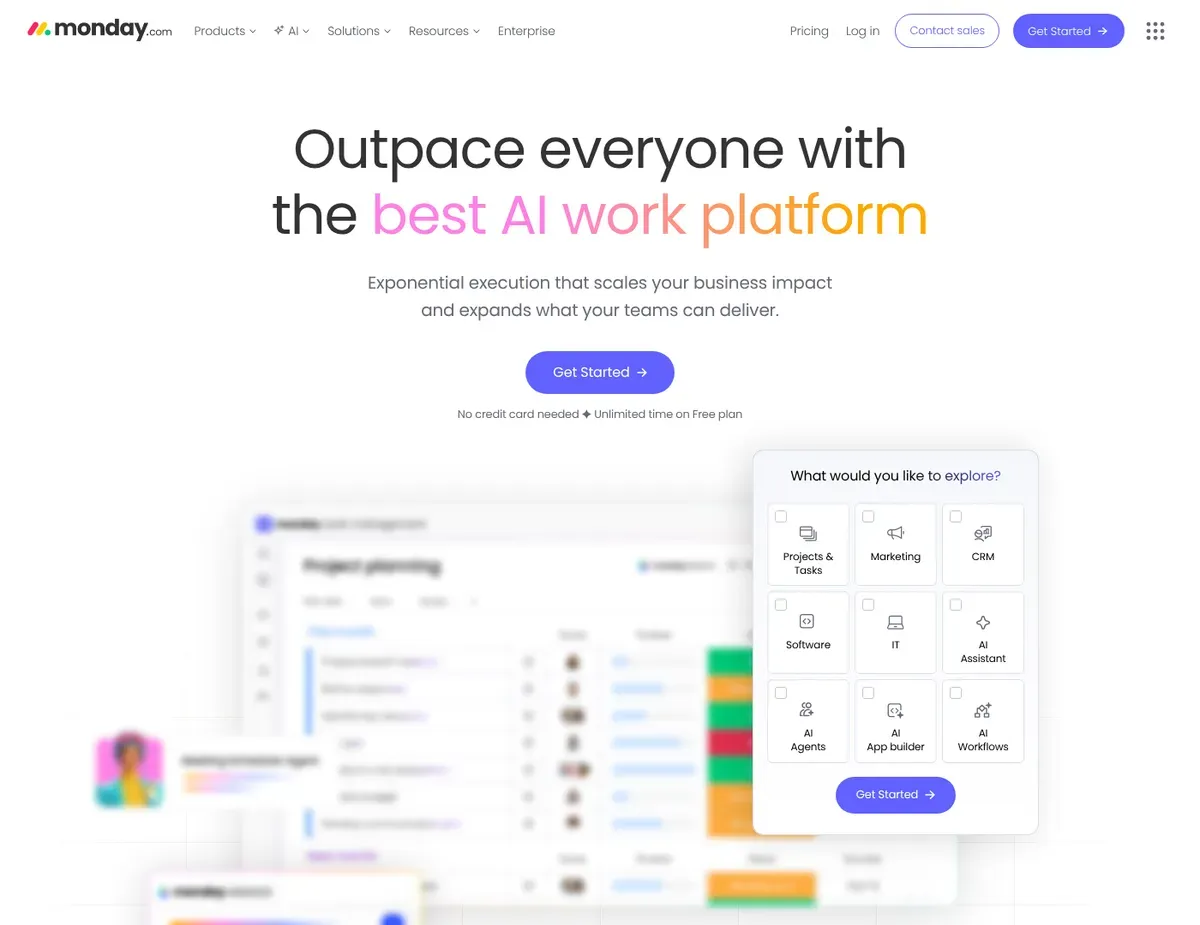
Monday.com Spreadsheet-like boards with customizable columns
Monday.com earns its place when your work does not map cleanly onto standard project tasks. It appeals most to founders, operations leads, and cross-functional teams that want configurable boards, dashboards, approvals, and recurring process tracking in one interface — rather than a narrower task manager that forces everything into the same shape.
The flexibility is the product’s strongest card. Monday.com documents Kanban, Calendar, Timeline, Gantt, and Workload views, and its spreadsheet-like boards with customizable columns make it straightforward to track projects, requests, approvals, or operational queues in ways that do not fit a standard task list. No-code automations handle notifications, status changes, and recurring workflow steps inside boards, which is genuinely useful for teams managing handoffs between sales, operations, marketing, and delivery.
It also fits a common small-business stack reasonably well. Monday.com runs on web, iPhone, and Android, and its integrations pages list connections for Slack, Microsoft Teams, Google Drive, Outlook, Gmail, and Zoom. For teams replacing spreadsheets, Excel import support and project templates shorten setup when the current system is already built around rows, owners, dates, and status columns.
The downside is that flexibility creates both cost and governance friction. Monday.com plans are billed by seats, so very small teams can feel the pricing structure more sharply than they would in a simpler per-user tool — a 3-person team may not get the same value from seat packaging that a 12-person operations group does. The second limitation is workflow fragmentation: if every department creates its own status labels, board logic, and dashboard assumptions, cross-board reporting gets messy and handoffs become less reliable. A beautifully customizable system can still feel inconsistent in daily use if nobody owns the operating model. [4]
Unlike Asana, Monday.com gives managers more control over board structure and column design. That flexibility is real, but it also increases the chance that different teams build incompatible workflows that need admin cleanup later.
Monday.com’s minimum-seat and plan-packaging details can create meaningfully different costs for a 3-person team versus a larger group.
⚠ Caution: Check the live pricing configurator before drawing conclusions about entry-level value — verify: Monday — pricing.
ClickUp
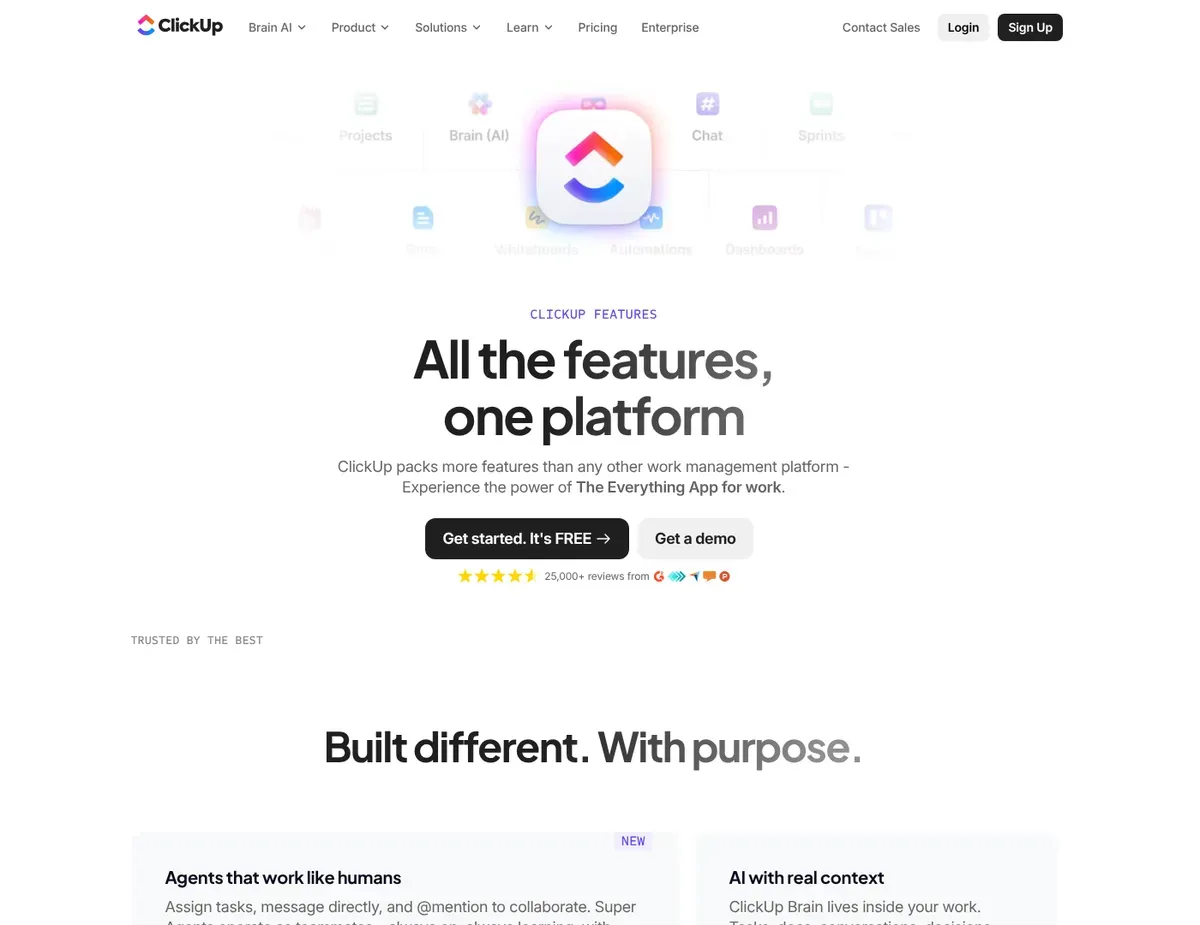
ClickUp Dense workspace showing nested hierarchy
ClickUp is the strongest fit for ambitious small teams that want tasks, docs, dashboards, automations, and adjacent workflow tools inside one platform. It works best for founders or managers who expect process complexity to grow and would rather invest upfront in one workspace than keep adding separate tools for project tracking, documentation, and reporting.
Consolidation is the core selling point. ClickUp lists views including List, Board, Calendar, Gantt, and Timeline, and it provides Automations for routine work, so your team can manage execution, planning, and recurring updates without jumping between multiple apps. Desktop, iPhone, iPad, and Android apps alongside the web workspace make deployment straightforward even when the internal setup is not trivial. For growing teams, that matters — the platform can handle day-to-day task management now while leaving room for more dashboards, docs, and structure later. [5]
ClickUp also gives budget-sensitive teams a visible way to start. The Free Forever plan sits alongside paid tiers, spreadsheet imports are supported, and templates are available — all of which is attractive for teams that want to test a broader system before committing. Integrations with Slack, Google Drive, Zoom, Outlook, and Microsoft Teams help reduce app-switching once the workspace is configured well.
The trade-off is onboarding density. Before the structure feels stable, your team may need to make decisions about Spaces, Folders, Lists, Docs, dashboards, and views — and that decision-making process slows the first week compared to Asana or Trello. Because the interface exposes many features at once, casual collaborators can lose confidence about where the single source of truth actually lives. When docs, task statuses, dashboards, and chat-style updates all coexist without clear rules, duplicate status tracking becomes a real operational problem. ClickUp is powerful, but somebody on your team needs enough admin capacity to define naming, hierarchy, and reporting conventions before you invite everyone.
Unlike Trello, ClickUp keeps more of the workspace inside one platform. That can reduce app sprawl, but it also makes the interface feel denser and more demanding for anyone who just needs to check their tasks and move on.
⚠ Caution: ClickUp publicly documents broad feature coverage, but the actual onboarding burden created by Spaces, Folders, Lists, Docs, and dashboards is a workflow-design issue rather than a vendor-guaranteed setup metric — verify: ClickUp — project management.
Trello
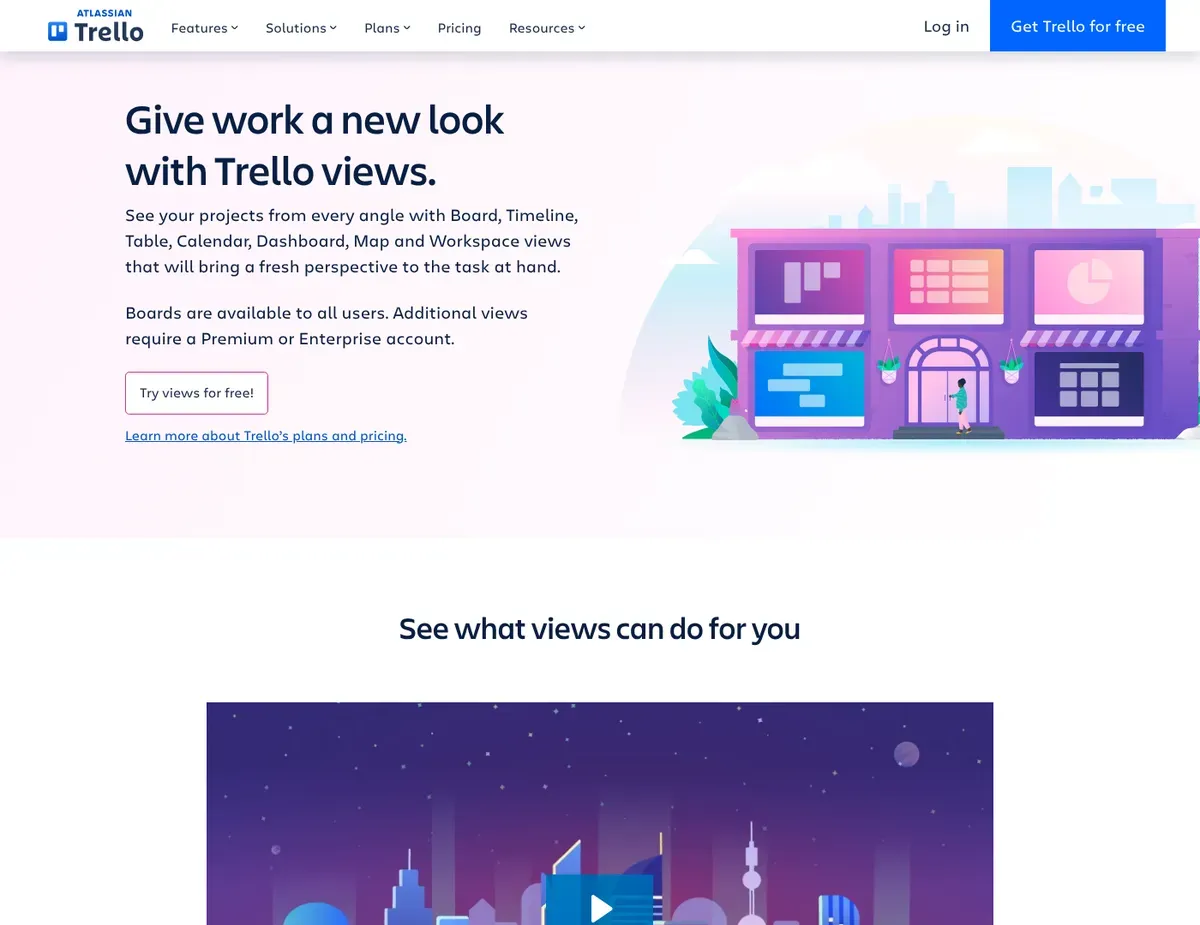
Trello Kanban-style boards with vertical lists
Trello remains the right call for very small teams that want the fastest possible rollout and a visual kanban workflow with almost no training burden. It is a particularly good fit for founders, tiny internal teams, and simple client or content workflows where the main need is moving cards through stages with lightweight collaboration. For a step-by-step walkthrough, see our guide to setting up Trello for project management.
Approachability is the real advantage here. Trello runs on web, iOS, and Android, and most teammates understand the board-and-card model within minutes. That simplicity is not trivial for a 2- to 5-person team: when people do not need training, adoption is higher and the tool is more likely to become the actual source of truth. Trello also includes Butler automation for rules, buttons, and scheduled commands, giving small teams a built-in way to automate recurring board actions without turning the workflow into a heavy implementation project.
Trello is also more capable than many buyers assume. It provides Board, Timeline, Table, Calendar, Dashboard, and Map views, and the Power-Ups directory includes Slack, Google Drive, Microsoft Teams, Outlook, and Zoom-related integrations. Templates and CSV import support help simple teams move an existing spreadsheet or task list into a board quickly.
Still, Trello’s ceiling shows up sooner once work spreads across multiple projects and departments. A growing team coordinating product, marketing, and client work can end up with too many boards, too many manual cross-board check-ins, and not enough built-in portfolio structure. Teams that need richer workload planning, formal dependencies, or custom item relationships often end up relying on Power-Ups and additional views rather than getting those workflows natively. That is fine for simple execution. It is less ideal for a 12- to 25-person team trying to standardize reporting.
Unlike Asana, Trello is faster to teach and easier for ad hoc collaboration, but you get less built-in structure for dependencies, project portfolios, and more formal planning workflows.
Trello documents additional views and integrations, but some advanced workflow needs may rely on Power-Ups or higher-tier features.
⚠ Caution: Do not assume every planning capability is fully native on all plans without checking current packaging — verify: Trello — pricing and https://trello.com/power-ups.
Scenario recommendations
Scenario 1 – A 5- to 10-person team moving from spreadsheets to clearer owners and deadlines: Pick Asana. It is the safest option when the goal is to replace spreadsheet chaos with a more structured workflow that still feels approachable to non-technical teammates. Its List, Board, Calendar, and Timeline-style planning model gives managers better visibility without forcing a major process redesign. The caveat is that timeline planning can be gated by plan, so budget-sensitive teams should confirm the exact tier they need before committing. Start with one shared project template and only a few statuses so adoption stays fast.
Scenario 2 – A 2- to 5-person team that just wants a lightweight kanban board: Pick Trello. Trello wins here because the board-and-card model is immediately understandable, the training burden is minimal, and Butler automation handles simple recurring actions without forcing the team to learn a bigger system. The caveat is that Trello becomes uncomfortable when the team starts juggling many parallel projects with dependencies or formal cross-project reporting. If you choose it, keep boards focused and review monthly whether cross-board coordination is becoming manual overhead.
Scenario 3 – An operations-heavy team managing requests, approvals, and recurring processes: Pick Monday.com. Monday.com is the best fit when your work does not map cleanly to standard project tasks, because customizable columns, dashboards, and multiple views support operations tracking, handoffs, and process management better than a narrower task-first tool. The caveat is that flexibility can fragment workflows if every team invents different status labels and board logic. Standardize one board architecture early so dashboards and reporting stay useful as the team grows.
Scenario 4 – A growing team that wants one workspace for tasks, docs, and reporting: Pick ClickUp. ClickUp is the right choice when you expect complexity to increase and want to consolidate project management, lightweight documentation, dashboards, and automation inside one platform instead of adding more tools over time. The caveat is that the interface and hierarchy demand more setup discipline, and casual users can get lost if the team enables everything at once. Roll it out with a tight structure first, then add docs, dashboards, and extra views only after the core task workflow is stable.
Setup guide
- Run a two-week pilot with one live project. If you are choosing between Asana and Trello, use a real launch, client delivery, or internal ops project instead of a fake test board. Small teams learn more from actual deadline pressure than from sandbox setup.
- Define the minimum structure before inviting everyone. In Asana, decide your projects, owners, due-date rules, and statuses first. In Monday.com, lock your core columns and status labels before teams start cloning boards. In ClickUp, choose a simple hierarchy and resist creating too many Spaces or Lists. In Trello, decide whether one board or several boards will hold active work.
- Import only current and near-future work. Asana offers CSV importing, Monday.com supports Excel imports, ClickUp supports spreadsheet imports, and Trello supports CSV import and templates. Do not migrate stale tasks, completed items from months ago, or legacy labels nobody understands — that clutter lowers trust on day one.
- Connect the collaboration stack carefully. Add Slack, Google Drive, Microsoft 365, Zoom, or email integrations only where they reduce context switching. If every alert goes everywhere, the new tool just creates more noise.
- Measure success after two weeks. The right tool should make task ownership clearer, reduce status-check messages, and improve deadline visibility for non-power users. If people still update work in chat instead of the platform, simplify the workflow before buying more seats or building extra dashboards and automations.
Related Guides
- For portfolio management tools, see our portfolio management tools guide.
- For resource management software, see our resource management software guide.
- For CRM for small teams, see our CRM for small teams guide.
FAQ
Q: Which tool is the safest choice for a 5- to 10-person team moving from spreadsheets to clearer owners, due dates, and cross-project visibility without a heavy rollout?
Asana is the safest recommendation for that situation. It gives small teams a cleaner, more opinionated task structure than ClickUp or Monday.com, while still offering multiple planning views and enough flexibility to improve visibility across projects. The main caveat is that some planning depth — especially Timeline-related use — may depend on plan level, so verify the tier before assuming the lowest-cost option covers your workflow.
Q: Which platform gives a small operations-heavy team the best balance of flexible workflows and manageable admin overhead as recurring processes expand?
Monday.com is usually the best fit for operations-heavy teams. Its customizable boards, columns, dashboards, and automations are better suited to approvals, intake queues, recurring process tracking, and nonstandard workflows than Trello or a stricter task-first tool. The catch is that Monday.com needs governance early — without shared status labels and board conventions, flexibility turns into fragmented reporting that is hard to fix after the fact.
Q: How should a 2- to 25-person team roll out one of these tools in the first two weeks without creating extra status work for non-technical staff?
Start with a two-week pilot in Asana, Trello, Monday.com, or ClickUp using one live project and one reporting rule: all active work must have an owner and a due date. This keeps the rollout focused on execution clarity rather than feature exploration, and it makes it obvious whether the tool actually reduces status-check messages. If adoption lags, simplify statuses and notifications before adding automations, dashboards, or extra views.
Q: What is the safest way to migrate from spreadsheets or a simple kanban board into a more structured system without importing outdated tasks and clutter?
Import only active tasks, repeating workflows, and the next 30 to 60 days of work. Asana, Monday.com, ClickUp, and Trello all provide import support or templates, but none of them becomes better by inheriting years of stale spreadsheet history. The safest path is to migrate current work, recreate one or two high-value templates, and archive everything else outside the new workspace.
Q: How can we confirm after rollout that deadline visibility, task ownership clarity, and adoption by casual users are improving enough to justify paying for the tool?
Use a short scorecard after the pilot, and name one product owner to review it. The best project management software for small teams should produce fewer “who owns this?” questions, fewer status pings in Slack, and faster recognition of overdue work — especially from teammates who are not power users. If those outcomes do not improve within two weeks, the issue is usually workflow design or over-complex setup rather than missing premium features.
Final verdict
For most buyers, the best project management software for small teams is Asana. It balances usability, structure, visibility, and reasonable complexity better than the alternatives for a typical 2- to 25-person team that wants to move beyond spreadsheets without adopting an overbuilt work OS.
Choose Trello if your top priority is the fastest rollout and the lowest training burden. It is the right pick for very small teams, founder-led execution, and straightforward kanban workflows where speed matters more than portfolio-level planning.
Choose Monday.com if your team runs operations-heavy workflows, approvals, requests, or recurring processes that need flexible columns, dashboards, and board logic. It is a stronger fit than Asana when your work is not purely project-task based — though you need tighter governance and a careful pricing review before committing.
Choose ClickUp if you want one platform for tasks, docs, dashboards, and automation and you can invest more time in setup. It has the most upside for teams expecting complexity to grow, but it is less forgiving during onboarding.
The practical next step is simple: shortlist Asana plus one alternative, run a two-week pilot on a live project, and choose the tool that wins on adoption speed, reporting clarity, and fewer status-check messages.
Sources
- ↑ Asana — project views — https://asana.com/features/project-views
- ↑ Monday.com — views — https://monday.com/features/views
- ↑ ClickUp — views — https://clickup.com/features/views
- ↑ Monday.com — pricing — https://monday.com/pricing
- ↑ ClickUp — project management — https://clickup.com/features/project-management
- Asana — project management
- Monday — pricing
- ClickUp — project management
- Trello — pricing
Disclaimer
This guide is for general informational purposes only and does not constitute professional accounting, tax, legal, or financial advice. Pricing, features, and plan details were verified against each product’s official website as of the research date and may change without notice. Always consult a qualified professional for advice specific to your business situation. PickrTech may earn a commission when you sign up through our links at no extra cost to you. Our recommendations are based on independent evaluation and are not influenced by compensation.
If Trello looks like the best fit for your team’s workflow, follow our step-by-step Trello setup guide to build a practical board structure and rollout plan.
Last reviewed: June 2026 by the PickrTech editorial team.