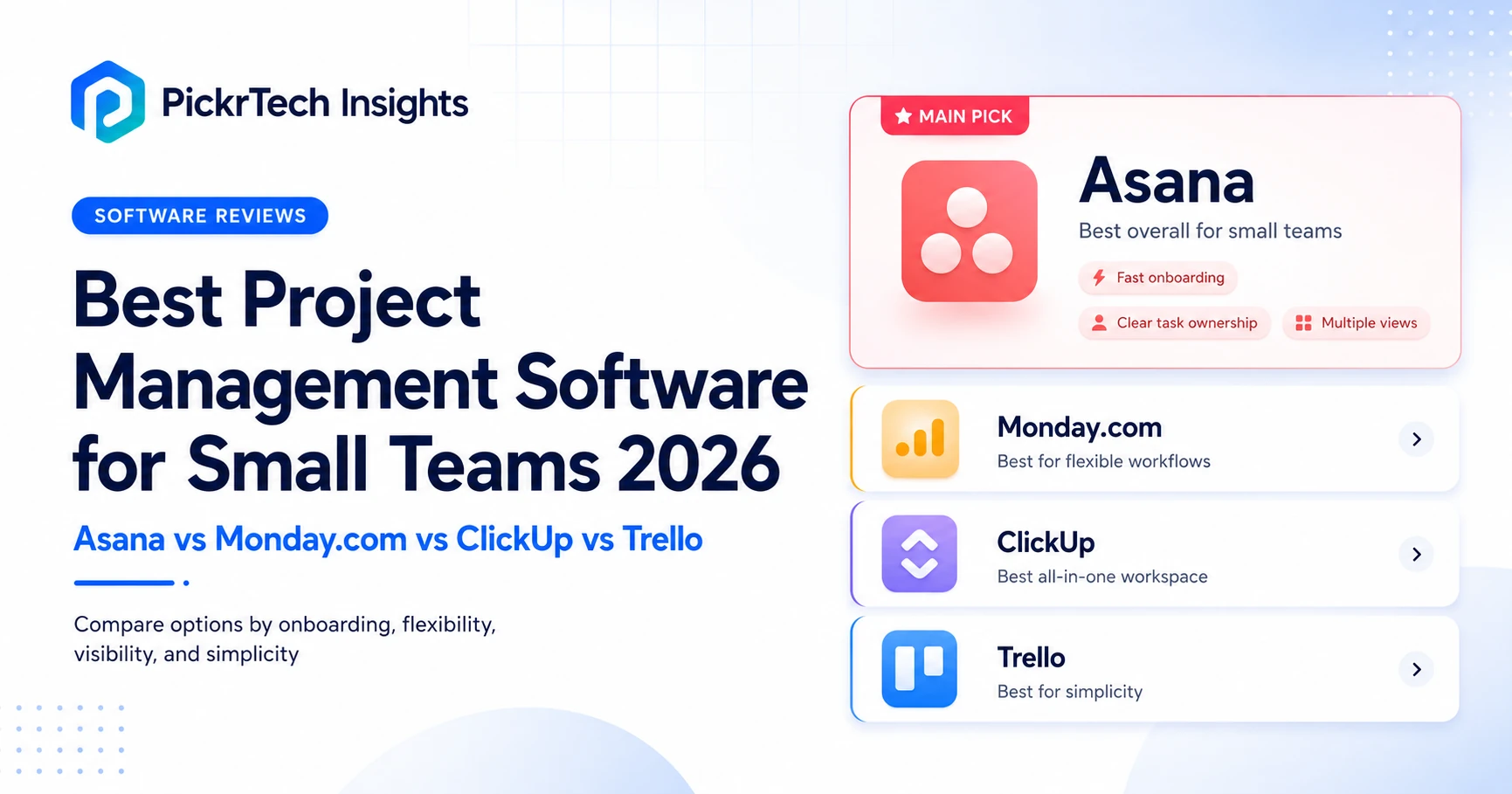
TL;DR: For most small teams, Asana is the safest default — teams moving beyond a two-person free setup get easy onboarding, clear task ownership, and multiple planning views without an enterprise-style rollout. The free plan now covers only 2 users on new accounts, so teams of 3 or more should budget for Starter at $10.99 per user. Trello is cheapest and simplest at $5 per user, but Calendar and Timeline views require Premium at $10. ClickUp bundles the most into one $7-per-user workspace if you can absorb the setup. Monday.com fits operations-heavy work at $12 per seat, but a 3-seat minimum and 5-seat buckets mean a 7-person team pays for 10. All prices were checked against each vendor’s US pricing page in July 2026.
Project management path: Use this comparison to choose a tool. If you already expect to use Trello, start with our Trello setup guide, then use the Trello board templates guide to build your first repeatable workflow.
What small teams should check before choosing project management software
Choosing project management software for a small team means balancing structure, adoption speed, and cost control — not chasing the longest feature list. A founder with six people does not need enterprise governance theater. They need a system that makes owners, due dates, and next steps obvious without extra admin work. The tools that win for small teams tend to lead on clarity and rollout speed, then add flexibility only where the team can realistically maintain it. Four criteria separate them.
Onboarding speed for mixed-skill teams. Asana, Monday.com, ClickUp, and Trello all run in the browser and on mobile, so most small teams can deploy without IT. The difference is interface density: Trello’s board-and-card model and Asana’s task-first layout are the easiest to teach to casual users, while ClickUp’s nested hierarchy and Monday.com’s configurable boards trade a steeper first week for broader workflow options.
Which views you actually get at your price. All four list board, calendar, and timeline-style views somewhere in their lineup, [1] [2] [3] but “somewhere” is the catch. Asana’s Timeline unlocks at its paid Starter tier, Monday.com’s Timeline and Gantt arrive at Standard, and Trello reserves Calendar, Timeline, Table, Dashboard, and Map views for Premium. The real question is not which tool has the most view names, but which views are included at the price you intend to pay — and whether they surface deadline risk before work slips.
Flexibility without sprawl. Monday.com is strong when operations teams need custom columns, dashboards, and approvals; ClickUp appeals to teams that want tasks, docs, dashboards, and automations in one place. But flexibility backfires when every board uses different statuses, fields, and reporting logic. Small teams should favor a tool they can standardize in the first two weeks.
Pricing predictability. This is where the four differ more than their feature pages suggest. Trello Standard at $5 per user per month is the cheapest paid plan here, and ClickUp Unlimited at $7 undercuts both Asana Starter ($10.99) and Monday.com Standard ($12). Free plans diverge just as much: ClickUp’s Free Forever has no user cap, Trello’s free plan allows 10 boards per workspace, Asana’s current Personal plan is capped at 2 users while accounts already using Personal before November 12, 2025 may retain the legacy limit of up to 10 seats, and Monday.com’s free plan is capped at 2 seats and 3 boards. Monday.com adds one more wrinkle covered below: every paid plan has a 3-seat minimum, and seats are sold in buckets.
How we assessed these tools: our read on Trello and Asana draws on hands-on PickrTech setup work — our Trello setup guide and our Asana capacity-planning walkthrough — while Monday.com and ClickUp are evaluated from current vendor documentation and public product materials rather than a dedicated PickrTech build. Every price below was verified against the vendor’s US pricing page in July 2026.
Project management vs resource management: project management tools organize tasks, owners, deadlines, and project views. Resource management tools are better when the real problem is capacity planning, utilization, staffing conflicts, or scheduling people across multiple projects. If team capacity is the bottleneck, compare our resource management tools comparison.
Project management software comparison for small teams
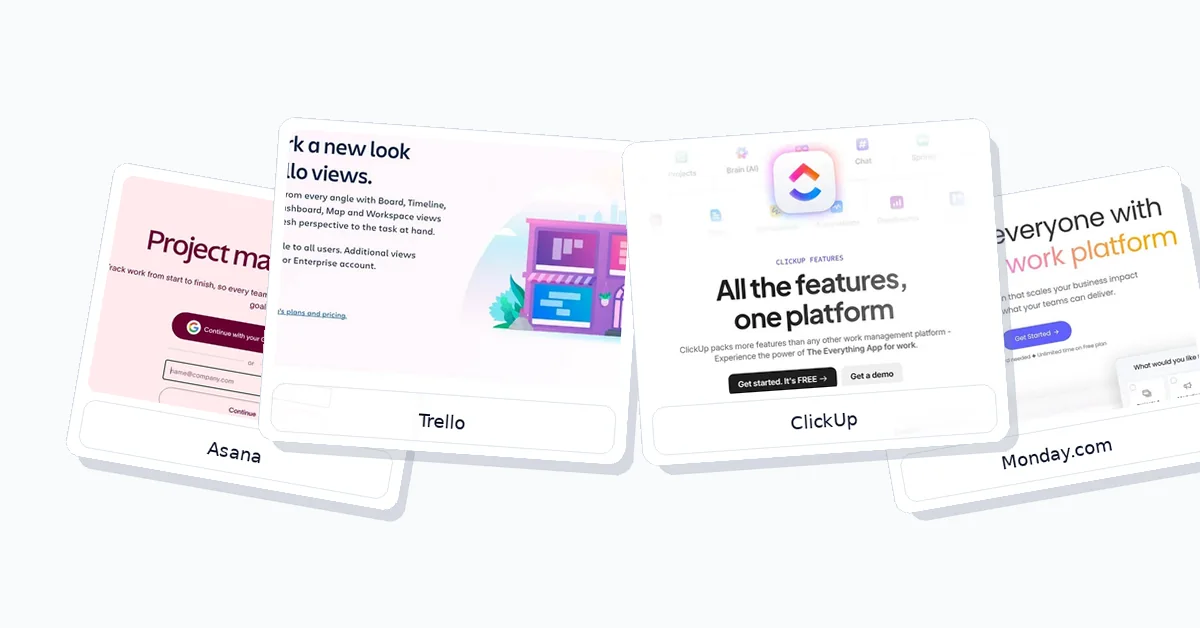
The table below compares each product across entry pricing, differentiator, setup effort, and the constraint most likely to bite a small team. Prices are per user per month on annual billing, checked July 2026.
| Product | Free plan / entry price | Differentiator | Setup | Constraint |
|---|---|---|---|---|
| Asana | Free (2 users, new accounts) · Starter $10.99 | Task ownership clarity | Fast for mixed teams | Timeline requires Starter |
| Monday.com | Free (2 seats, 3 boards) · Standard $12 | Flexible board workflows | Moderate setup effort | 3-seat minimum, bucket pricing |
| ClickUp | Free (no user cap) · Unlimited $7 | All-in-one consolidation | Slower, hierarchy-heavy | Dense interface for casual users |
| Trello | Free (10 boards) · Standard $5 | Simplest kanban rollout | Fastest to launch | Calendar, Timeline, Table, Dashboard, and Map require Premium ($10) |
For a 3-person team, Trello or Asana usually produces the cleanest value because both start lightweight — though a 3-person team already exceeds Asana’s new 2-user free cap, so budget for Starter. For a 7-person cross-functional team, Asana often gives the best pricing-to-value tradeoff: it improves ownership and visibility faster than ClickUp while avoiding Monday.com’s seat buckets, where that same 7-person team would pay for 10 seats. For a 15-person growing team, Monday.com becomes attractive as operations complexity rises, and ClickUp becomes worth paying for when consolidating tasks, docs, dashboards, and automations replaces multiple separate tools.
How each project management tool fits a small team
Asana: the safest default for teams leaving spreadsheets
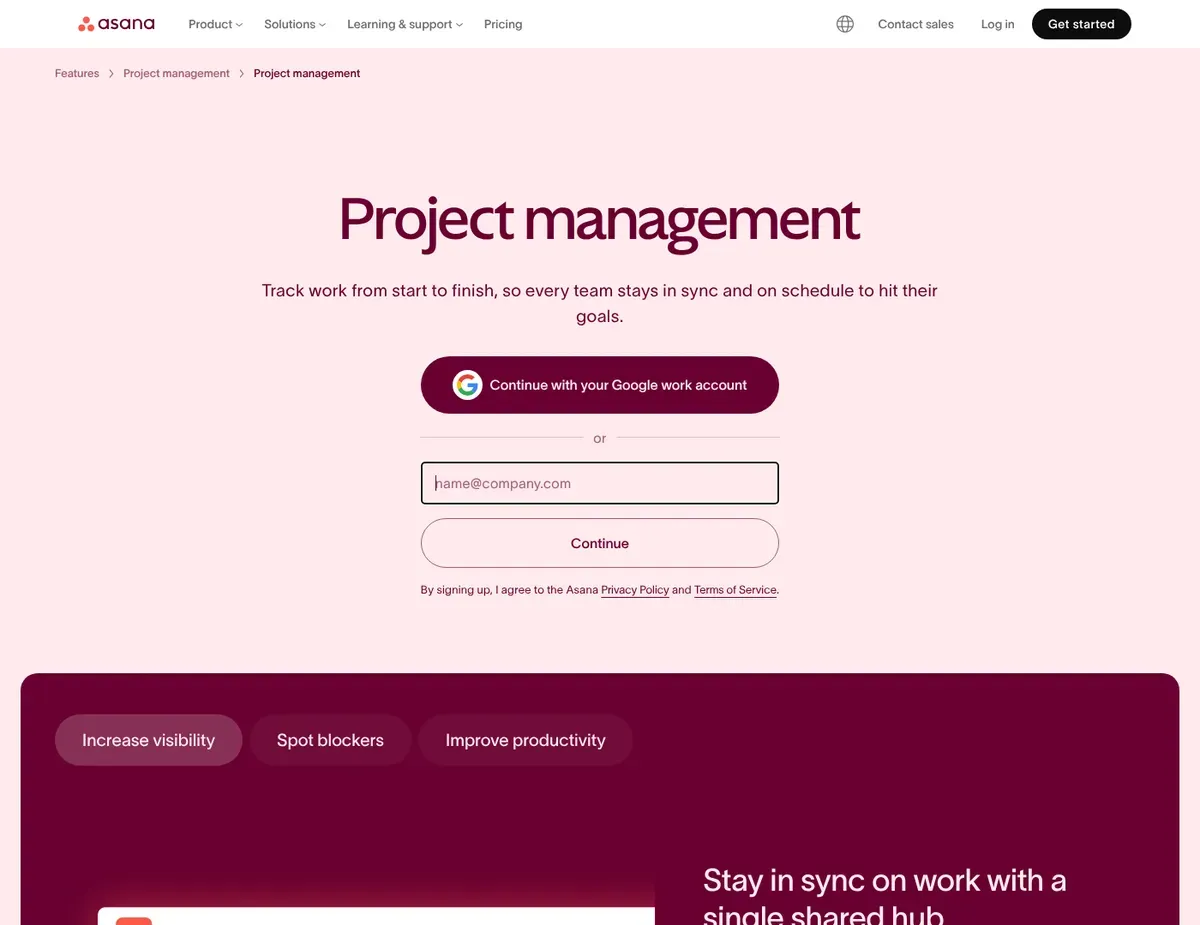
Asana is the safest default for small teams that want a polished system built around tasks, owners, deadlines, and project status. It suits managers replacing spreadsheets or email coordination with structure — opinionated enough to guide adoption without becoming rigid for a 5- to 10-person team. Its biggest strength is making accountability visible in a way small teams actually use: a manager can work in a familiar list while a teammate checks deadlines in calendar form and a founder reviews timing in Timeline, and Rules automate recurring handoffs without a separate no-code stack. Our own Asana capacity-planning setup is a good example of how far that structure stretches once a small team is comfortable with it.
Know the pricing reality before you start, because it changed recently. Asana’s current Personal plan is capped at 2 users; accounts already using Personal before November 12, 2025 may retain the legacy limit of up to 10 seats. A new team with 3 or more members therefore starts on Starter at $10.99 per user per month on annual billing ($13.49 month-to-month). [4] Starter is where Timeline, custom fields, and unlimited automations unlock. The Advanced tier at $24.99 adds portfolios, goals, and workload management.
Ecosystem fit is another practical advantage. Asana includes Slack, Microsoft Teams, Google Drive, OneDrive, and Zoom integrations, plus CSV import and a template library, so teams can move off spreadsheets without rebuilding everything by hand, and web, iOS, and Android access keeps rollout simple for mixed devices. The main limitation beyond pricing is the task model itself: Asana is less natural than ClickUp for teams that want many custom item types in one workspace. A founder juggling bugs, CRM follow-ups, content production, and internal operations in a database-style setup will feel the constraints. If the work is mostly task execution and project status, that trade-off is fine; if you need a highly customized work OS, it can feel limiting.
⚠ Caution: The current free plan covers only 2 users for new accounts, and Timeline, custom fields, and automations require the $10.99 Starter tier — teams of 3 or more should budget for paid from day one — source: Asana — pricing.
Monday.com: configurable boards for operations-heavy work
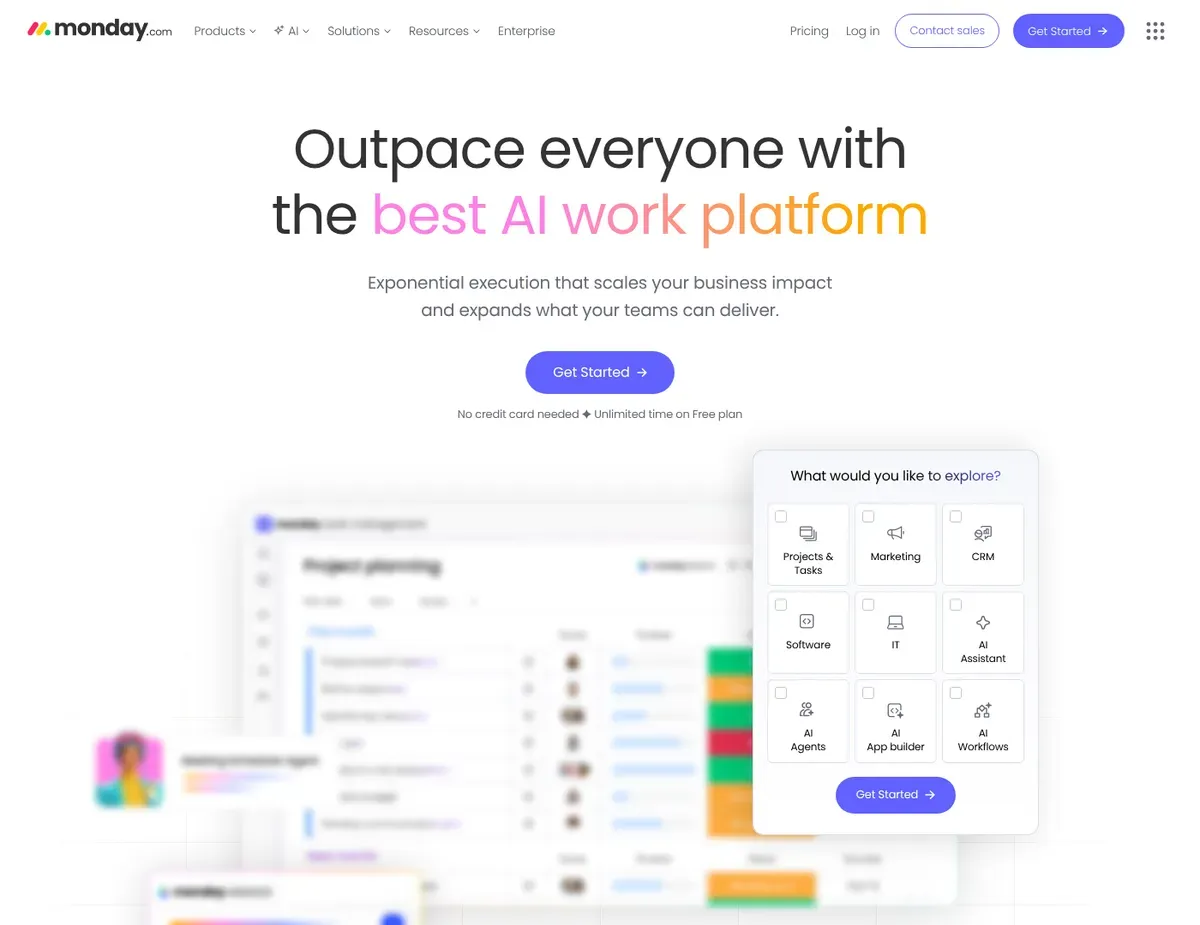
Monday.com earns its place when work does not map cleanly onto standard project tasks. Its configurable boards, dashboards, approvals, and recurring process tracking make it a strong fit for founders, operations leads, and cross-functional teams that need more than a narrower task manager. The flexibility is the product’s strongest card: spreadsheet-like boards with customizable columns track projects, requests, approvals, or operational queues that do not fit a standard task list, and no-code automations handle notifications and status changes inside boards. Just know where the features sit. The Basic tier at $9 per seat has no automations or integrations at all, so Standard at $12 — which adds Timeline and Gantt views, 250 automation actions per month, and guest access — is the realistic entry point for most teams. [5]
It fits a common small-business stack: Monday.com runs on web, iPhone, and Android, with integrations for Slack, Microsoft Teams, Google Drive, Outlook, Gmail, and Zoom, plus Excel import and templates that shorten setup when the current system is already built around rows, owners, dates, and status columns.
The downside is that flexibility creates both cost and governance friction, and the cost part is concrete. Every paid plan carries a 3-seat minimum, and seats sell in buckets — 3 seats, then multiples of 5 — so a solo founder pays for 3 seats ($36 per month minimum on Standard) and a 7-person team pays for 10. The governance risk is workflow fragmentation: if every department invents its own status labels, board logic, and dashboard assumptions, cross-board reporting gets messy and handoffs become less reliable. Compared with Asana’s more constrained task model, Monday.com gives managers more control over board structure — real power, but it raises the odds that different teams build incompatible workflows that need admin cleanup later.
⚠ Caution: All paid plans have a 3-seat minimum and bucket pricing (3 seats, then multiples of 5) — a 7-person team pays for 10 seats, and automations only start at the $12 Standard tier — source: Monday — pricing.
ClickUp: the most bundled workspace per dollar
ClickUp is the strongest fit for ambitious small teams that want tasks, docs, dashboards, automations, and adjacent workflow tools inside one platform. Its documentation positions it for founders or managers who expect process complexity to grow and would rather invest upfront in one workspace than keep adding separate tools. Consolidation is the core selling point, and the price makes it unusually accessible: the Unlimited plan at $7 per user per month (annual) is the cheapest paid tier in this comparison that includes unlimited Gantt charts, unlimited storage, and 1,000 automation Actions per month — undercutting Asana Starter and Monday.com Standard while bundling more. [6] Two costs to watch: each triggered Action counts against the monthly automation limit separately, so workflow-heavy teams can exhaust 1,000 Actions within weeks, and ongoing AI usage beyond the included trial access requires a paid AI add-on or additional credits. Unlimited includes limited-use Timeline and Workload views; Business at $12 removes those usage limits and adds Portfolio Workload Management.
ClickUp also gives budget-sensitive teams a visible way to start. The Free Forever plan has no user cap, spreadsheet imports are supported, and templates are available, plus integrations with Slack, Google Drive, Zoom, Outlook, and Microsoft Teams. The trade-off is onboarding density. Before the structure feels stable, the team has to make decisions about Spaces, Folders, Lists, Docs, dashboards, and views, and that slows the first week compared with Asana or Trello. Because the interface exposes many features at once, the main adoption risk is fragmentation: casual collaborators can lose track of where the single source of truth lives, and duplicate status tracking can creep in when docs, task statuses, dashboards, and chat-style updates coexist without clear rules. ClickUp is powerful, but someone needs enough admin capacity to define naming, hierarchy, and reporting conventions before you invite everyone — which is also why it feels denser than Trello for anyone who just wants to check a task and move on.
⚠ Caution: The $7 Unlimited tier includes 1,000 automation Actions per month, with each triggered Action counting toward the limit. Timeline and Workload views are available with usage limits on Unlimited, while Business ($12) removes those limits and adds Portfolio Workload Management — source: ClickUp — pricing.
Trello: fastest to launch when the workflow is simple
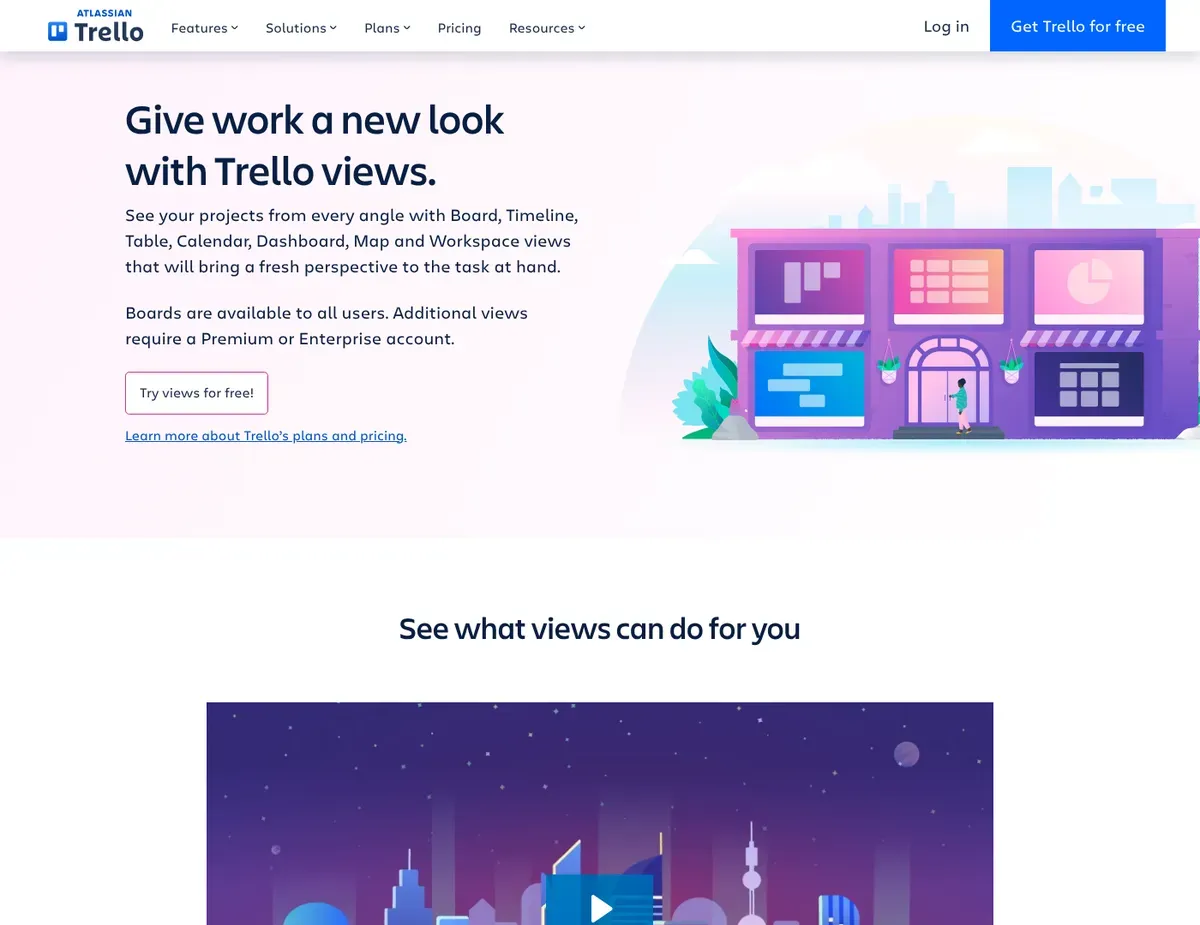
Trello remains the right call for very small teams that want the fastest possible rollout and a visual kanban workflow with a low training burden. It fits founders, tiny internal teams, and simple client or content workflows where the main need is moving cards through stages. In our hands-on Trello setup work, the board-and-card model supported a simple four-list workflow with fewer initial setup decisions than the denser structures described above. Butler automation handles rules, buttons, and scheduled commands: the free plan includes 250 runs per month and Standard raises that to 1,000. Once a board is live, our board templates guide shows how to standardize it for reuse.
Now the part most buyers get wrong, because Trello’s marketing lists views the cheap tiers do not include. The free and $5-per-user Standard tiers keep the board view as the core project workspace, while Timeline, Calendar, Table, Dashboard, and Map views are Premium-only at $10 per user per month — double the Standard price, and at that point you are in the same bracket as Asana Starter and above ClickUp Unlimited, both of which include comparable planning views. [7] If your team plans work against deadlines and needs a calendar or timeline, price Trello at $10, not $5. Trello does not provide a generic CSV import tool; existing work can be brought in through spreadsheet copy-paste, the Trello API, or third-party Power-Ups.
Trello’s ceiling shows up once work spreads across multiple projects and departments. A growing team coordinating product, marketing, and client work can end up with too many boards, too many manual cross-board check-ins, and not enough built-in portfolio structure; richer workload planning, formal dependencies, or custom item relationships usually mean leaning on Power-Ups and paid views rather than getting those workflows natively. That is fine for simple execution and less ideal for a 12- to 25-person team trying to standardize reporting — the same trade-off in reverse from Asana, which is slower to teach but gives you more built-in structure for dependencies and portfolios.
⚠ Caution: Timeline, Calendar, Table, Dashboard, and Map views require Premium at $10/user/month — teams that need those planning views should budget double the $5 Standard price — source: Trello — pricing.
Which project management tool fits each small-team scenario?
A 5- to 10-person team moving from spreadsheets to clearer owners and deadlines — pick Asana. It is the safest option when the goal is to replace spreadsheet chaos with structure that still feels approachable to non-technical teammates, and its planning views give managers better visibility without a major process redesign. Budget for Starter at $10.99 per user from the start — the free plan’s 2-user cap rules it out for a team this size, and Timeline lives at Starter anyway. Start with one shared project template and only a few statuses so adoption stays fast.
A 2- to 5-person team that just wants a lightweight kanban board — pick Trello. The board-and-card model is immediately understandable, the training burden is minimal, and Butler automation handles simple recurring actions — all at $5 per user on Standard, the lowest paid price here. Two things to watch: calendar and timeline views mean upgrading to $10 Premium, and Trello becomes uncomfortable once the team juggles many parallel projects with dependencies. Keep boards focused and review monthly whether cross-board coordination is becoming manual overhead.
An operations-heavy team managing requests, approvals, and recurring processes — pick Monday.com. Customizable columns, dashboards, and multiple views support operations tracking and handoffs better than a narrower task-first tool. Go straight to Standard at $12 per seat — Basic has no automations — and remember the seat buckets: 3 minimum, then multiples of 5, so size your team count against the bucket you will actually pay for. Standardize one board architecture early so dashboards and reporting stay useful as the team grows.
A growing team that wants one workspace for tasks, docs, and reporting — pick ClickUp. It is the right choice when you expect complexity to increase and want to consolidate project management, lightweight documentation, dashboards, and automation inside one $7-per-user platform instead of adding tools over time. The cost is paid in setup discipline rather than dollars: the interface and hierarchy demand more upfront decisions, and casual users can get lost if the team enables everything at once. Roll it out with a tight structure first, then add docs, dashboards, and extra views only after the core task workflow is stable.
What each tool costs at 5, 10, and 20 people
The table below models annual cost at three common team sizes, using the entry tier a real team would actually run (US pricing, annual billing, checked July 2026). For Asana that means Starter; for Monday.com, Standard; for ClickUp, Unlimited; for Trello, both Standard and the Premium price you pay the moment you need calendar or timeline views.
| Team size | Trello (Standard / Premium) | ClickUp Unlimited | Asana Starter | Monday.com Standard |
|---|---|---|---|---|
| 5 people | $300 / $600 | $420 | $659 | $720 |
| 10 people | $600 / $1,200 | $840 | $1,319 | $1,440 |
| 20 people | $1,200 / $2,400 | $1,680 | $2,638 | $2,880 |
The order stays stable, but four hidden factors change what you actually pay:
- Trello’s headline $5 is conditional. Standard does not include Calendar or Timeline views. The moment your team needs either view, you are on Premium — the Trello column roughly doubles, and the cheap-tier advantage disappears.
- Asana has no free fallback for a team. The 2-user free cap means the numbers above are the real floor from day one, and Advanced ($24.99) more than doubles them if you later need portfolios, goals, or workload management.
- Monday.com’s clean numbers only hold at bucket sizes. 5, 10, and 20 happen to be valid buckets. Awkward counts round up: a 6- to 9-person team pays for 10 seats ($1,440), and an 11- to 14-person team pays for 15 ($2,160), so price the bucket, not the headcount.
- ClickUp’s automation and AI usage are separate meters. $7 Unlimited includes unlimited Gantt charts and 1,000 automation Actions per month, while Business ($12) raises the automation limit and removes Timeline and Workload view usage caps. Ongoing AI usage beyond trial access requires a paid add-on or additional credits.
Estimates exclude taxes, add-ons, and promotional discounts. Monthly billing is higher than the annual-billing prices modeled above, and the difference varies by vendor and plan. Treat these figures as July 2026 snapshots.
How to test and roll out project management software in two weeks
- Run a two-week pilot with one live project. Use a real launch, client delivery, or internal ops project instead of a fake test board. Small teams learn more from actual deadline pressure than from sandbox setup.
- Define the minimum structure before inviting everyone. In Asana, decide projects, owners, due-date rules, and statuses first. In Monday.com, lock your core columns and status labels before teams clone boards. In ClickUp, choose a simple hierarchy and resist creating too many Spaces or Lists. In Trello, decide whether one board or several will hold active work.
- Import only current and near-future work. Asana, Monday.com, and ClickUp support structured spreadsheet imports; Trello instead uses spreadsheet copy-paste, the API, or third-party Power-Ups rather than a generic CSV importer. Do not migrate stale tasks, months-old completed items, or legacy labels nobody understands — that clutter lowers trust on day one.
- Connect the collaboration stack carefully. Add Slack, Google Drive, Microsoft 365, Zoom, or email integrations only where they reduce context switching. If every alert goes everywhere, the new tool just creates more noise.
- Measure success after two weeks. The right tool should make task ownership clearer, reduce status-check messages, and improve deadline visibility for non-power users. If people still update work in chat instead of the platform, simplify the workflow before buying more seats or building extra dashboards and automations.
The bottom line: which small team should pick what
For most buyers, the best project management software for a small team is Asana — it balances usability, structure, visibility, and reasonable complexity better than the alternatives for a typical team moving beyond spreadsheets without adopting an overbuilt work OS. For teams of 3 or more, it is a paid decision from day one: the 2-user free cap makes Starter at $10.99 per user the realistic price of admission. If workload balancing across projects becomes the harder problem, our Asana capacity-planning guide shows how to turn project visibility into staffing decisions.
Choose Trello instead if your top priority is the fastest rollout and lowest training burden — cheapest here at $5 per user, as long as you remember calendar and timeline views double the price to Premium. Choose Monday.com if your work is operations-heavy (approvals, requests, recurring processes) rather than purely project-task based — but check headcount against the 3-seat minimum and 5-seat buckets first. Choose ClickUp if you want one platform for tasks, docs, dashboards, and automation at the lowest feature-per-dollar price ($7 per user) and can invest more time in setup. The practical next step is the same regardless: shortlist Asana plus one alternative, run a two-week pilot on a live project, and keep the tool that wins on adoption speed, reporting clarity, and fewer status-check messages.
Sources
- ↑ Asana — project views — https://asana.com/features/project-management/project-views
- ↑ Monday.com — views — https://support.monday.com/hc/en-us/articles/360001267945-The-board-views
- ↑ ClickUp — views — https://clickup.com/features/views
- ↑ Asana — pricing — https://asana.com/pricing
- ↑ Monday.com — pricing — https://monday.com/pricing
- ↑ ClickUp — pricing — https://clickup.com/pricing
- ↑ Trello — pricing — https://trello.com/pricing
- Monday.com — plans and pricing (seat minimum and bucket rules) — https://support.monday.com/hc/en-us/articles/4405633151634-Plans-and-pricing-for-monday-com
- Trello — Power-Ups directory — https://trello.com/power-ups
- Asana — Personal plan details (current and legacy seat limits) — https://help.asana.com/s/article/asana-personal-plan-details
- ClickUp — Automations feature availability and limits — https://help.clickup.com/hc/en-us/articles/23477062949911-Automations-feature-availability-and-limits
- ClickUp — Views feature availability and limits — https://help.clickup.com/hc/en-us/articles/32274881672599-Views-feature-availability-and-limits
- Trello — Import data into Trello — https://support.atlassian.com/trello/docs/importing-data-into-trello/
Disclaimer
This guide is for general informational purposes only and does not constitute professional accounting, tax, legal, or financial advice. Pricing, features, and plan details were checked against each product’s official website in July 2026 and may change without notice — vendors in this category restructure plans and free-tier limits frequently, as Asana’s recent free-plan change shows. Always confirm current pricing on the vendor’s page before committing budget.
Last reviewed: July 2026 by the PickrTech editorial team. Prices verified against US vendor pricing pages in July 2026.