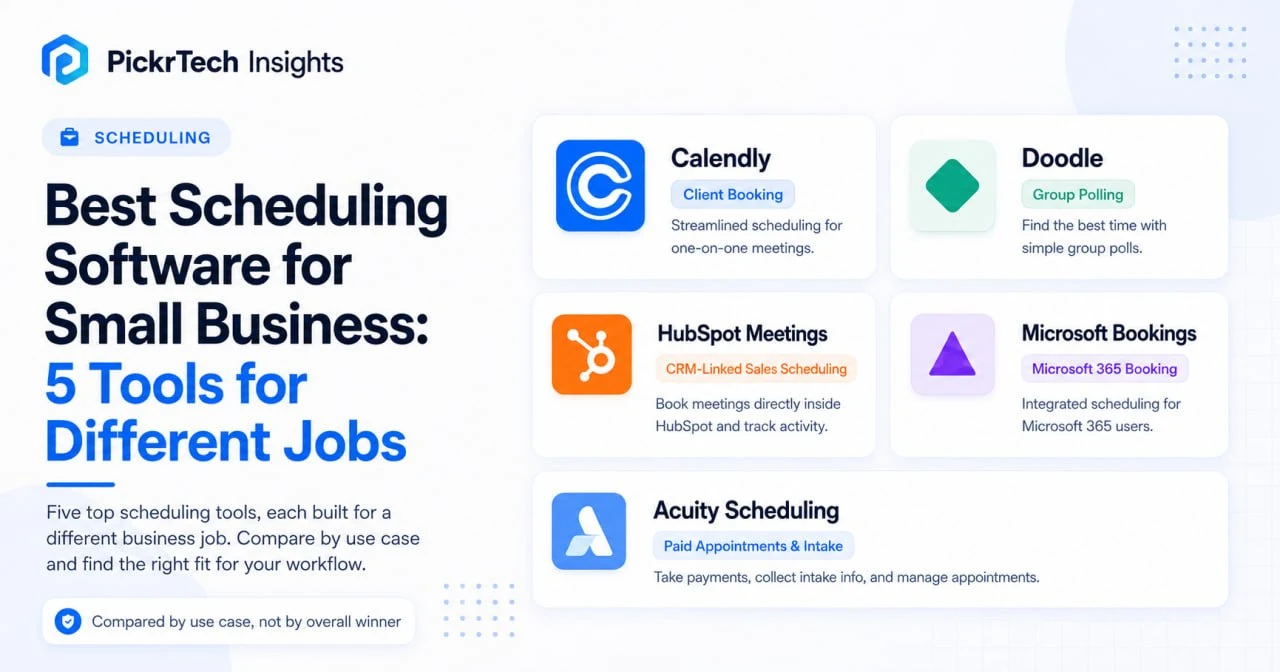
TL;DR: Choose Calendly for client booking links — payment collection starts at its $10 Standard plan, and round-robin lives on Teams ($16/user). Choose Acuity ($16/month, per account) if you run a service business that needs payments, intake forms, and packages built into the booking page. Choose Doodle for group polling across many people, HubSpot Meetings if scheduling should log directly into your CRM (round-robin needs a paid Sales Hub Starter seat for every rep in the rotation — HubSpot currently displays Sales Hub Starter at $7 per seat per month, with $20 per seat per month also shown on its pricing page), and Microsoft Bookings, included with Microsoft 365 Business at no extra cost, if you are already a Microsoft shop. All prices were checked against US vendor pricing pages in July 2026.
Scheduling decision path: Use this comparison when the problem is meeting booking, calendar coordination, or appointment scheduling. If scheduling is part of a broader CRM workflow, compare CRM tools for small business. If your problem is staffing capacity across projects, use the resource management tools comparison instead.
What actually separates these five scheduling tools
This is a decision between five different jobs, not one ranking. Calendly is the easiest fit for client booking links, Acuity is strongest for paid appointments with intake forms, Doodle for group polling, HubSpot Meetings when meetings must connect to CRM activity and follow-up, and Microsoft Bookings when you already pay for Microsoft 365. Before comparing features, the single question that sorts the field is whether your workflow is transactional (one-off client calls, sales meetings) or revenue-generating (paid appointments, coaching packages). This comparison is documentation-based, with pricing verified against each vendor’s US pricing page in July 2026; for hands-on setup and testing, our scheduling setup guide is the execution destination.
Three specifics decide which tool actually fits your budget. First, payments: Acuity includes payment collection on every plan and Calendly from its $10 Standard plan; HubSpot Meetings can show a payment checkout at booking once payment processing is configured, but nothing beyond that single charge; Doodle offers Stripe payments and customizable booking questions, but not Acuity’s deeper intake-form, package, and appointment-commerce workflow; and Microsoft Bookings does not collect payments in the booking flow. If your scheduling problems start with scattered lead records and inconsistent follow-up ownership, it may help to move from spreadsheets to a CRM first before standardizing booking.
Second, team scheduling cost, which is where teams get surprised: round-robin distribution costs $16 per user per month on Calendly Teams, and on HubSpot it requires a Sales Hub Starter seat, with a paid seat for every rep in the rotation — HubSpot currently displays Sales Hub Starter at $7 per seat per month, with $20 per seat per month also shown on its pricing page. Price those seats before committing. Third, ecosystem fit: does the tool integrate with your existing CRM or video platform, or will you copy meeting data by hand after every call? If you are weighing several tools against your own criteria, a software evaluation scorecard keeps the comparison honest. And if your scheduling is purely internal within one organization already on Microsoft 365 or Google Workspace, your built-in calendar booking may be all you need — these tools earn their keep scheduling across organizations.
Scheduling software comparison for small businesses
The table below compares setup effort, team scheduling, payment options, and pricing. Prices are US rates on annual billing, checked July 2026.
| Product | Setup effort | Team scheduling model | Payment & intake | Pricing & free tier |
|---|---|---|---|---|
| Calendly | Low — basic booking link | Round-robin on Teams ($16/user/mo) | Stripe/PayPal from Standard ($10) | Free (1 event type); Standard $10/user/mo; Teams $16/user/mo |
| Doodle | Very low — first group poll | Group vote polls (no round-robin) | Stripe payments + custom booking questions; no packages/commerce layer | Free (ads, 1 group poll); Pro $11/mo; Team $11/user/mo annual (min 2 users) |
| HubSpot Meetings | Medium — depends on existing CRM setup | Round-robin needs Sales Hub Starter (currently displayed at $7/seat/mo; $20/seat/mo is also shown on HubSpot’s pricing page) | Payment link at booking once HubSpot payments/Stripe is set up; intake lighter than Acuity | Free (1 personal scheduling page); Sales Hub Starter currently displayed at $7/seat/mo, with $20/seat/mo also shown |
| Microsoft Bookings | Very low if Microsoft 365 is already configured | Shared booking page for staff | None built-in | Included with Microsoft 365 Business (from $7/user/mo); no standalone plan |
| Acuity Scheduling | Higher — more payment, form, and service configuration | Flat per-account pricing; calendars scale by tier | Native on all plans (Stripe, Square, PayPal) + intake forms | 7-day trial only; Starter $16/mo; Standard $27/mo; Premium $49/mo |
How each scheduling tool fits a small business
Calendly: one-to-one client booking links
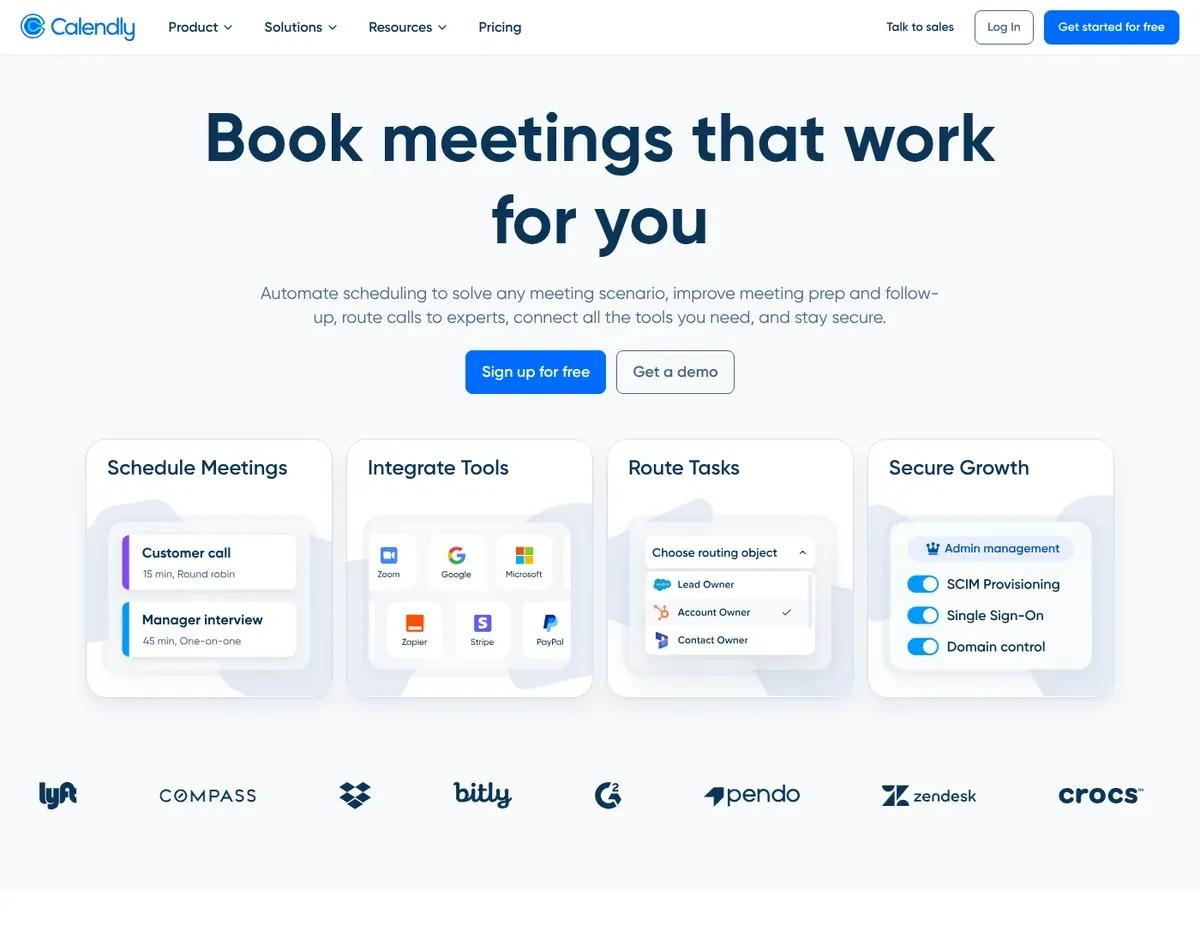
If you need to eliminate back-and-forth email scheduling with a lightweight initial setup, Calendly excels at creating a persistent public booking link that clients visit to self-schedule. It syncs across Google Calendar, Outlook, and Apple Calendar to prevent double-bookings, and connects natively with Zoom, Google Meet, and Microsoft Teams to generate video links automatically. Setup is fast: configure an event type, connect your calendar, and share a link in your first session — which makes it ideal for consultants launching a practice or sales reps collecting demo requests without weeks of configuration.
Know which features live at which tier. The Standard plan at $10 per user per month (annual billing; $12 monthly) unlocks unlimited event types, up to six connected calendars, Stripe and PayPal payment collection, HubSpot and Zapier integrations, and automated reminders. The Teams plan at $16 per user ($20 monthly) is what adds round-robin, collective availability, the Salesforce integration, and lead routing. [1] The Free tier is restricted to a single event type and one connected calendar, so professionals offering consultations, demos, and follow-up packages must upgrade to Standard or miss bookings — and for teams past five schedulers, the per-seat math is real: a ten-person sales team on Teams is $160/month for round-robin alone.
Calendly’s limits show up at the edges. It supports custom invitee questions within event types, but it does not provide Acuity’s broader intake-form, appointment-package, or subscription workflow, so service providers who need a deeper service-commerce layer may outgrow it into Acuity’s territory. On group coordination, Calendly now includes Meeting Polls, so Doodle no longer owns group polling outright. Doodle remains the more poll-centric choice for dedicated multi-person coordination, while Calendly is stronger when polling needs to sit alongside persistent booking links and broader scheduling automation.
⚠ Caution: Payment collection starts at Standard ($10/user/mo), but round-robin, Salesforce, and lead routing all require Teams ($16/user/mo) — price the tier your actual workflow needs, not the entry tier — source: Calendly — pricing.
Doodle: finding one time that works for a group
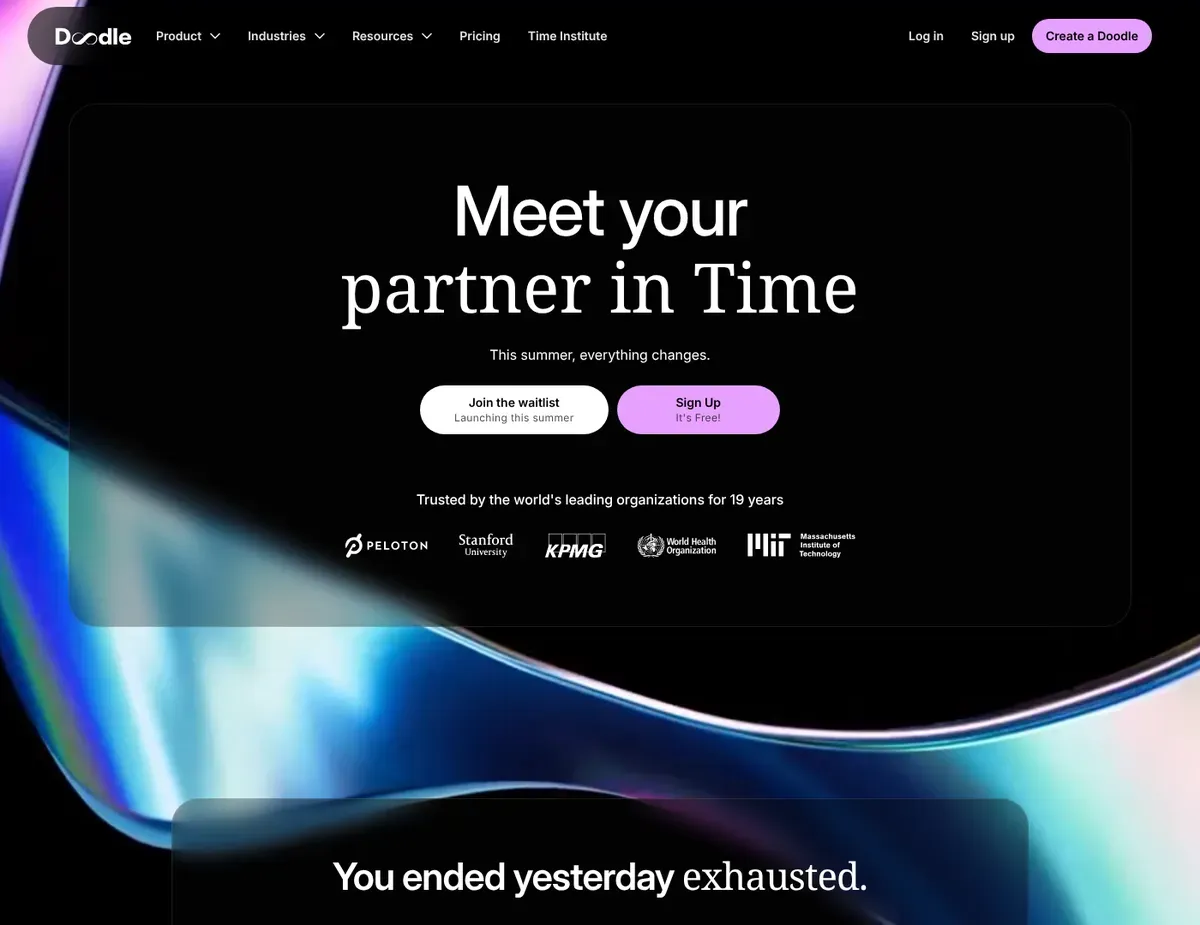
Doodle’s strength is finding a time that works for everyone. Its core feature is the group poll — you propose several slots, participants vote on their availability without needing an account, and the results surface the winning time with color-coded indicators. Board meetings, team offsites, multi-stakeholder kickoffs, and any scenario requiring input from 5+ people on different calendar systems (Google, Outlook, Apple, Exchange) is where Doodle shines. [2] The no-account-required design for participants is a real advantage when coordinating with external stakeholders who resist another login.
Go in with accurate expectations about the free tier, because Doodle has moved several once-free features behind the paywall. Free polls show ads to your participants — not a great look in front of clients — and the free plan is capped at one group poll, one booking page, and one 1:1 link. Voting deadlines, reminders to non-voters, Doodle-sent email invitations, and the Microsoft Teams and Webex integrations are all paid. Pro runs $11/month on annual billing (month-to-month is $15), and the organization-level Team tier ($11 per user per month on annual billing, minimum 2 users; $19.95 monthly) adds an admin console, co-hosting, and activity reports.
The substantial limitation is that Doodle is poll-first, not booking-first: high-volume client workflows like a coaching or therapy practice will fight it, because each coordination round means creating and sharing a new poll rather than pointing clients at one persistent page. It also has no CRM integration, so attendee data stays isolated in Doodle rather than feeding a sales pipeline. On payments, Stripe is available and customizable booking questions are supported, and paid 1:1 scheduling requires Pro; but Doodle still does not provide Acuity’s deeper intake-form, package, and appointment-commerce workflow — so appointment-fee businesses that need packages and service billing will still reach for Acuity.
⚠ Caution: The free tier shows ads to your poll participants and limits you to one group poll — for client-facing coordination, budget for Pro at $11/mo (annual; $15 month-to-month) — source: Doodle — pricing.
HubSpot Meetings: scheduling that logs straight into your CRM
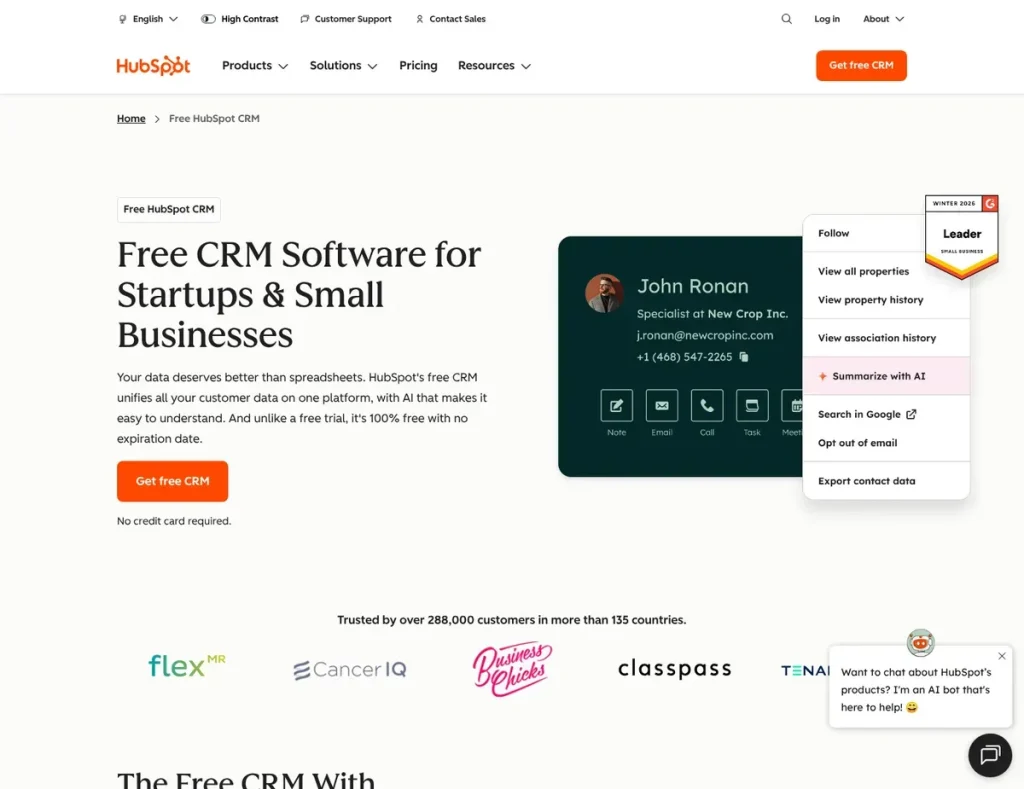
Every scheduled meeting in HubSpot Meetings can be associated with the relevant contact record, keeping booking activity inside the CRM instead of a separate scheduling system — a meaningful advantage if your sales team already runs on HubSpot CRM. Meeting activity can also feed configured automation workflows. A booking does not automatically advance a deal stage on its own; deal-stage changes and follow-up automation are configured separately. If you are evaluating HubSpot as a whole platform, our HubSpot CRM free trial evaluation guide walks through a structured test plan.
Be clear about what the free tier includes, because it is narrower than many roundups claim. Free HubSpot accounts get one personal scheduling page with Google Calendar and Office 365 sync and automatic contact logging — genuinely useful for a solo rep or founder. Group and round-robin scheduling pages, however, require a Sales Hub or Service Hub Starter subscription, and every team member in the rotation must hold a paid seat — HubSpot currently displays Sales Hub Starter at $7 per seat per month, with $20 per seat per month also shown on its pricing page. [3] So the reason to choose HubSpot is CRM-native scheduling and activity tracking, not price; choose Calendly Teams ($16/seat) when the scheduling workflow should stay independent of HubSpot CRM.
The fundamental limitation is that HubSpot Meetings only unlocks its full value if your sales process already lives in HubSpot CRM; adopting the whole platform just for scheduling is a large migration burden. Payments are possible but bolted on rather than built in: once you configure HubSpot payments or connect Stripe processing, you can attach a payment link to a scheduling page so contacts pay when they book. [6] HubSpot scheduling pages can collect contact information and custom booking questions, but they do not provide Acuity’s broader appointment-commerce layer for packages, subscriptions, and service-business workflows. That is the cleaner line between HubSpot and Acuity: HubSpot connects scheduling to CRM activity and configured automation, while Acuity is built around appointment revenue and service delivery.
⚠ Caution: Round-robin and group scheduling require Sales Hub or Service Hub Starter (currently displayed at $7/seat/mo; $20/seat/mo is also shown on HubSpot’s pricing page) with a paid seat for every rotation member — the free tier covers one personal scheduling page only — source: HubSpot — scheduling pages documentation.
Microsoft Bookings: zero-extra-cost scheduling inside Microsoft 365
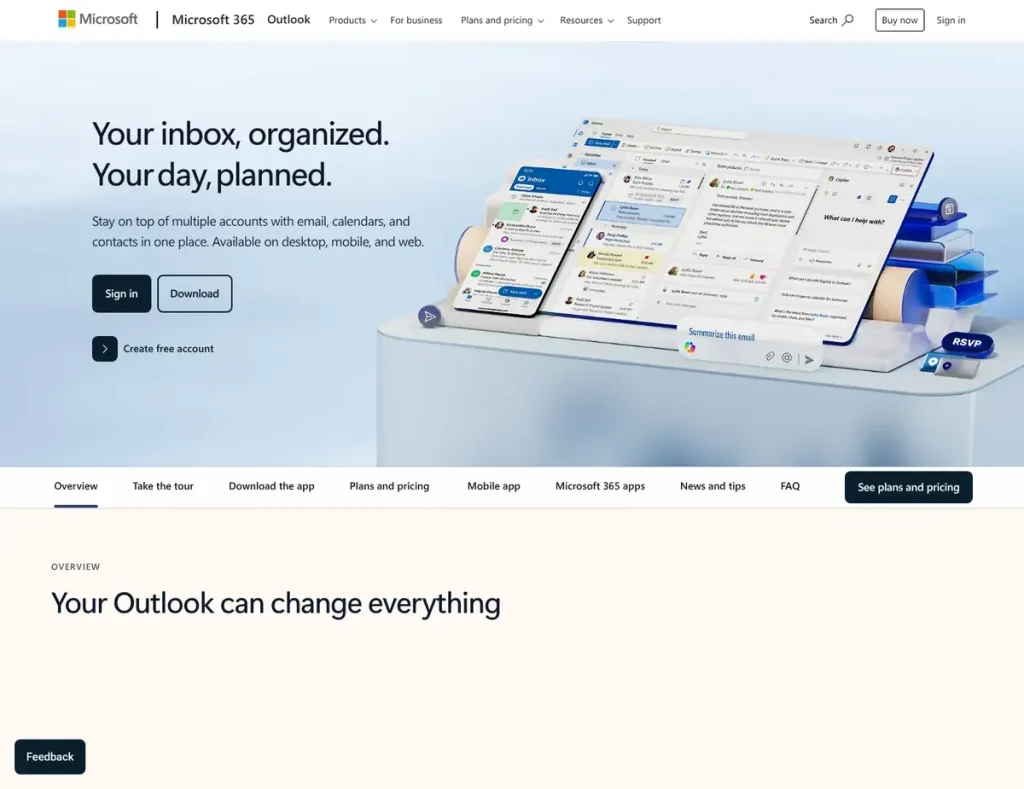
For organizations already paying for Microsoft 365, the scheduling answer costs nothing extra — and it is two tools, not one. Outlook Calendar’s Scheduling Assistant handles internal coordination, showing real-time free/busy availability across the organization plus room and resource booking. For external client self-scheduling, Microsoft Bookings provides the public booking page — and contrary to what several comparison articles claim, Bookings is not a paid add-on. It is included in Microsoft 365 Business Basic (from $7/user/month after Microsoft’s July 1, 2026 price update; existing subscriptions keep their prior rate until renewal), Business Standard, Business Premium, and most Enterprise plans. [4]
Native Microsoft Teams integration embeds video automatically, and Power Automate can trigger follow-ups and reminders without third-party tools. The real draw is integration depth: Bookings and Outlook Calendar sync with Teams, OneDrive, SharePoint, and Exchange, with no new vendor, invoice, or login. The limitation is that this is an ecosystem play, not a specialist tool. Bookings cannot be bought standalone, so non-Microsoft organizations cannot adopt it at all, and clients on Gmail or iCloud get a functional but less polished experience. There is no payment collection in the booking flow, intake is thinner than Acuity’s appointment-type intake forms, and the customization ceiling is lower — Microsoft builds Bookings to be good enough inside its bundle, not to win feature comparisons. It also provides no CRM integration, so meeting data stays in the calendar rather than feeding a pipeline.
⚠ Caution: Bookings is included with Microsoft 365 Business plans but cannot be bought standalone — if your organization is not on Microsoft 365, this option is off the table entirely — source: Microsoft — Bookings overview.
Acuity Scheduling: paid appointments with intake forms built in
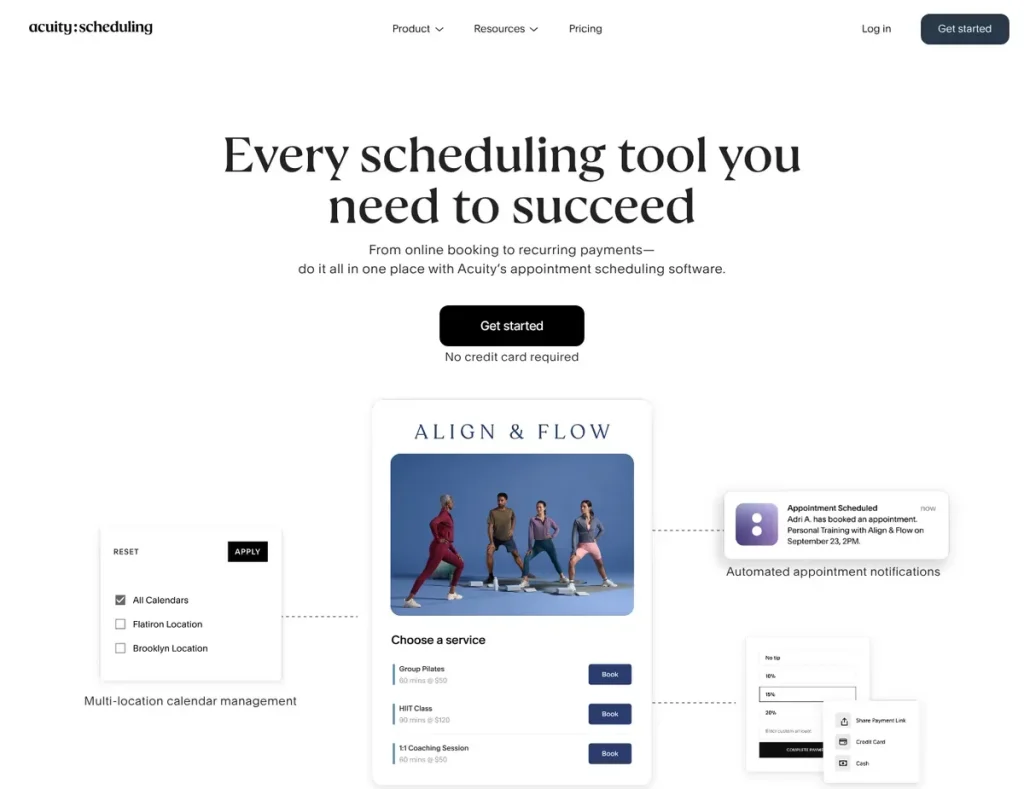
Acuity Scheduling (owned by Squarespace) is built for service businesses — consultants, coaches, therapists, fitness trainers, aestheticians — that collect fees upfront, gather client information before meetings, and offer flexible billing. Its defining advantage is native payment collection with Stripe, Square, and PayPal on every plan, starting with Starter at $16/month on annual billing ($20 monthly). [5] Intake forms and questionnaires are built directly into the booking flow on all plans, so you can collect medical histories, project briefs, dietary restrictions, or waiver signatures before an appointment confirms — essential for compliance and preparation rather than scrambling in the first five minutes of a call.
Know the tier map: Starter ($16) covers one bookable calendar with payments, intake forms, and email reminders. Standard ($27; $34 monthly) unlocks SMS reminders, appointment packages, subscriptions, gift certificates, and group classes, plus up to six calendars. Premium ($49; $61 monthly) extends to 36 calendars, multiple staff time zones, custom API access, and the option to make an account HIPAA-enabled by entering into a BAA when that is required for the business’s use case. One structural advantage over Calendly and HubSpot: Acuity prices per account, not per user, so a six-person studio on Standard pays $27/month total rather than a per-seat multiple. (Squarespace previously named these tiers Emerging, Growing, and Powerhouse — the prices are the reliable anchor.)
The primary limitation is the absence of a free-forever tier — Acuity offers only a 7-day trial, making it unsuitable for occasional schedulers testing the waters without commitment. The learning curve is also steeper than Calendly, because custom intake fields, service durations, buffer times, and package rules can overwhelm anyone who just wants a booking link with minimal setup. The trade-off is worth it precisely when your booking page is your storefront rather than a step toward a deal.
⚠ Caution: There is no free plan — only a 7-day trial — and SMS reminders, packages, and subscriptions require Standard ($27/mo), so service businesses should evaluate against the tier they will actually run on — source: Acuity — pricing.
Which scheduling tool fits each business scenario?
Solo consultants and independent professionals — Calendly. If your primary need is a quick booking link, you can set one up relatively quickly, and the Free tier covers early client acquisition with one event type. Plan the upgrade honestly: the moment you offer a second meeting type or want to charge for sessions, you need Standard at $10/user/month — which includes both unlimited event types and Stripe/PayPal payments, so one upgrade covers both triggers.
Service businesses with payment and intake requirements — Acuity. If you are a coach, therapist, trainer, or aesthetician who must collect fees upfront and gather intake information before meetings, clients pay directly on your booking page without redirects, and intake forms collect histories, briefs, or waivers before appointments confirm. Calendly Standard can charge for a booking and collect custom invitee questions, but it does not provide Acuity’s native packages, subscriptions, and deeper reusable intake-form workflow — the more your revenue model looks like a service menu than a calendar slot, the more Acuity’s $16–27/month earns its keep despite the missing free tier.
Sales teams needing round-robin lead distribution — HubSpot Meetings, if you already run HubSpot CRM. When leads book through a round-robin link, HubSpot associates the booking with the contact record and logs the meeting, and can trigger follow-up automation you have configured, cutting manual CRM entry. Budget correctly: round-robin requires a Sales Hub Starter seat for every rep in the rotation (currently displayed at $7/seat/month, with $20/seat/month also shown on HubSpot’s pricing page). Pick HubSpot when CRM-native scheduling and activity tracking justify using the HubSpot ecosystem; pick Calendly Teams ($16) when the scheduling workflow should stay independent of HubSpot CRM.
Teams coordinating multi-person meetings across different calendar systems — Doodle. It is purpose-built for board meetings, offsites, and retreats where 5+ participants must find a mutual time across Google, Outlook, Apple, and Exchange, and participants vote without creating accounts. For an occasional internal poll the free tier works, but for anything client-facing remember it shows ads and allows only one group poll — Pro at $11/month (annual) removes both limits. Doodle is not for high-volume client booking; it is the fastest answer to the narrower group-coordination problem.
What each setup costs over 12 months
Scheduling tools are affordable individually, but seat-based team features change the math. Estimates use US annual-billing rates checked July 2026, excluding taxes and payment-processing fees.
- Solo professional charging for sessions: Calendly Standard $120/year, or Acuity Starter $192/year. The $72 gap buys intake forms and a path to packages and subscriptions — worth it the moment your booking page is your storefront.
- 5-person sales team with round-robin: Calendly Teams costs $960/year at $16 per seat per month. HubSpot Sales Hub Starter costs $420/year at the currently displayed $7-per-seat rate, or $1,200/year at the $20-per-seat rate also shown by HubSpot. Choose by where your CRM lives, not by price.
- 6-person service studio: Acuity Standard $324/year total — flat per-account pricing means no per-seat multiplication, the quiet bargain of this comparison.
- Occasional group coordination: Doodle Free for internal polls, or Pro $132/year for ad-free, client-facing use with deadlines and reminders.
- Microsoft 365 organization: $0 incremental — Bookings and the Scheduling Assistant are already inside Business Basic ($7/user/mo) and above. Payment-processing fees (Stripe ~2.9% + 30¢, or Square/PayPal equivalents) apply on top of any tool that collects money.
Two questions worth answering before you commit
Can I use multiple scheduling tools together for different use cases?
Yes — many teams run Calendly for one-on-one client calls, Doodle for internal coordination, and Acuity for paid appointments, each handling a specific workflow. The risk is fragmented data: confirmations scatter across inboxes, and no single tool tracks your entire appointment volume. If you run more than one, set a clear rule for which tool owns which use case and connect each tool’s calendar sync so they can see each other’s bookings. Test that sync carefully — the most common failure is two platforms offering the same slot to different clients, double-booking you for back-to-back meetings.
How do I handle time zones for international clients?
Calendly, HubSpot Meetings, and Acuity all show clients available slots in their own time zone — enable invitee time-zone display in settings. Doodle polls convert proposed slots to each participant’s local time as long as their device settings are correct, and Microsoft Bookings handles conversion on the booking page. Test it with a colleague in another zone: have them visit your link and confirm the times display in their time, not yours. If they look misaligned, check that your calendar system’s time zone is set correctly — it often defaults to UTC, causing a mismatch with the times you intended.
The bottom line: which small business should pick what
Calendly is the strong default for most business professionals — a lightweight setup, the broadest native integrations, and a usable free tier for solo testing, with payments now included at Standard ($10); its remaining gaps are deeper service-business intake workflows, packages, subscriptions, and per-seat team pricing. For CRM-integrated sales teams, HubSpot Meetings is worth its round-robin seat cost (Sales Hub Starter, currently displayed at $7/seat, with $20/seat also shown) because every meeting is captured against the contact record in your CRM — decide by where your pipeline lives. For service businesses that collect payment and intake, Acuity stands apart with native payments, built-in intake forms, and flat per-account pricing that makes it the cheapest option per head for small studios. For Microsoft 365 organizations, Bookings plus the Scheduling Assistant is genuinely zero-incremental-cost scheduling, including an external booking page. And for multi-person coordination across calendar systems, Doodle’s account-free group polling (Pro at $11/month) remains purpose-built. The practical next step: shortlist the one tool that matches your job above, send yourself a booking link, and run the full flow as a client before you commit.
Next steps
- Once you have chosen a tool, use our scheduling setup guide to connect calendars, set buffers, and test the booking flow so you never double-book.
- If booking links need to connect to contacts and deals, compare CRM tools for small business.
- If your scheduling problem is really team capacity, compare resource management tools.
Sources
- ↑ Calendly — pricing — https://calendly.com/pricing
- ↑ Doodle — plans and pricing — https://doodle.com/en/premium
- ↑ HubSpot — create and edit scheduling pages (team scheduling requires Sales/Service Hub) — https://knowledge.hubspot.com/meetings-tool/create-and-edit-scheduling-pages
- ↑ Microsoft — Bookings overview and eligible subscriptions — https://learn.microsoft.com/en-us/microsoft-365/bookings/bookings-overview
- ↑ Acuity Scheduling — pricing — https://www.acuityscheduling.com/pricing
- ↑ HubSpot — collect payments on scheduling pages — https://knowledge.hubspot.com/payments/collect-payments-on-scheduling-pages
- HubSpot — Sales Hub pricing — https://www.hubspot.com/pricing/sales
- Microsoft 365 — Business plans and pricing — https://www.microsoft.com/en-us/microsoft-365/business/microsoft-365-plans-and-pricing
Disclaimer
This guide is for general informational purposes only and does not constitute professional accounting, tax, legal, or financial advice. Pricing, features, and plan details were checked against each product’s official website in July 2026 and may change without notice — vendors in this category move features between tiers frequently, and displayed prices and billing terms can change. HubSpot currently displays both $7 and $20 per seat per month for Sales Hub Starter; confirm the billing option shown at checkout before purchase. Always confirm current pricing on the vendor’s page before committing budget.
Last reviewed: July 2026 by the PickrTech editorial team. Prices verified against US vendor pricing pages in July 2026.