Self employed accounting software Dashboard showing dual-view
This article may contain affiliate links. We may earn a commission when you sign up through our links — at no extra cost to you. Our recommendations are based on independent evaluation and are not influenced by commissions.
TL;DR: For freelancers earning primarily 1099 income, QuickBooks Self-Employed stands out because it automates quarterly tax estimates and IRS payment scheduling—features that Wave and FreshBooks lack entirely—though it requires a paid subscription unlike Wave’s genuine free tier.
How we evaluated these tools
This comparison is built for freelancers and self-employed professionals managing business finances without accounting staff or dedicated tax advisors. You’re tracking multiple 1099 income streams, categorizing business expenses to maximize deductions, calculating quarterly estimated tax payments to avoid IRS penalties, and ultimately preparing documents for tax filing or CPA collaboration.
Your constraints are real: limited budgets favoring free or low-cost tools, irregular income requiring cash flow visibility, and time scarcity that makes automation non-negotiable over manual bookkeeping. [1]
Our evaluation centered on these five critical axes:
Quarterly estimated tax automation for 1099 contractors — The single biggest compliance risk for self-employed individuals is underpaying estimated taxes, which triggers IRS penalties and interest. Tools that calculate these payments automatically based on tracked income and deductions save hours of manual spreadsheet work and reduce compliance risk.
Bank and payment processor integration reliability — Automatic bank feeds and payment processor connections (Stripe, PayPal, Square) eliminate manual transaction entry, but only if the connection stays stable beyond the initial 90 days. A tool that requires frequent manual re-authentication creates data gaps during critical tax periods.
Setup complexity for solo users with no accounting background — Freelancers without accounting training need tools that work out of the box or with minimal chart-of-accounts configuration. Complex setups that require 4+ hours of initial configuration create friction that leads to abandoned tools.
Pricing and free tier accessibility under tight freelancer budgets — Early-stage freelancers often operate on margins below $500/month in net income. A tool that costs $20–30/month can represent 5–10% of net profit. Genuine free tiers (not limited trials) matter for bootstrapped solopreneurs.
Mileage and trip deduction automation for gig workers — Self-employed drivers, rideshare contractors, and field service freelancers need GPS-based mileage tracking that calculates deductible vehicle expenses without manual odometer logs. This automation is critical for high-mileage workers.
This evaluation is based on official product pages, public pricing documentation, vendor feature specifications, and structured analysis of how each tool handles the workflows self-employed professionals actually face. Pricing and feature availability can change between releases—verify current details on each vendor’s website before purchasing. Last reviewed: 2026-05-04.
What matters when choosing self employed accounting software
The right accounting software balances automation, cost, and compliance risk. Not all tools serve freelancers equally—some are built for service businesses prioritizing invoicing, others for gig workers tracking mileage, and still others for growing solopreneurs approaching small-business scale.
Tax automation and quarterly payment planning — This is where the biggest gap exists. QuickBooks Self-Employed calculates estimated tax payments automatically; Wave, FreshBooks, and Xero require you to manually calculate these or integrate external tax software. For 1099 contractors trying to avoid underpayment penalties, this difference is the primary decision driver.
Double-entry accounting depth — Wave, FreshBooks, and Xero all offer complete double-entry bookkeeping with balance sheets and profit-and-loss statements suitable for CPAs, loan applications, and financial planning. QuickBooks Self-Employed uses single-entry bookkeeping, which means no balance sheet generation. This matters if you’re applying for business loans or working with a CPA who needs full financial statements. [2] [3]
Bank connection stability and frequency — All four tools support automatic bank feeds, but some require manual re-authentication every 90 days with certain financial institutions, creating transaction import gaps during tax season. Testing the bank feed connection during the free trial or trial period is essential before committing to a paid plan.
Invoicing and time-tracking integration — FreshBooks includes built-in time tracking that flows directly into invoices—a workflow match for hourly-billing consultants. Wave includes invoicing but no time tracking. QuickBooks Self-Employed and Xero focus on expense tracking and accounting rather than client-facing invoicing. If you bill by the hour, FreshBooks’ integration matters; if you track expenses for deduction optimization, it doesn’t. [3]
Comparison table
Self employed accounting software comparison — QuickBooks
| Self-Employed Accounting Tool | Pricing & Free Tier | Quarterly Tax Automation | Best For | Key Trade-off |
|---|---|---|---|---|
| QuickBooks Self-Employed | Paid subscription only | Built-in tax calculator & IRS scheduling | 1099 contractors needing automated estimates | No balance sheet generation |
| FreshBooks | Free trial; $17+/month paid | Manual calculation required | Hourly-billing consultants & time tracking | No quarterly tax estimation |
| Wave Accounting | Genuine free tier | Manual calculation required | Budget-conscious freelancers wanting full accounting | Email-only customer support |
| Xero | Free trial; $15+/month paid | Manual calculation or integrations | Growing businesses & international clients | Steeper learning curve for solo users |
Product reviews
QuickBooks Self-Employed
QuickBooks self-employed business product page
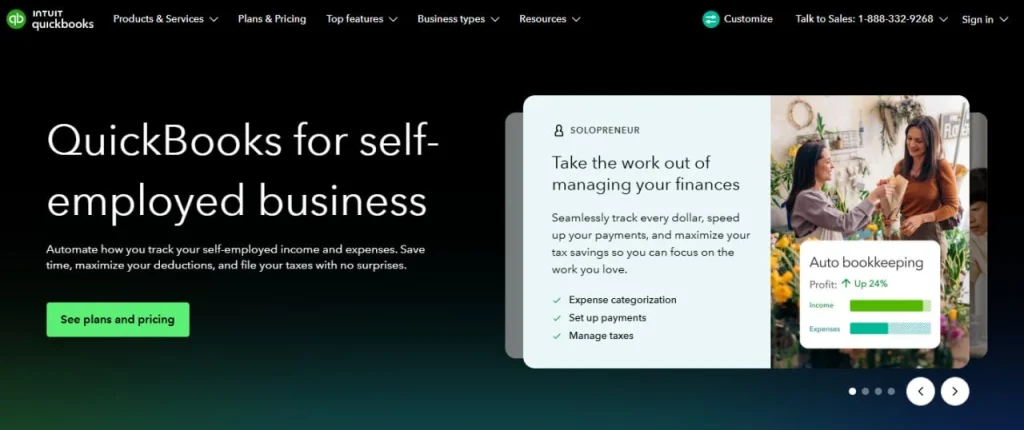
QuickBooks Self-Employed is purpose-built for freelancers earning predominantly 1099 income who need to automate quarterly estimated tax payments before they accumulate an IRS penalty bill. This tool stands apart from general accounting software because it includes a real-time estimated tax meter that pulls from your tracked income and deductions, calculates what you owe each quarter, and generates IRS payment vouchers automatically.
The platform generally handles business and personal spending separation well through automatic Schedule C categorization, so transactions are classified correctly the moment you connect your bank account. Its integrated GPS-powered mileage tracker logs business trips automatically and calculates deductible vehicle expenses without manual odometer readings—a major advantage for gig workers and field-service contractors. QuickBooks Self-Employed exports data directly to TurboTax at tax time, eliminating manual data entry and reducing the risk of transcription errors when filing Schedule C. [1]
Yet there are real constraints to understand. QuickBooks Self-Employed uses single-entry bookkeeping, which means it cannot generate a balance sheet—if you’re applying for a business loan or working with a CPA who requires full financial statements, you’ll need to upgrade to QuickBooks Online or use a supplementary tool. It also does not support accounts payable or vendor bill tracking, so freelancers who purchase materials or subcontract work must manually track payables outside the system. Bank connections can require manual re-authentication every 90 days with some financial institutions, which creates gaps in automatic transaction imports during tax season when you need reliable data most.
Best for: Freelancers earning predominantly 1099 income who want real-time quarterly tax estimates and automated IRS payment scheduling to avoid underpayment penalties.
Not ideal for: Self-employed individuals with employees, complex payroll needs, or those applying for business loans that require complete financial statements.
Unlike Wave, which offers a genuine free tier but provides no quarterly tax estimation at all, QuickBooks Self-Employed requires a paid subscription but delivers the automated tax calculations and IRS payment reminders that freelancers need to stay compliant.
QuickBooks Self-Employed is available as a paid subscription with no genuine free tier—verify current pricing and trial eligibility at https://quickbooks.intuit.com/self-employed/ before purchase, as subscription terms and included features can change between releases.
FreshBooks
Invoice creation screen with customizable templates showing client
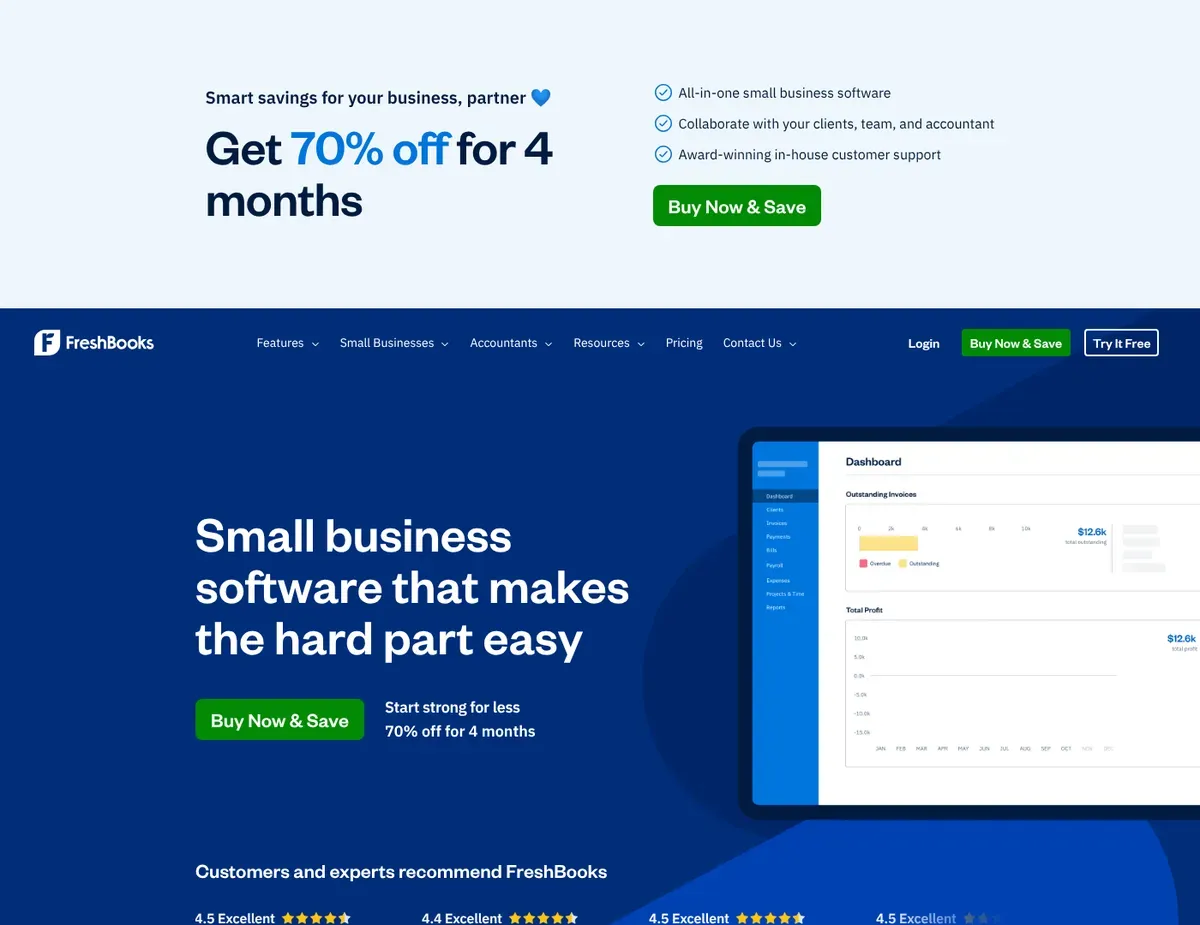
For hourly-billing consultants and service-based freelancers, FreshBooks is the choice when you need integrated time tracking that converts billable hours directly into invoice line items. The platform’s most distinctive strength is its built-in timer—you start it when a client call begins, stop it when the call ends, and those billable hours flow automatically into the next invoice you create, eliminating the manual step of copying hours from a separate time-tracking app.
FreshBooks offers double-entry accounting functionality for financial statements, though users will need to manage quarterly tax calculations separately. This means you can generate balance sheets and profit-and-loss statements suitable for CPA collaboration or loan applications. The platform includes automatic expense categorization with mobile receipt capture, so you photograph a receipt on your phone and the expense is categorized and attached to your records instantly. Integration with Stripe and credit card processing includes automatic late payment reminders that reduce accounts-receivable follow-up time—a real productivity gain for freelancers who dislike chasing unpaid invoices.
In terms of tax planning, FreshBooks doesn’t include built-in quarterly tax estimation. You must manually calculate estimated tax payments or integrate a separate tax tool to avoid IRS underpayment penalties—a significant gap versus QuickBooks Self-Employed’s automatic approach. The Lite plan also caps invoices at the first 5 billable clients per month, forcing growing freelancers to upgrade to the $22/month Plus plan once their client roster expands beyond that threshold. For 1099 reporting, you’ll need the Plus plan or higher, and even then the contractor 1099 preparation lacks the automated depth found in dedicated tax tools, requiring manual review and filing.
Best for: Service-based freelancers and consultants who bill by the hour and need integrated time tracking that flows directly into professional invoices.
Not ideal for: Freelancers primarily seeking automated quarterly tax planning and IRS payment scheduling, or budget-conscious sole proprietors needing zero-cost bookkeeping.
Unlike QuickBooks Self-Employed, which automates quarterly tax estimates but offers minimal invoicing features, FreshBooks provides polished client-facing workflows including professional invoice templates, automatic payment reminders, and built-in time tracking—but you’ll need to handle tax estimation separately.
FreshBooks requires a paid subscription starting at $17/month with only a limited free trial—verify current plan features and pricing limits at https://www.freshbooks.com/pricing before committing, as tier restrictions and feature parity change between releases.
Wave Accounting
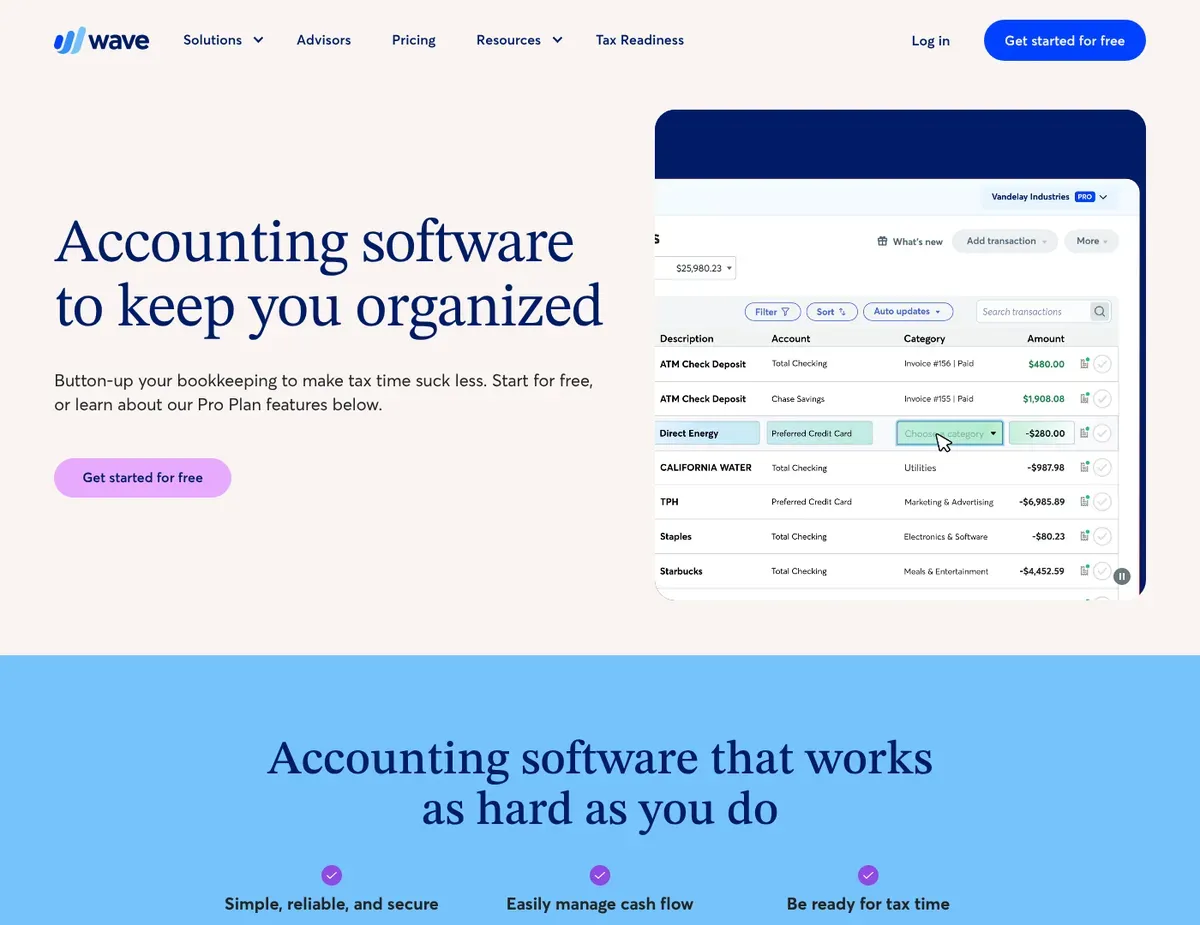
Accounting Clean transaction dashboard with categorized expense list
Wave Accounting offers comprehensive double-entry bookkeeping features, though customer support is limited to email assistance. The platform includes unlimited bank account and credit card connections with automatic transaction import, matching paid competitors’ core functionality for basic bookkeeping.
Built-in invoicing with integrated Wave Payments processing allows you to accept client payments without a separate merchant account—an advantage for solopreneurs managing cash flow on minimal margins.
The platform generates full financial statements including balance sheet, profit-and-loss, and cash flow reports suitable for tax filing and CPA review. Wave’s free tier includes receipt scanning, allowing you to photograph business expenses and attach them to your records for deduction tracking without paying for premium features. This genuine free-tier approach contrasts sharply with FreshBooks and Xero, which offer only limited free trials.
Where Wave falls short is tax automation. Wave provides no quarterly tax estimation or tax planning tools, forcing you to manually calculate estimated payments using external spreadsheets or third-party tax software—a significant compliance gap for 1099 contractors trying to avoid underpayment penalties. Customer support is limited to email with no live chat or phone option, meaning urgent issues like bank connection failures during tax season can take 24–48 hours for resolution. Wave also lacks built-in time tracking, so hourly-billing freelancers must use a separate tool to log billable hours before creating invoices.
Best for: Budget-conscious freelancers and sole proprietors who need complete double-entry accounting without monthly subscription costs and can offload quarterly tax calculations to a CPA or tax advisor.
Not ideal for: Freelancers wanting automated quarterly tax estimation or same-day customer support for time-sensitive financial issues.
Unlike FreshBooks, which requires a paid subscription but includes integrated time tracking and automatic late payment reminders, Wave offers the same double-entry accounting at zero cost but provides no built-in time-tracking or tax estimation features, placing more burden on you to manage those workflows externally. [4]
Wave Accounting’s free tier has no subscription cost, but plan availability and payment processing fees can change—verify current feature set and Wave Payments rates at https://www.waveapps.com/pricing/ before relying on the platform for critical payment workflows.
Xero
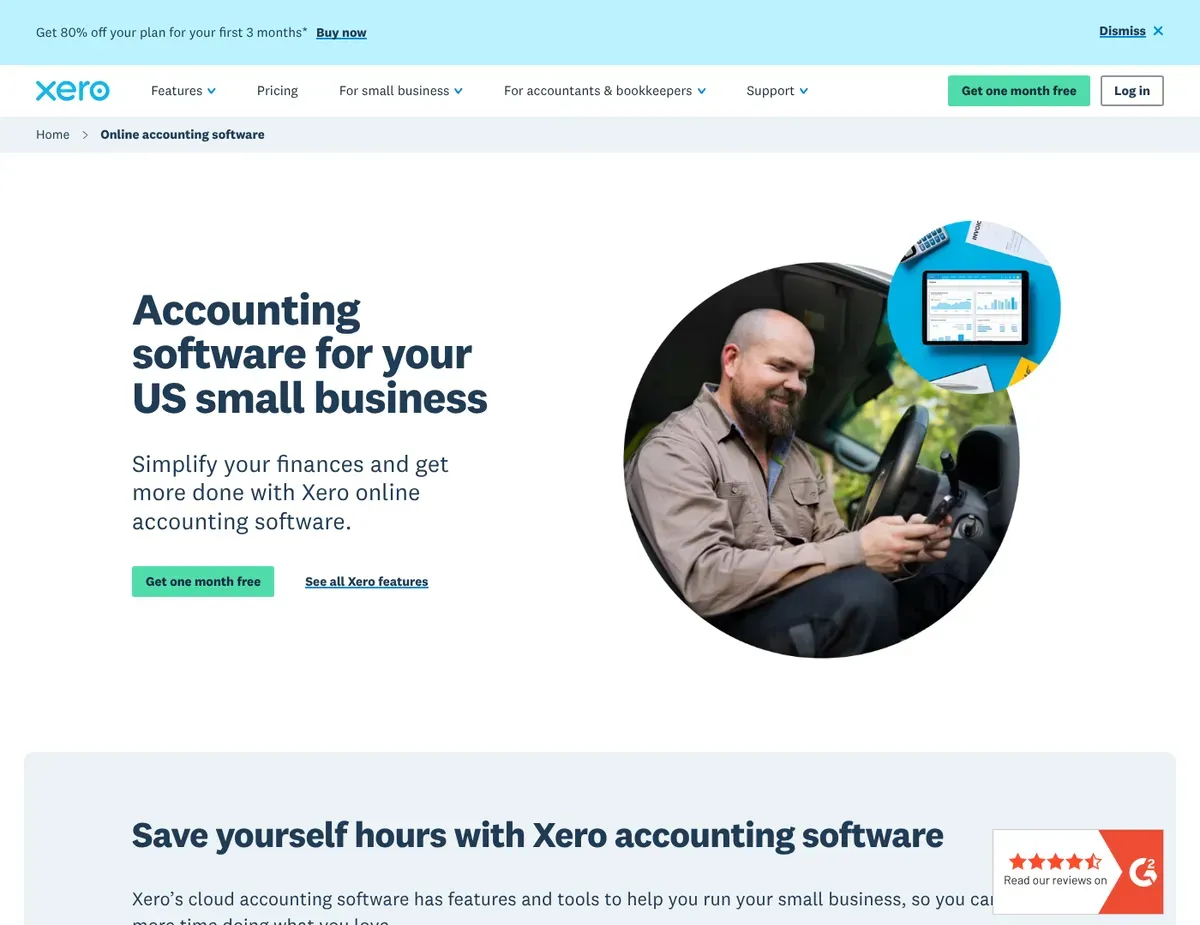
Multi-paned dashboard showing bank balances
Xero is designed for freelancers whose businesses have reached a scale where the monthly subscription cost justifies advanced features like multi-currency invoicing, project-level profitability tracking, and an extensive integration ecosystem. The platform provides comprehensive double-entry accounting with full general ledger, bank reconciliation, and multi-currency support—ideal for freelancers working with international clients who bill in multiple currencies with automatic exchange rate updates.
Robust project tracking allocates income and expenses to specific client engagements, providing detailed profitability analysis per project—a capability that sole proprietors rarely need but growing agencies depend on.
Xero’s integration marketplace includes over 1,000 third-party apps covering tax planning, inventory management, CRM tools, and project management, allowing you to build a customized tech stack without replacing Xero itself. This ecosystem depth is valuable for freelancers scaling beyond basic bookkeeping and needing specialized tools for specific workflows.
However, Xero’s feature density designed for small businesses creates interface complexity that exceeds what most solo freelancers actually need, with a measurable learning curve of several hours to configure the chart of accounts and bank feeds properly. All paid plans enforce a 20-bill and 5-invoice monthly limit per tier, requiring freelancers handling high transaction volumes to upgrade to the Established plan at $70/month to remove these caps. Regarding tax automation, Xero does not include built-in quarterly tax estimation tools or automated 1099 tracking, requiring you to integrate third-party apps or manually calculate estimated payments—a significant gap for self-employed individuals trying to avoid IRS penalties.
Best for: Freelancers with growing businesses approaching small-business scale who need multi-currency invoicing, project profitability analysis, and integration flexibility.
Not ideal for: Solo freelancers seeking simple setup for basic income and expense tracking, or those on tight budgets who cannot justify a minimum $15/month subscription.
Unlike Wave, which offers zero-cost accounting at the price of limited features and no tax automation, Xero provides a full small-business accounting platform with project profitability tracking and extensive integrations—but requires paid subscription and extended setup time that Wave’s free tier avoids entirely. [5]
Xero’s pricing and transaction limits vary by plan tier and region—verify current plan structure and whether your transaction volume exceeds monthly limits at https://www.xero.com/pricing/ before subscribing, as tier capabilities change between product releases.
Scenario recommendations
Review the following scenarios to determine which software aligns with your specific freelance needs.
Scenario 1 – The solo consultant: When you’re billing individual clients and need to submit quarterly estimated tax payments to the IRS on a predictable schedule, QuickBooks Self-Employed removes the guesswork about how much to set aside each quarter. The automated tax meter and direct TurboTax export save hours at tax-filing time. The main caveat is that QuickBooks Self-Employed won’t generate a balance sheet if you’re applying for a business loan, so you may need to upgrade to QuickBooks Online or use supplementary tools for that purpose. Set up automatic quarterly tax reminders in QuickBooks immediately after connecting your bank account so you never miss an IRS payment deadline.
Scenario 2 – The side-hustler: Bootstrapping a second income stream on a zero-dollar budget? Wave Accounting is your answer because it provides full double-entry accounting, unlimited invoicing, and receipt scanning at no subscription cost. Wave lets you track income from multiple side gigs, categorize expenses by deduction type, and generate the financial data you need for tax filing without paying monthly fees. The trade-off is that you’ll need to manually calculate quarterly estimated taxes using an external spreadsheet or work with a CPA to determine payment amounts. Test Wave’s bank feed connection during setup to confirm it stays stable before relying on automatic transaction imports.
Scenario 3 – The rapidly scaling freelancer: When you’re transitioning from solo work to agency-like operations with multiple employees or subcontractors, Xero is the platform that grows with your business. Its project tracking lets you allocate income and expenses per client engagement, providing the profitability data you need when managing multiple service lines. The extensive integration marketplace means you can connect Xero to payroll tools, CRM systems, and project management apps as your team expands. Be prepared for a steeper learning curve than Wave or QuickBooks Self-Employed—you’ll likely need to spend 3–4 hours configuring your chart of accounts and bank feeds correctly. Plan for the Established plan at $70/month if you’re processing high invoice volumes, as the lower tiers enforce monthly limits that grow quickly as you scale.
Scenario 4 – The rideshare or gig worker: When your primary income comes from platform work (Uber, DoorDash, TaskRabbit), QuickBooks Self-Employed is built for you because the integrated GPS mileage tracker automatically logs every business trip and calculates deductible vehicle expenses without manual odometer notes. The quarterly tax automation is equally critical because gig worker income is often irregular and it’s easy to under-estimate quarterly payments. The key limitation is that QuickBooks Self-Employed lacks the invoicing sophistication of FreshBooks, so if you also do service work that requires professional invoices, you may need to use FreshBooks alongside QuickBooks Self-Employed for client billing. Verify that the mileage tracker works reliably with your specific vehicle type and phone before committing to a paid subscription.
Setup guide
Step 1: Create your account and securely connect your bank accounts. Sign up on your chosen platform (QuickBooks Self-Employed, FreshBooks, Wave, or Xero) and follow the bank-connection workflow to link your primary business checking account and any credit cards you use for business expenses. The platform will ask for read-only access to your bank login credentials—never share your full login password; instead, authorize the platform through your bank’s connection portal (most banks have a dedicated “Connected Apps” or “Third-Party Access” section). For Wave and Xero, test connecting 2–3 accounts to confirm transactions import correctly before marking setup as complete.
Step 2: Configure your initial chart of accounts and income categories. For Wave, Xero, and FreshBooks, you’ll see a pre-built chart of accounts tailored to your business type (freelancer, consulting, service business). Review the income categories to ensure they match your actual revenue streams (1099 platform income, client services, product sales, etc.). QuickBooks Self-Employed handles this automatically through Schedule C categorization, so you can skip this step. For Xero users specifically: if the default chart of accounts feels overwhelming, delete unused accounts rather than trying to customize everything—this reduces cognitive load and keeps reconciliation simpler.
Step 3: Set up quarterly estimated tax reminders and verify automatic calculations. In QuickBooks Self-Employed, navigate to the Tax Center and confirm that the quarterly estimated tax calculator is pulling from your tracked income and deductions correctly. Set reminders for the IRS payment dates (typically April 15, June 15, September 15, and January 15). For Wave, FreshBooks, and Xero users: since these platforms don’t calculate estimated taxes automatically, create a calendar reminder for these same dates and commit to a 30-minute quarterly review where you export your profit-and-loss statement, calculate estimated taxes (or forward the P&L to your CPA), and submit payments. This discipline prevents the compliance gap from becoming a penalty.
Step 4: Link your payment processors and test automatic payment reconciliation. If you use Stripe, PayPal, or Square to accept client payments, connect these platforms through your accounting software’s integrations section. Wave includes Wave Payments integration natively; FreshBooks integrates with Stripe and PayPal; Xero and QuickBooks Self-Employed require third-party integrations for some processors. Process a test transaction (you can reverse it immediately after) to confirm that payment deposits reconcile automatically against invoices and don’t create duplicate entries in your bank feed.
Step 5: Create your first invoice and confirm the workflow before going live. In FreshBooks, create a test invoice to a dummy client and review how time-tracking entries flow into invoice line items—this is FreshBooks’ core differentiator, so confirming it works as expected matters before you bill real clients. In Wave, Xero, and QuickBooks Self-Employed, create a test invoice using a template that matches your actual client communications, then confirm the invoice displays correctly before sending it to a real client. Disable the invoice from being sent (most platforms have a “Save as Draft” option) and verify that the system calculates taxes, discounts, and payment terms correctly. After confirming the first invoice workflow, you’re ready to begin tracking real business activity.
FAQ
Here are answers to common questions about selecting and using accounting software for freelancers.
Q: Can I use these tools for both personal and business expenses?
All four platforms support separating personal and business expenses, but they approach it differently. QuickBooks Self-Employed and FreshBooks automatically flag personal versus business transactions using categorization, which reduces manual review. Wave and Xero require you to actively categorize or exclude personal transactions, which adds friction if you use the same bank account for both personal and business spending.
The safest approach is to maintain a separate business checking account and business credit card—this eliminates the categorization burden and creates a clearer audit trail if you’re audited by the IRS. If you must use a personal account, FreshBooks and QuickBooks Self-Employed require the least manual cleanup.
Q: When should a freelancer switch from Wave to a paid tool like QuickBooks or Xero?
Make the switch when either your income exceeds $50,000/year or you find yourself spending more than 30 minutes per month manually calculating quarterly estimated taxes. At that income level, the cost of a $15–25/month tool pays for itself in saved tax-planning time and reduced compliance risk.
If you start working with a CPA or seeking business loans that require balance sheets and detailed financial statements, move to FreshBooks or Xero immediately—Wave’s free accounting is robust, but you’ll spend hours exporting data and reformatting it for professional advisors. If you’re billing hourly, switch to FreshBooks when you have more than 10 active clients, because manually converting time logs to invoices becomes unsustainable at that scale.
Q: How accurate are the automatic quarterly tax estimates?
QuickBooks Self-Employed’s quarterly tax calculator is highly accurate IF you consistently categorize income and deductions throughout the quarter. It pulls from actual tracked data rather than estimates, so completeness matters more than precision.
The biggest risk is under-reporting because you forgot to log an expense category or didn’t connect all bank accounts. FreshBooks, Wave, and Xero users must manually calculate estimated taxes (or outsource to a CPA), which introduces human error and requires that you reconcile your actual numbers monthly rather than waiting until tax time. Regardless of which tool you use, compare its quarterly estimate to your actual expected income before submitting IRS payments—if something looks off by more than 10%, contact a CPA to verify the calculation before sending money to the IRS.
Q: What’s the safest way to test a new accounting software before fully committing to a paid plan?
Use the free trial or free tier to import 2–3 months of historical bank transactions and categorize them according to your deduction categories. This process reveals configuration problems (missing expense categories, bank connection failures, duplicate transaction imports) that would be painful to discover after you’ve committed to a paid subscription. For FreshBooks and Xero, create 2–3 test invoices to dummy clients and confirm that payment processing, time tracking (if applicable), and late-payment reminders work as expected. Set up automatic quarterly tax reminders in QuickBooks Self-Employed and run a test calculation to verify it’s pulling the correct income and deduction data. Only after 30 days of using the tool successfully should you upgrade to a paid plan or delete your test account and switch to a different tool.
Q: Which tool integrates best with TurboTax or professional tax software?
QuickBooks Self-Employed integrates directly with TurboTax, automatically populating Schedule C with your business income and deductions—this is a major time-saver at tax filing time and reduces transcription errors. FreshBooks, Wave, and Xero require you to export profit-and-loss and balance-sheet reports and manually enter data into TurboTax or forward the reports to a CPA for data entry.
If DIY tax filing is important to you, QuickBooks Self-Employed is the strongest choice because it eliminates manual Schedule C data entry. If you work with a CPA, Wave or Xero’s exported financial statements are fully sufficient—your CPA will handle data entry to tax software as part of your annual engagement.
Final verdict
We summarize our top picks for different types of self-employed professionals below.
QuickBooks Self-Employed takes the top slot for most self-employed professionals earning predominantly 1099 income because it automates quarterly estimated tax calculations and IRS payment scheduling—the single biggest compliance risk for freelancers—while also providing automatic mileage tracking for gig workers and seamless TurboTax integration at tax time. The trade-off is that it requires a paid subscription and lacks the full double-entry accounting of Wave or the invoicing sophistication of FreshBooks, but for freelancers trying to avoid IRS underpayment penalties, the automated tax meter is worth the cost.
For budget-conscious freelancers, Wave Accounting is the pick because it delivers complete double-entry bookkeeping, unlimited invoicing, and receipt scanning at zero cost. You’ll need to manually calculate quarterly estimated taxes or work with a CPA, but the genuinely free tier makes it the only viable option for solopreneurs operating on razor-thin margins in their first year.
For service-based consultants who bill hourly, FreshBooks is the recommendation because its integrated time tracking flows directly into invoices, eliminating the manual step of copying hours from a separate app. The automatic late-payment reminders and professional invoice templates also reduce accounts-receivable friction that hourly-billing freelancers encounter constantly.
For rapidly scaling freelancers or those working with international clients, Xero is the strongest fit because its project profitability tracking and 1,000+ app integration ecosystem allow you to build a customized tech stack as your business grows. The steeper learning curve and higher minimum price are justified once you’re managing multiple service lines or processing high invoice volumes.
Regardless of which tool you choose, test the bank feed connection and your primary workflow (tax estimation, invoicing, or time tracking) during the free trial before committing to a paid subscription. The wrong tool will sit unused after month two—the right tool will save you 5–10 hours per quarter in tax planning and bookkeeping labor.
Sources
- ↑ QuickBooks Self-Employed — Product Overview — https://quickbooks.intuit.com/self-employed/
- ↑ Xero — Features Overview — https://www.xero.com/features/
- ↑ FreshBooks — Features Overview — https://www.freshbooks.com/features
- ↑ Wave Accounting — Pricing Overview — https://www.waveapps.com/pricing/
- ↑ Wave Accounting — Product Overview — https://www.waveapps.com/accounting/

Leave a Reply