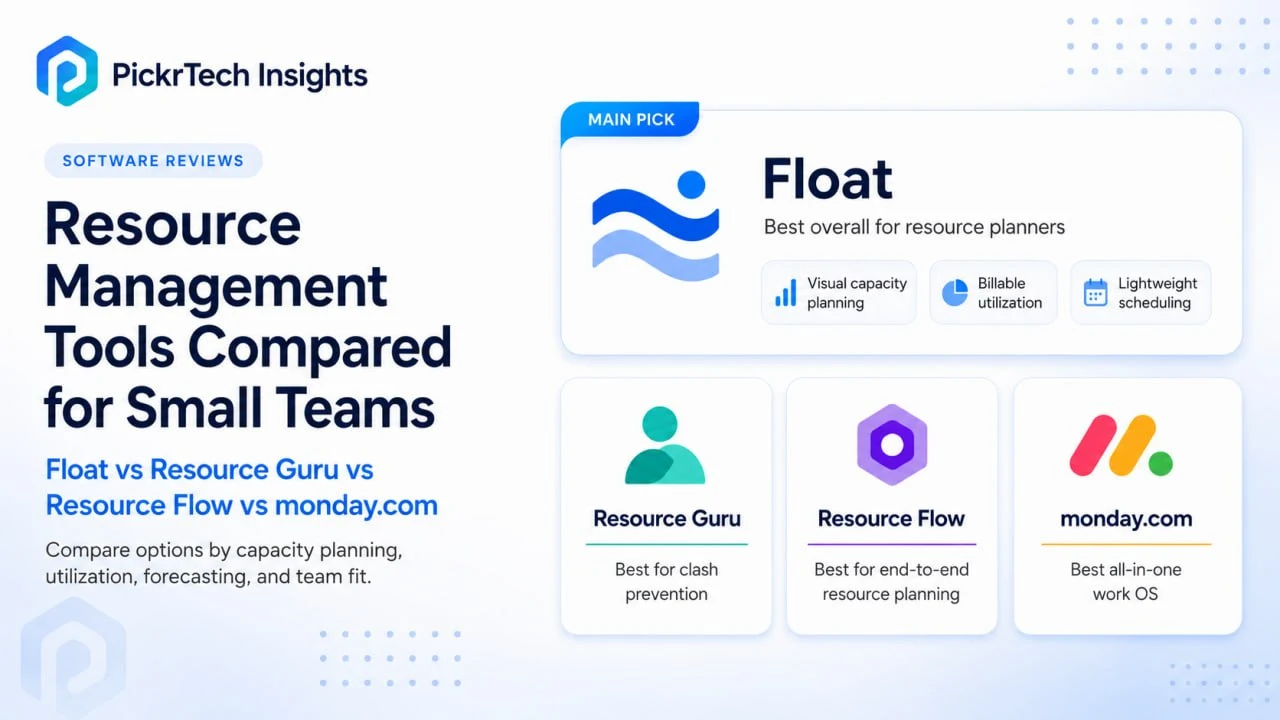
The four resource management tools compared in this guide: Float, Resource Guru, Milient Resource Flow (formerly Hub Planner), and monday.com
TL;DR: If capacity visibility across overlapping projects is your problem, Float (from $7/user/month) is the strongest fit for a small service team. Choose Resource Guru (from $4.16) if you mainly need to stop double-bookings at the lowest price, Resource Flow ($7 base, realistically $18 once you add its deeper skills matching and timesheets) if you staff by expertise, and monday.com (Pro, $19/seat) if you want capacity planning inside a PM tool you already run. But first check whether you’ve actually outgrown a task board — the capacity math below tells you.
Every price and plan-gate detail in this guide was checked against each vendor’s official pricing information in July 2026. Prices below use annual billing unless noted; monthly-billing premiums vary by vendor and plan, so the monthly figures are stated individually where they materially affect the comparison.
When a project board stops being enough for staffing
You’ve outgrown a task board once three or more concurrent projects draw on the same shared people, you re-decide who works on what at least weekly, and committed client work is running close to the team’s real capacity ceiling. Below that line, a Trello or Asana board is genuinely enough, and a dedicated resource tool is overhead you don’t need yet. If your team still needs a basic task system before any of this applies, start with our project management software comparison and come back later.
The reason a board fails here is structural, not cosmetic. A task board answers two questions well — what work exists and who owns it — and answers a third question, how much of each person is already spoken for, not at all. Every card has an assignee, so a fully overloaded team and a comfortably paced one look identical on the board. Resource planning breaks down long before it shows up in the schedule: on paper everyone looks available, but in practice the same few people keep absorbing urgent work until estimates stop matching reality. The number that predicts the collision is a capacity number, and it’s the one a board never shows.
The capacity a 10-person team actually has — and why it isn’t 400 hours
Before comparing tools, it’s worth doing the math a task board hides, because it changes which tool you need and whether you need one at all. Here is a reproducible model for a representative 10-person service team. Treat the assumptions as adjustable — swap in your own overhead and leave figures and the shape of the answer holds.
- Nominal headcount hours: 10 people × 40 hours = 400 hours/week. This is the number a board implies when everyone has tasks.
- Minus structural non-billable time (assume ~25%): internal meetings, admin, tooling, and business development are real work but not client-billable. That leaves roughly 300 billable-capable hours/week at full attendance.
- Minus annual leave and holidays (assume a combined ~5 working weeks per year, about 10% of the calendar): averaged across the year, realistic billable capacity settles near 270 hours/week.
So three different numbers describe the same 10 people: headcount says 400, a naive “75% utilization target” says 300, and the amount of client work you can actually promise across a full year is closer to 270 hours/week. Over-allocation begins the moment committed work passes that line — and because a board doesn’t surface it, the overflow silently lands on whoever is least able to push back.
A concrete example: three projects each asking for about 100 hours/week is 300 committed hours against ~270 available — a 30-hour weekly shortfall. On the board, nothing looks wrong: every card has an owner and every person has a full-looking list. The shortfall only appears as slipped deadlines and one or two exhausted people a month later. A capacity view shows it on day one, as a person sitting at 45 committed hours against 40 nominal.
That gives you a usable threshold. You need a dedicated capacity tool once committed demand routinely runs within about 15% of your ceiling — for this team, roughly 230+ hours/week — while three or more projects share the same specialists and you re-plan at least weekly. To run the model against your own team you need four inputs: a list of active projects with delivery dates, each person’s available weekly hours, a split of billable versus internal versus unavailable time, and an honest note of which roles become bottlenecks most often. Those four inputs are also exactly what every tool below imports first.
The four tools side by side: capacity, utilization, and true cost
| Tool | Capacity planning | Utilization tracking | Key limitation | Price (annual billing) |
|---|---|---|---|---|
| Float | Real-time visual bars, remaining hours per person per week | Billable vs non-billable per person; logging actuals needs Pro | Skills and pipeline planning are role/tag/filter-based, not dedicated custom-field matching | $7 Starter / $12 Pro |
| Resource Guru | Clash detection with a waiting list for unresolved capacity conflicts | Utilization reports from Blackbelt; entry tier has none | Strong scheduling and budget tracking, but not a full project-execution or PSA platform | $4.16 / $6.65 / $10 |
| Resource Flow | Skills-based matching with pipeline forecasting (Premium) | Built-in timesheets, planned vs actual (Premium) | Headline features sit on the $18 tier; needs the most configuration | $7 base / $18 Premium |
| monday.com | Workload view with drill-down reallocation (Pro+) | Time tracking column on Pro; deeper tracking via integrations | Workload view gated to Pro; 3-seat minimum | $9 / $12 / $19 Pro |
All four handle the core loop — see available capacity, assign people to projects — but the depth and the tier where that depth unlocks differ sharply. Float leads on pure scheduling with financial granularity from its entry plan. Resource Guru is the cheapest way to stop double-bookings. Resource Flow adds deeper skills matching and forecasting once you pay for Premium. monday.com folds scheduling into a broader work platform, trading scheduling depth for unified task execution. The sections below map each to the capacity problem it actually solves.
Where each tool fits the capacity decision
Float: real-time capacity bars, with financials from the entry tier
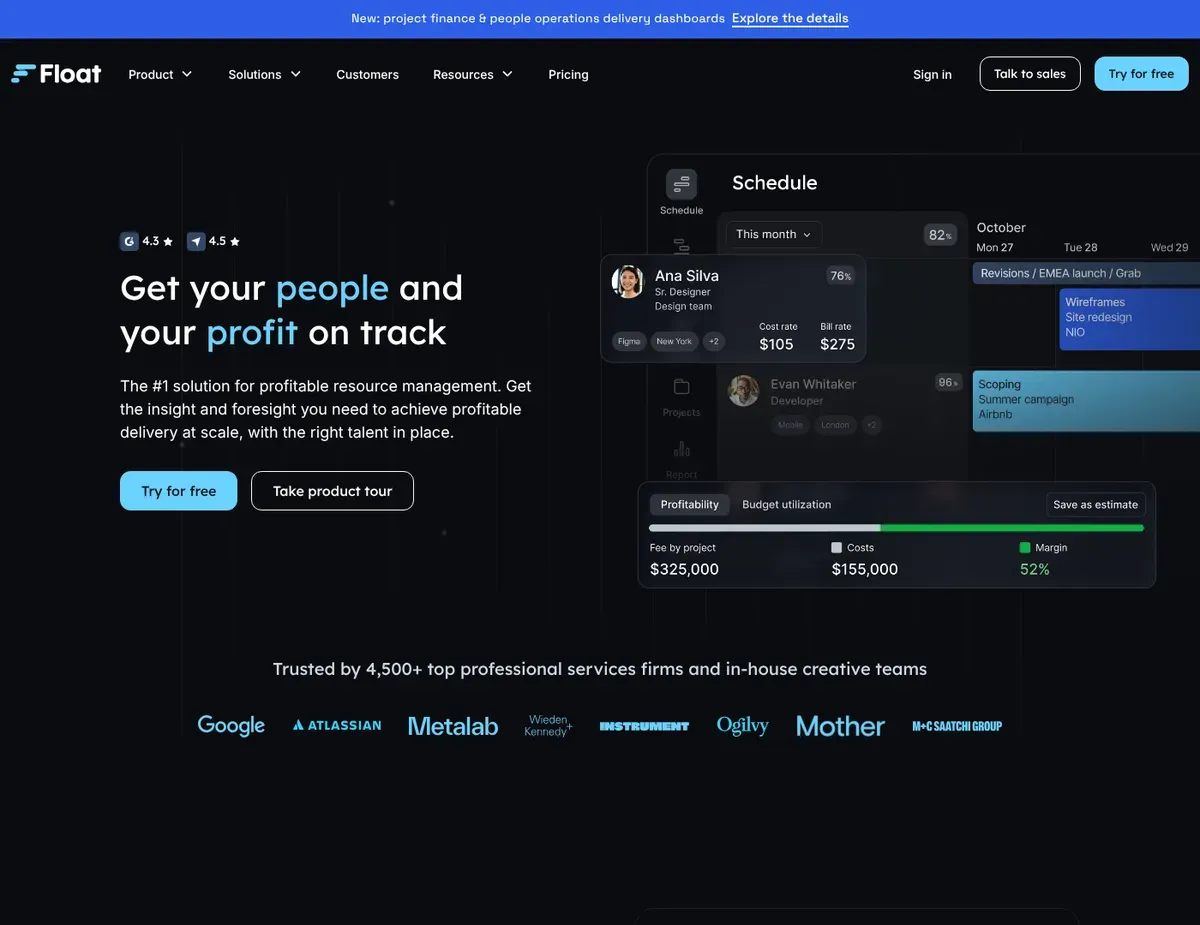
A preview of Float’s resource-scheduling and project-finance views from its website
Float directly answers the capacity question from the model above. Each team member is a row with a timeline of allocated weeks, color-coded by project, and remaining hours per person per week appear as a numeric value — so spotting that someone is allocated 45 hours across three projects against 40 available is trivial rather than a monthly surprise. Dragging or resizing an allocation updates utilization instantly and flags when someone goes over capacity. It’s built for creative agencies and consultancies running 15–100 people across concurrent client projects.
The billable-versus-non-billable split is tracked per person, and — a meaningful change from earlier versions of this product — cost and bill rates plus project-margin tracking are now included even on the entry Starter plan, so agencies can see planned spend against budget without exporting to a spreadsheet. Integrations with Jira, Asana, and Slack pull task data straight into the scheduling view. Pricing is $7/user/month for Starter and $12/user/month for Pro on annual billing ($7.50 and $12.50 monthly), with a custom Enterprise tier above.[1]
The catch sits mainly in the plan gate for actuals: time tracking and scheduled-versus-actual reporting require Pro.[2] Float also supports role-based planning, people tags for skills or certifications, and tentative project stages, so it should not be treated as having no skills or pipeline-planning capability. The distinction is that skill selection is primarily role-, tag-, and filter-based rather than the dedicated custom-field matching workflow offered by more specialized staffing systems.
⚠ Caution: Budget for Float’s $12 Pro tier, not the $7 Starter, if comparing planned versus logged hours is part of why you’re buying. Time tracking does not exist on Starter, and there is no cheaper add-on route — the gate is the tier itself. Current plan gates are listed on Float’s official pricing page.
Against monday.com, Float stays a dedicated scheduling layer beside the PM tool you already trust — lighter to adopt, deeper on allocation. Against Resource Flow the trade runs the other way: teams that lean heavily on expertise-based staffing get deeper, custom-field skill matching there than Float’s role-, tag-, and filter-based approach provides.
Resource Guru: the cheapest way to stop double-bookings
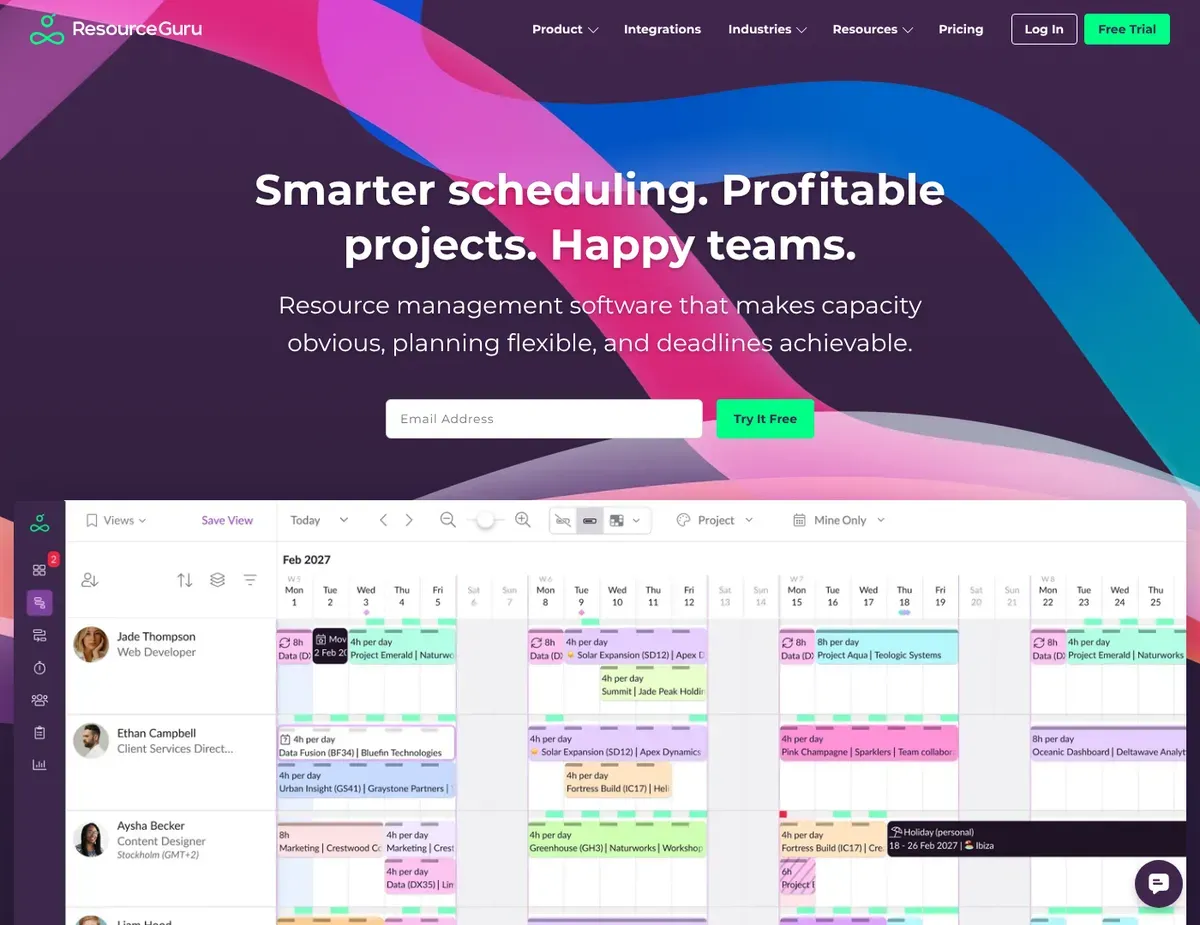
A preview of Resource Guru’s resource-scheduling calendar from its website
When the pain point is conflicts rather than capacity totals — the same specialist promised to two projects at once — Resource Guru targets exactly that friction. Resources appear in a single pane with booking status (confirmed, tentative, requested), and its clash-management engine prevents silent overbooking by offering options such as moving the booking to a Waiting List or explicitly adding overtime when availability is insufficient. Waiting-list bookings are not automatically backfilled; a booker reviews and resolves them when capacity changes. Leave management is built in, and calendar sync with Google Calendar and Outlook respects PTO without manual entry. An approval workflow, where a manager signs off before a booking is confirmed, is available on the top Master plan.
Pricing is the lowest here: Grasshopper at $4.16/user/month, Blackbelt at $6.65, and Master at $10 on annual billing ($5, $8, and $12 monthly).[3] Read the tiers carefully, though. Grasshopper has no reporting at all — timesheets, customizable reports, project rates, and budgets start at Blackbelt. From there, teams can track utilization, forecast versus actuals, project budget burn, and project-level spend. Resource Guru is still a focused resource-scheduling system rather than a full project-execution or PSA platform, so teams needing broader accounting, invoicing, or end-to-end project delivery may still need another system. You can find people by skill, team, or role, with custom fields on the paid tiers, though the staffing taxonomy is lighter than a dedicated skills-planning system. It fits teams that hit frequent booking conflicts and want strong scheduling and capacity control at a relatively low per-seat price.
⚠ Caution: Resource Guru charges non-human resources such as rooms and equipment at separate “other resource” rates rather than the full per-person price. Placeholder resources are different: each plan includes a free allowance, and additional placeholders beyond that allowance are charged at the account’s per-person rate. Model both resource types separately before estimating your total account cost.
Against Float, the trade is governance versus immediacy: Float commits an allocation the moment you drag it, while Resource Guru’s approval step adds oversight at the cost of a click. Against monday.com, Resource Guru can’t manage task execution at all, so you keep a separate PM tool and reconcile completion manually.
Milient Resource Flow: skills matching when you staff by expertise
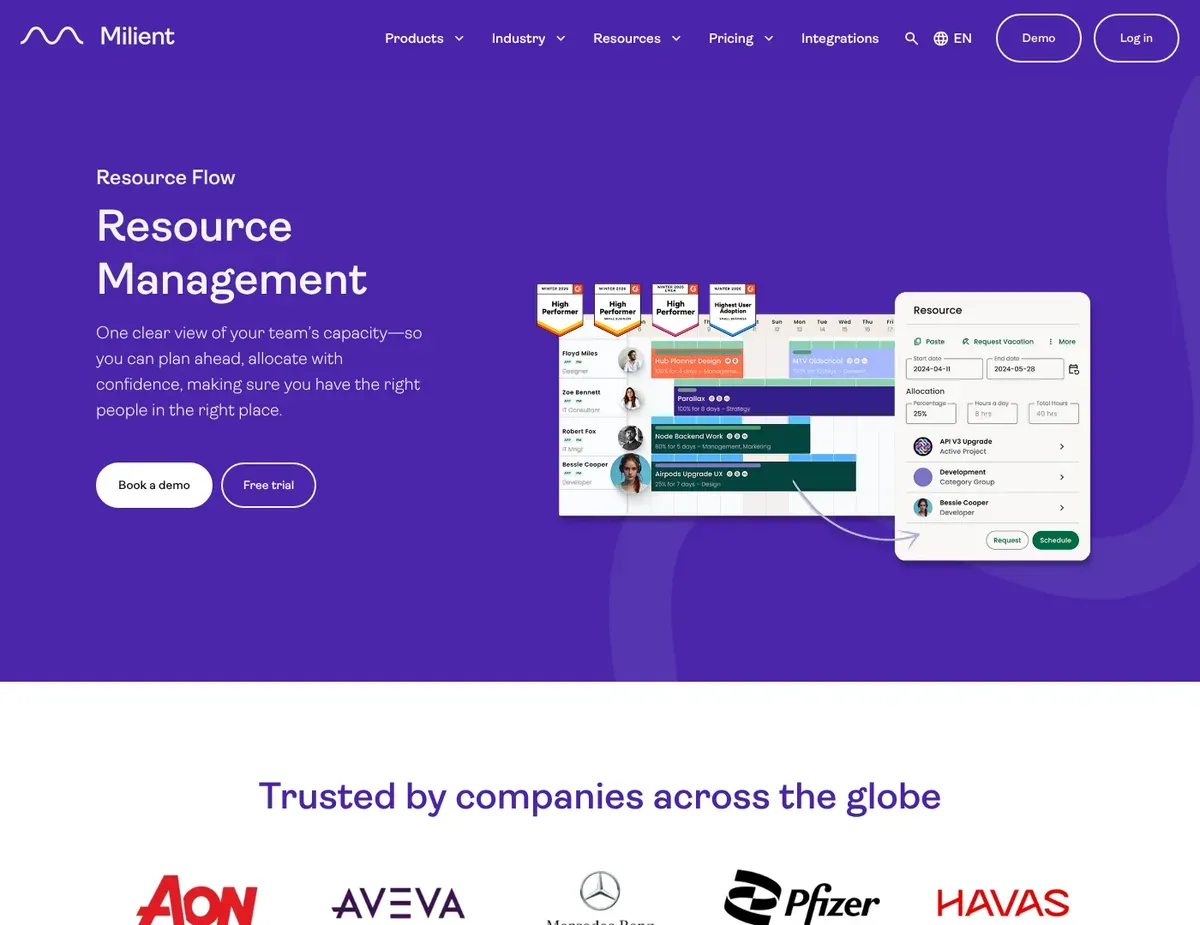
A preview of Milient’s resource-management (Resource Flow) scheduling interface from its website
Resource Flow — the tool formerly known as Hub Planner — solves a different version of the capacity problem: not “who is free” but “who is free and qualified.” Resources carry inline skill tags (Java, Salesforce Admin, UX Design), so once configured, planners filter the available pool by certification or seniority instead of searching by name against an external spreadsheet. A query like “an available Salesforce architect with 10+ years of experience” filters by role and skill level and cuts time-to-assignment. Because the same tool tracks time, planned hours (“we allocated Jane 40”) and actual hours (“Jane logged 38”) land in one report. Pipeline forecasting models tentative allocations for unsold opportunities without inflating confirmed availability, and the report builder exports utilization burn-down and capacity forecasts to PDF. The advantage over Float and Resource Guru is the depth and configurability of its skills-based staffing, not that those tools lack skills features entirely.
The pricing needs a close read. The base Plug & Play plan is $7/resource/month on annual billing ($8 monthly), Premium is $18 ($20 monthly), and the Business Leader enterprise tier is $54.[4] The features described above — skills matching with custom fields, timesheets, approval workflows, vacation management, resource requesting — belong to Premium, or bolt onto Plug & Play as individually priced extensions that add up quickly. SSO, 2FA, and audit logs sit higher still. The second cost is time: building the skill taxonomies, role definitions, and report templates takes real configuration work before the tool delivers full value, and that setup grows with team size. It pays back fastest where a dedicated resource planner owns the system; below about 10 people, or without anyone to maintain the taxonomy, the overhead won’t earn out.
⚠ Caution: Don’t budget on Resource Flow’s $7 headline price. The capabilities that justify choosing it over Float or Resource Guru — deeper skills matching, timesheets, resource requesting — live on the $18 Premium tier or as paid extensions. Compare the tier contents on Resource Flow’s official pricing page before you model costs.
The honest framing against Float: Resource Flow reduces the number of tools you run (time tracking and deeper skills matching are built in) at the cost of a materially longer setup and a higher realistic price. Against Resource Guru, the differentiator is pipeline forecasting — modeling capacity under sales scenarios before projects are confirmed — which Resource Guru doesn’t offer in the same scenario-planning form.
monday.com: capacity planning without leaving your PM tool
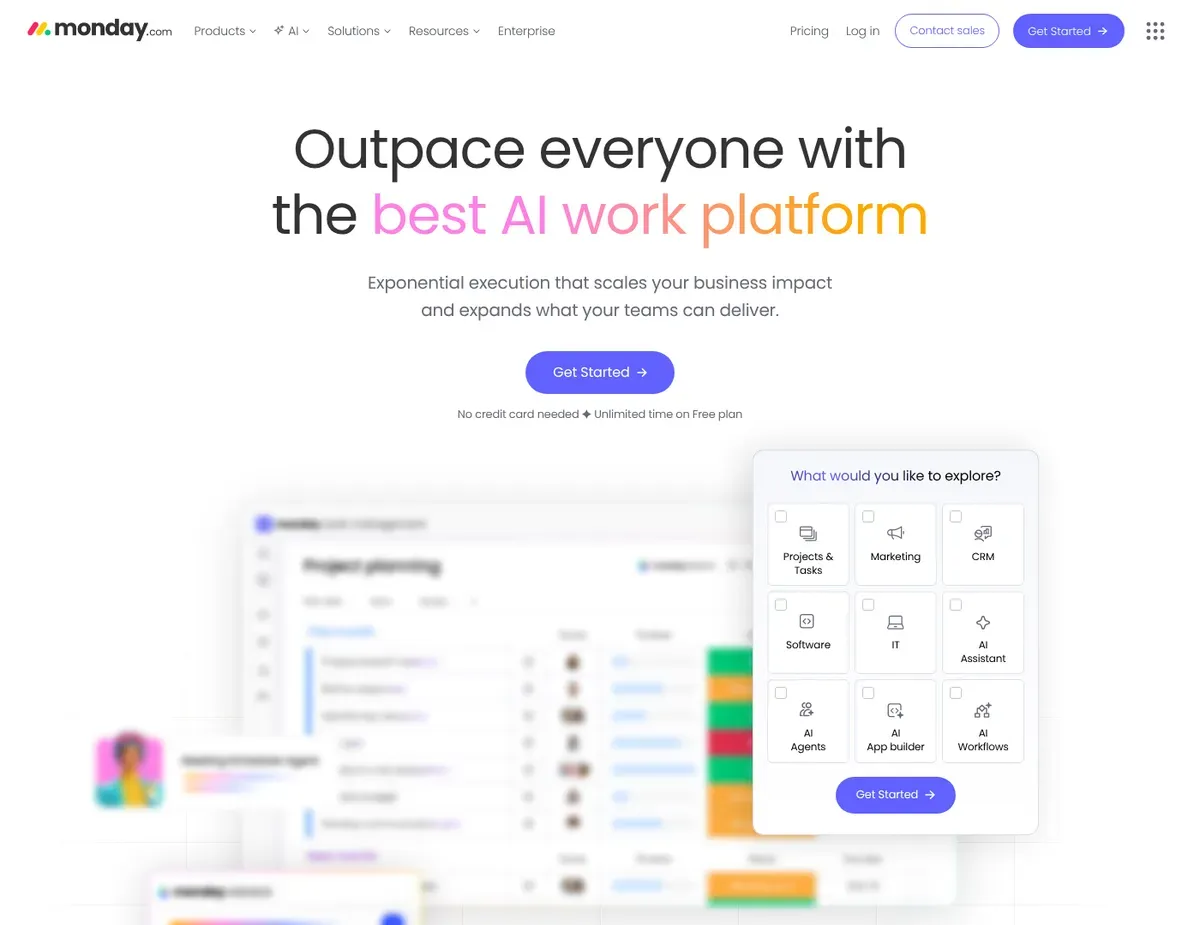
A preview of monday.com’s work-management interface from its website
If you’re already running projects in monday.com, its Workload view keeps allocation in the tool you use rather than syncing a second one. The Workload view highlights over-capacity assignments and lets planners drill into the affected work before reassigning tasks or adjusting dates, sitting alongside your Gantt charts, sprint boards, and dashboards. Task assignments, phases, dependencies, and resource allocation live in one workspace, which cuts the context-switching a standalone scheduler adds. Custom dashboards can combine workload and project-health data, but the core balancing workflow still depends on planners reviewing the Workload view rather than an automatic clash-prevention engine. It integrates with 200+ tools including Slack, Teams, Google Workspace, and Jira.
Plan gating is the decisive constraint. Work Management pricing runs $9/seat/month (Basic), $12 (Standard), and $19 (Pro) on annual billing,[5] and the Workload view — the resource feature this comparison is about — is available only on Pro and Enterprise.[6] Standard teams get basic timelines and calculate capacity in spreadsheets, or upgrade. On Pro, specialist matching still depends on fields and workflows you configure yourself rather than a dedicated skills directory. Enterprise adds a Resource Directory with job-role, skill, and location attributes plus filtering, but at a materially higher, quote-based tier. There’s no Resource Guru-style clash interception at booking time, so planners still review workload and availability through monday.com’s resource views. It’s the right pick for teams already living in monday.com who value workflow consolidation over a dedicated scheduling system, and the wrong one if you don’t already use it for projects.
⚠ Caution: All monday.com paid plans carry a 3-seat minimum, and above 3, seats sell in buckets of 5 — a 7-person team pays for 10 seats, inflating the real per-person cost by over 40% in that case. Factor the bucket, not the list price, into any comparison; the seat rules are documented in monday.com’s official plans and pricing article.
Against Float, the choice is bundling versus depth: one platform for execution and scheduling, at the cost of less scheduling depth than a dedicated tool. Against Resource Guru, it’s manual versus intercepted conflict handling — monday.com shows you the overload after the fact; Resource Guru surfaces the conflict at booking time.
What a year actually costs for a 10-person team
Per-user pricing scales fast and tier gates decide the real bill, so here is the 12-month math for the same 10-person team on annual billing, at prices checked July 2026. Read each line at the tier where the feature you’re buying for actually unlocks, not the headline price.
- Float: Starter $840/year (10 × $7 × 12); with time tracking on Pro, $1,440/year. No seat minimums or per-resource surcharges.
- Resource Guru: Grasshopper ≈ $499/year (10 × $4.16 × 12) but with zero reporting; the realistic Blackbelt tier is $798/year. Rooms and equipment bill at separate “other resource” rates, and placeholders beyond each plan’s free allowance bill at the per-person rate — model both before finalizing.
- Milient Resource Flow: Plug & Play $840/year (10 × $7 × 12) for scheduling only; Premium — where skills matching and timesheets live — is $2,160/year.
- monday.com: the Workload view requires Pro, so budget $2,280/year (10 seats × $19 × 12). A 10-person team fits the seat buckets exactly; a 7-person team would still pay for 10 seats.[7] If you’re already on Standard for task management, the upgrade delta is $840/year.
Read against capacity, the spread is stark: at the tier that actually solves each problem, the cheapest useful option and the most expensive differ substantially, but the difference is about workflow design rather than simply “more” resource management. Float Pro, Resource Guru Blackbelt, and Milient Resource Flow Premium can all connect planned work with actual time at paid tiers; the more important difference is whether your team prioritizes visual allocation, clash prevention, or deeper skills-based staffing.
Match the tool to the problem you’re actually solving
There’s no universal winner here, because the four tools solve four different versions of the staffing problem. Pick by the sentence that describes your week:
- “Who is free next week, and can I load them without overcommitting?” → Float. Real-time capacity bars and per-client billable reporting from the $7 entry plan; budget the $12 Pro tier only if you also want to check forecasts against logged hours.
- “Double-booking keeps breaking client commitments.” → Resource Guru. Flags conflicts at the moment of allocation and holds unresolved bookings on a waiting list, at the lowest seat price here. Budget the $6.65 Blackbelt tier from day one if you need any reporting — the entry tier has none.
- “I need a Salesforce architect, not just anyone.” → Milient Resource Flow. Deeper, custom-field skills-based staffing plus built-in timesheets give assignment speed and planned-versus-actual in one report. Real investment: meaningful upfront configuration and the $18 Premium tier, paying back fastest with a dedicated resource manager.
- “We already run everything in monday.com.” → monday.com Pro. The Workload view keeps allocation in your existing tool and kills the sync overhead — just confirm the $19/seat Pro requirement. Pro teams need to configure their own specialist-matching workflow; Enterprise adds a dedicated Resource Directory with role and skill attributes.
- None of the above yet. → Hold off. If a basic board still gives your team enough clarity and committed demand isn’t near the capacity ceiling from the model above, a dedicated tool is premature. Build a simple resource spreadsheet first to find out which bottlenecks are real.
If you want a single default: for the most common small-team problem — capacity visibility across overlapping projects — Float is the strongest fit in this comparison, and at $840–$1,440 a year for a 10-person team it delivers that without the tier surprises the other three carry. That’s a fit judgment, not a crown; the moment your real problem is conflict prevention, skills-based staffing, or PM consolidation, one of the other three wins outright.
Frequently asked questions about resource management tools
Which resource management tool integrates best with Jira and Asana?
Float and Resource Guru are the clearest choices here when Jira or Asana work needs to feed a separate resource schedule. Float connects resource planning with project-management tools including Jira and Asana, while Resource Guru provides dedicated integrations that let teams create bookings from Jira issues and Asana tasks. Resource Flow also supports integrations, but the exact fields and sync behavior should be checked against your existing workflow during a trial rather than assuming every connector transfers the same data.
Can these tools separate billable hours from internal time?
Float and Resource Flow do this most directly: Float at the individual level per project from its entry plan, Resource Flow via Premium timesheets that categorize logged time as billable or internal by project type. Resource Guru separates hours through its Blackbelt timesheets and tracks project rates, budgets, and spend, though it remains a scheduling-focused tool rather than a full accounting or PSA platform. monday.com needs its Pro time-tracking column plus integrations to approximate the same split.
How long does it take to get value from a resource management tool?
Float and Resource Guru can usually be piloted with fewer configuration decisions because their core workflows center on scheduling and availability. Resource Flow requires more setup when you build a detailed skills taxonomy, permissions, and reporting structure. monday.com is fastest to extend when the team already has boards with owners, dates, and effort fields. Treat implementation time as a team-specific planning estimate rather than a fixed vendor benchmark.
What hidden costs should we budget for?
Four recurring ones, each already flagged above. Float: time tracking requires the $12 Pro tier, not a cheap add-on. Resource Guru: rooms and equipment bill at separate “other resource” rates, extra placeholders beyond the free allowance bill at the per-person rate, and reports require at least Blackbelt. Resource Flow: deeper skills matching, timesheets, and approval workflows are Premium features or paid extensions on top of the $7 base. monday.com: the 3-seat minimum and 5-seat buckets make odd-sized teams pay for unused seats, and the Workload view forces the $19 Pro plan.
Next steps
- Still need task ownership and delivery visibility before capacity planning? Read the project management software comparison first.
- If individual double-booking is the specific problem, see our scheduling tools setup guide.
- To turn resource planning into day-to-day execution on a tool you may already have, follow this capacity planning workflow in Asana.
- If your team still runs on a board, build a lightweight workflow first with the Trello board templates guide.
Sources
- ↑ Float — Pricing — https://www.float.com/pricing
- ↑ Float Help Center — Pricing and plans — https://support.float.com/en/articles/8805233-pricing-and-plans
- ↑ Resource Guru — Plans and pricing — https://resourceguruapp.com/pricing
- ↑ Hub Planner (now Milient Resource Flow) — Pricing — https://hubplanner.com/pricing/
- ↑ monday.com — Pricing — https://monday.com/pricing
- ↑ monday.com Support — The Workload Widget (plan availability) — https://support.monday.com/hc/en-us/articles/360010699760-The-Workload-Widget
- ↑ monday.com Support — Plans and pricing (seat minimums and buckets) — https://support.monday.com/hc/en-us/articles/4405633151634-Plans-and-pricing-for-monday-com
Disclaimer
This guide is for general informational purposes only and does not constitute professional accounting, tax, legal, or financial advice. The capacity figures above are a stated planning model built on explicit assumptions, not measured results, and should be re-run with your own team’s numbers. Pricing, features, and plan details were checked against each product’s official website in July 2026 and may change without notice. Always consult a qualified professional for advice specific to your business situation.
Last reviewed: July 2026 by the PickrTech editorial team.