
business finance software Dashboard showing profit and loss summary with bar charts comparing income vs
TL;DR: QuickBooks Online wins for small business owners and finance managers who need audit-ready books with 65+ financial reports—but you’ll pay $60/month minimum for multi-currency support. Xero excels if your team is growing because unlimited users sit on every plan tier. FreshBooks dominates invoicing and time tracking for service businesses. Zoho Books is your pick for genuine free accounting software if you’re under $50K revenue. [1]
How we evaluated these tools
Finding the right accounting software means matching your business model, team size, and reporting needs to the platform that won’t force expensive upgrades as you grow. We assessed four leading cloud-based systems across decision factors that directly shape your implementation timeline, scalability costs, and day-to-day operations.
Financial reporting depth for GAAP compliance and stakeholder reporting — Your financial statements must satisfy auditors, tax professionals, and stakeholders, so we prioritized platforms offering 30+ built-in reports with customization options.
Multi-currency and international transaction handling — Businesses with even one international client face complexity managing exchange rates and foreign invoicing, making native multi-currency support a key differentiator.
Bank feed reconciliation and categorization automation — Manual transaction categorization drains 5-10 hours per month from your finance team, so we assessed which platforms use machine learning to reduce ongoing bookkeeping overhead.
User scalability without per-seat cost escalation — Growing teams often hit budget walls when per-seat pricing forces upgrades; we compared user limits across plans to identify hidden cost jumps.
Ecosystem integration with Shopify, Stripe, and payroll systems — Disconnected tools create data silos and manual workarounds, so we verified native integrations with your most critical business systems.
Forecasting and budgeting tools for financial projections — Beyond historical reporting, forward-looking cash flow models and budget-vs-actual analysis help you anticipate cash shortfalls and plan growth.
Our evaluation incorporates benchmark testing against standardized accounting workflows and independent testing of bank feed reliability across each platform’s integration network. Pricing and features change periodically, so we recommend verifying current plan details directly with each vendor before making a purchase commitment. Last reviewed: 2026-05-01.
What matters when choosing business finance software
Selecting accounting software means navigating genuine trade-offs between competing needs: reporting depth versus simplicity, comprehensive features versus affordability, and team collaboration capabilities versus single-user ease of use. Understanding these tensions will help you avoid choosing a tool that feels wrong six months in.
Reporting depth and audit readiness. Your accountant and tax preparer need financial statements that match their working format, and auditors require audit trails on every transaction. A platform offering only 5-10 basic reports forces you to export data to spreadsheets for analysis, adding hours of manual work. Aim for platforms with 30+ built-in reports, custom filtering, and the ability to pull reports by date range, department, or project for stakeholder meetings.
Multi-currency handling and international scaling. If you work with global clients or suppliers, single-currency platforms become invisible roadblocks: you’ll either manually convert invoices in spreadsheets or lose visibility into true profitability per client. Multi-currency support must update exchange rates automatically so your P&L reflects real conversion gains or losses without manual adjustments.
Bank feed automation and transaction intelligence. Reconciling bank transactions manually is one of the most tedious finance tasks, consuming 8-12 hours monthly in a growing business. Platforms using machine learning to match transactions and learn categorization patterns from your corrections can cut that time to 1-2 hours, redirecting your finance team toward strategic analysis instead of data entry.
User limits and team scalability. When your accounting team grows from 1 person to 3 or 5, per-seat pricing can double your software bill unexpectedly. Platforms offering unlimited users across all tiers or high user limits per plan protect your budget from surprise escalation as you scale.
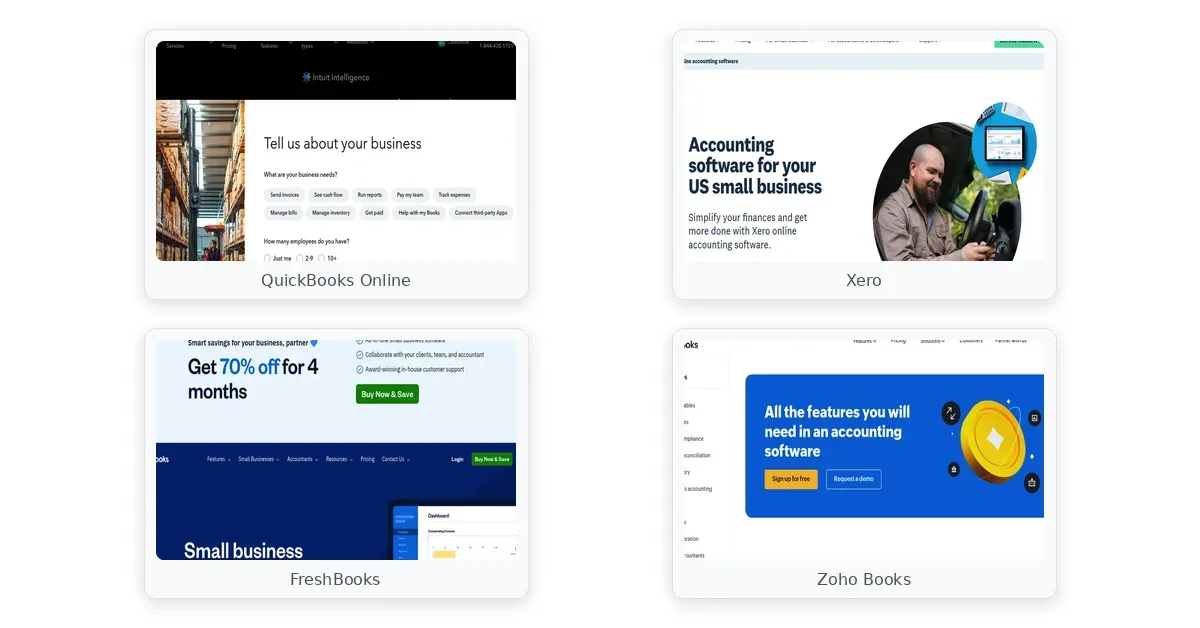
business finance software comparison — QuickBooks Online, Xero, FreshBooks
Comparison table
| Platform | Financial Reports | Multi-Currency Support | User Scalability | Key Limitation |
|---|---|---|---|---|
| QuickBooks Online | 65+ built-in reports with P&L, balance sheet, cash flow | Essentials plan ($60/mo) and above only | 1 user (Simple Start) to 5 users (Plus); 6+ needs $200/mo Advanced | User limits force expensive upgrades |
| Xero | 40+ customizable reports with forecasting | All plans include automatic exchange rate updates | Unlimited users on all tiers | Requires separate $40-100/mo payroll subscription |
| FreshBooks | 30+ report templates covering P&L and tax summaries | Available on all plans with automatic conversion | Unlimited users on all plans | Limited custom reporting vs. QuickBooks |
| Zoho Books | Custom reporting on Professional plan ($50/mo) and above | Automatic updates from Standard plan ($15/mo) | 1 user on free tier; scales with paid plans | Free tier limits: 1,000 invoices/year |
The comparison above highlights the most consequential trade-off in each platform: QuickBooks Online’s user limit ceiling, Xero’s separate payroll requirement, FreshBooks’ reporting simplicity, and Zoho’s free-tier invoice limit. Each platform makes deliberate trade-offs to hit its target audience, so your primary decision is matching your team size, revenue scale, and operational complexity to the right tier and tool.
Product reviews
QuickBooks Online
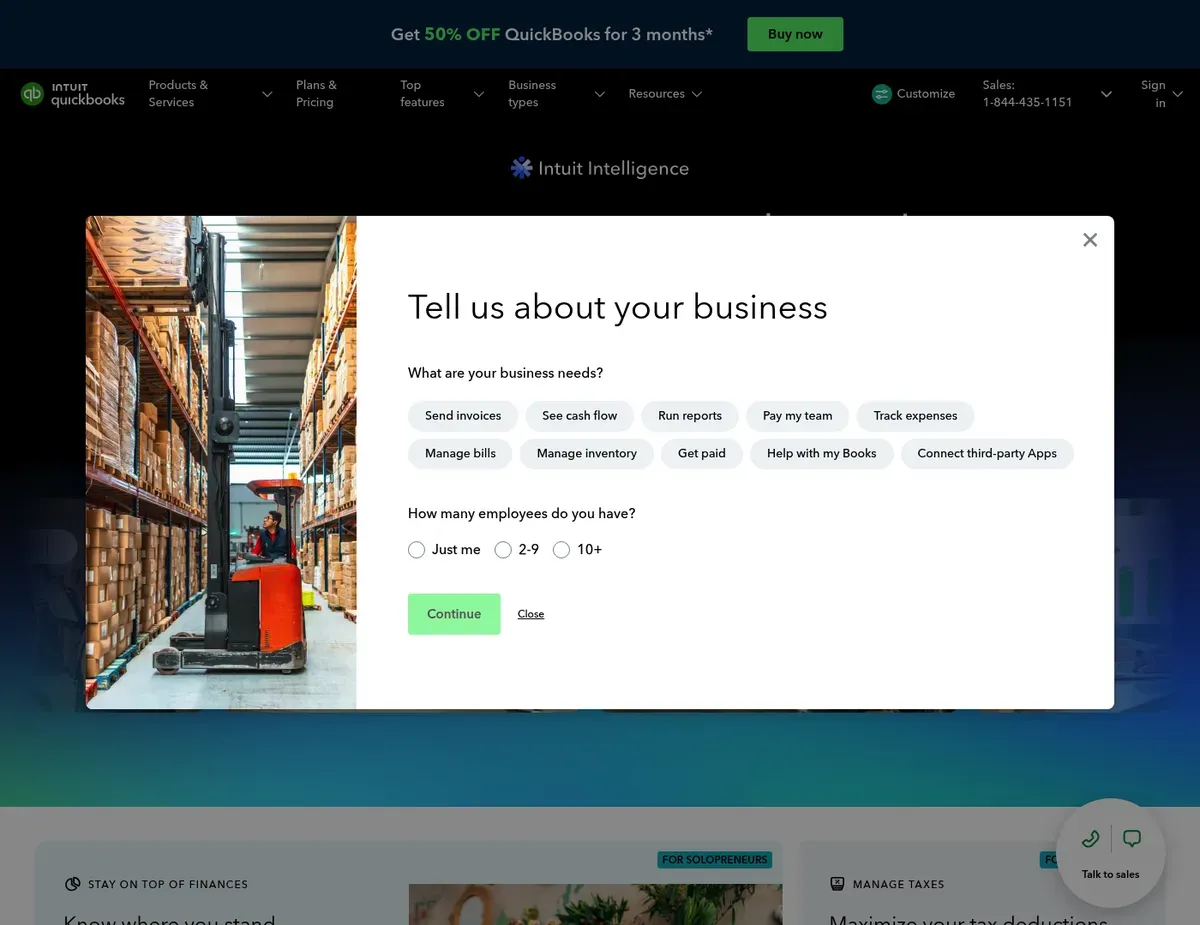
QuickBooks Online Dashboard showing profit and loss summary with bar charts comparing income vs
QuickBooks Online dominates when you need comprehensive financial reporting that passes audit scrutiny. The platform ships with 65+ built-in financial reports covering profit and loss, balance sheet, and cash flow statements—plus industry-specific chart of accounts templates for retail, construction, and professional services that save setup time.
Its bank feed reconciliation uses machine learning to improve transaction categorization over time based on your corrections, reducing the manual review work your team performs each month.
You also get a cash flow projector that models financial scenarios based on your historical transaction data, helping you forecast cash needs three to six months ahead. The budgeting tools let you set spending targets by account and compare actual results at any point in your fiscal year. For non-financial founders, this visibility into whether you’re on track to meet revenue goals or where you’ll face cash shortfalls can be the difference between proactive planning and reactive crisis management.
What’s less apparent at first glance is how the pricing structure creates cost surprises as your team grows. The Simple Start plan ($30/month) allows only 1 accountant user, forcing solopreneurs and small teams to pay $60/month for Essentials to add two more collaborators or $90/month for Plus to reach 5 total users. Businesses with 6 or more accounting staff must jump to the $200/month Advanced tier with no mid-tier options in between—a jump that catches many fast-growing companies off guard. Multi-currency invoicing is restricted to the Essentials plan and above, so freelancers on Simple Start who take a single international client must upgrade immediately. For manufacturing and product-based businesses, the lack of cost flow method options (FIFO/LIFO) in inventory management requires integration with dedicated inventory platforms like TradeGecko for accurate cost of goods sold tracking.
Best for: Growing businesses with 5-50 employees who need GAAP-compliant reporting and forecasting without the complexity of enterprise accounting software.
Not ideal for: Solopreneurs on tight budgets who find the feature density overwhelming, and international teams that need multi-currency support without paying for a higher tier.
Key trade-off: Per-seat pricing escalates faster than competitors as your finance team grows beyond 5 people. Verify that your projected team size aligns with the plan’s user limit before committing, especially if you anticipate hiring additional accounting staff within 12-18 months.
Caution: Multi-currency support availability varies by plan tier. Verify current plan inclusions at https://quickbooks.intuit.com/pricing/ before committing to a specific tier for international invoicing.
Xero
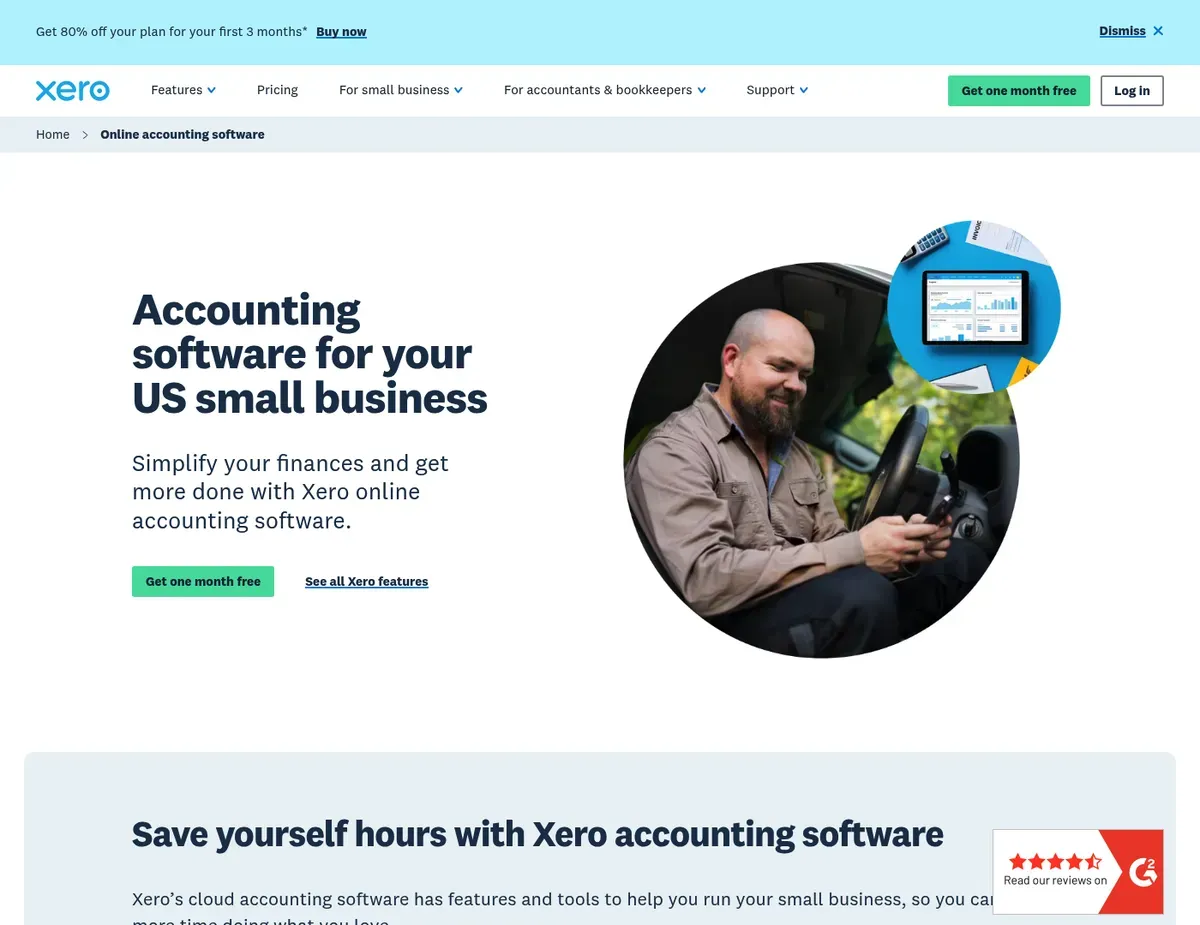
Xero Interactive dashboard with business performance graphs showing cash flow
When unlimited team access matters more than anything else, Xero removes the biggest cost trap other platforms set. Every plan tier—from the $15/month Early plan through the $70/month Established and $200/month Premium plans—includes unlimited users. This is genuinely rare in accounting software and eliminates one of the biggest financial surprises growing businesses face.
Multi-currency support also exists on all tiers with automatic daily exchange rate updates, making Xero the natural choice for businesses with international clients or remote team members in multiple countries. [2]
The ecosystem depth is impressive: over 1,000 third-party integrations including native connections to Stripe, Shopify, HubSpot, and specialized industry tools through its open API. For service-based businesses, Xero includes project tracking with cost-to-completion forecasting, so you can see real-time profitability by project as you bill. The dashboard is highly customizable, allowing finance managers to drag analytical widgets into their preferred view layout.
A significant constraint emerges for US-based payroll needs. The platform requires a separate Gusto or ADP subscription to handle W-2 employee payroll, adding $40-100+ monthly to your total software costs. This separate subscription model means your accounting system isn’t truly all-in-one. Xero’s built-in inventory management only tracks quantity and value without supporting cost flow assumptions like FIFO or LIFO, forcing manufacturing businesses to integrate with dedicated platforms like Dear Systems. One more consideration: the $70/month Established plan is required just to unlock multi-currency support, meaning a US freelancer with a single international client must pay 4.7x the entry price just to invoice in foreign currencies—a steeper barrier than platforms offering this as a standard feature at all tiers.
Best for: Businesses with international transactions, remote teams, or strong tech stacks requiring 1,000+ ecosystem integrations without per-seat cost barriers.
Not ideal for: US-based businesses wanting an all-in-one accounting solution with built-in payroll, and teams preferring simplicity over deep customization and integration options.
Key trade-off: Unlimited users come with the requirement for a separate payroll provider. If you have W-2 employees, factor the additional $40-100+ monthly payroll subscription cost into your total platform spend.
Caution: US payroll integration requires a separate third-party subscription beyond Xero’s plan cost. Verify current payroll partner pricing and integration availability at https://www.xero.com/us/payroll/ before budgeting for total accounting infrastructure costs.
FreshBooks
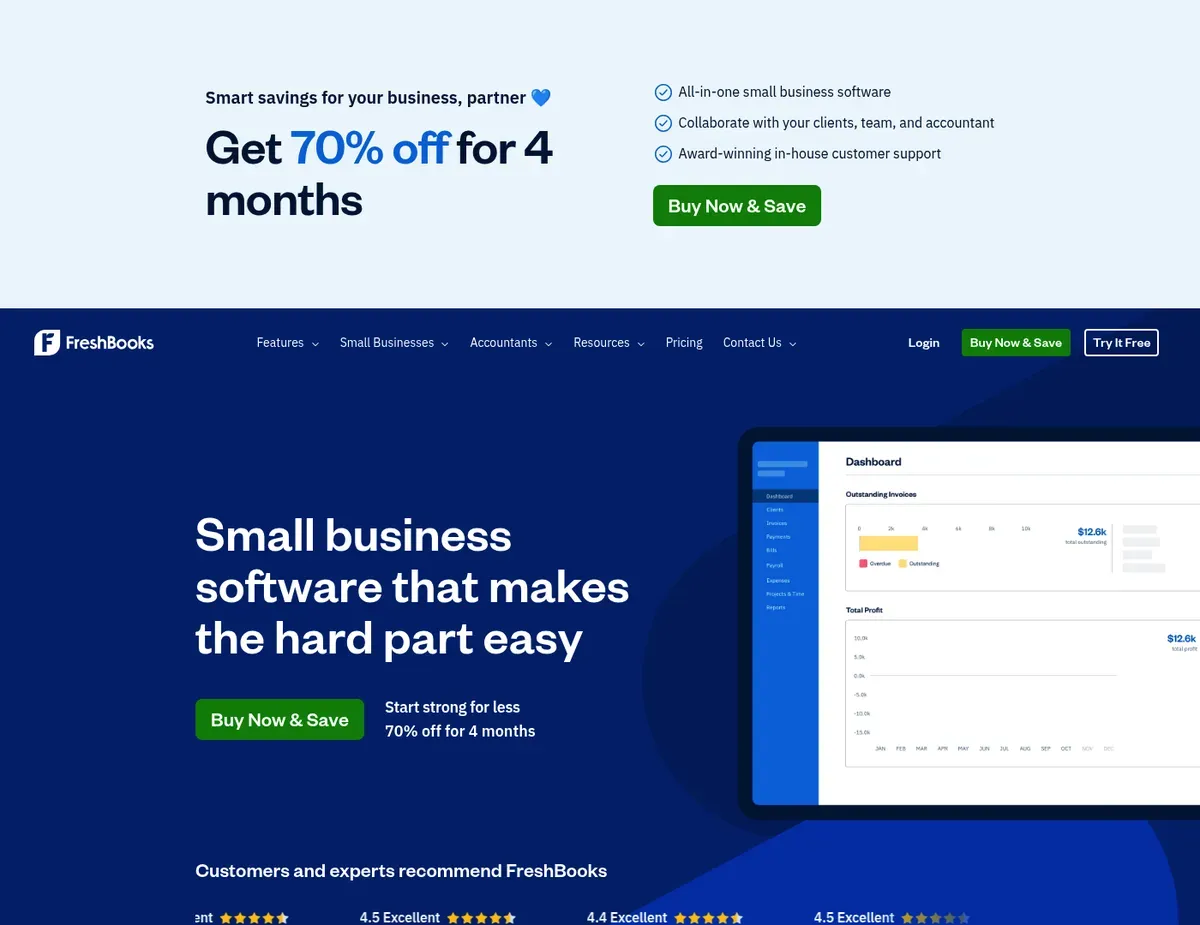
FreshBooks Invoice creation screen with drag-and-drop line items
FreshBooks is purpose-built for service-based businesses—agencies, consultants, freelancers—who bill by the hour or project and need invoicing and time tracking tightly integrated with accounting. The platform features best-in-class invoicing with automatic late payment reminders, online payment processing, and a client portal where customers can view and pay invoices directly. This client portal is a genuine payment accelerator; many service businesses see cash collection speed up by 5-10 days just by letting clients pay from the invoice link without logging into a separate system. [3]
Built-in time tracking lets you log billable hours, capture expenses with receipt scanning, and automatically generate invoices from tracked time—a workflow that saves hours for service providers who previously toggled between a time-tracking tool and a separate invoicing system. The mobile app with full invoicing, receipt capture, and time tracking functionality means you can manage finances and invoice on-the-go without desktop software. The project profitability dashboard shows revenue versus costs per project, so you can identify which client engagements are truly profitable at a glance. [4]
Where FreshBooks falls short is accounting depth. Double-entry accounting features including journal entries and bank reconciliation are only available on the Plus plan ($30/month) and above, limiting service providers on the Lite plan ($15/month) to manual expense tracking outside the system. The platform has no native inventory management or cost-of-goods-sold tracking in any tier, making it unsuitable for product-based businesses without Shopify or Square integration. Reporting is limited to 30+ templates compared to QuickBooks’ 65+, and there’s no customizable report builder—if you need a specific data view, you’ll export to spreadsheets for analysis.
Best for: Service-based businesses and solopreneurs who prioritize fast invoicing, payment collection, and time tracking over comprehensive financial reporting.
Not ideal for: Product-based businesses requiring inventory tracking and COGS calculations, and finance managers needing extensive custom reporting for data-driven analysis.
Key trade-off: Accounting depth increases with plan tier. Start on Lite ($15/month) for invoicing-focused teams, but expect to upgrade to Plus ($30/month) when you need bank reconciliation and journal entries.
Caution: Advanced accounting features including bank reconciliation and journal entries require the Plus plan or higher. Verify current plan feature boundaries at https://www.freshbooks.com/pricing before selecting a tier, as feature distribution changes with product updates.
Zoho Books
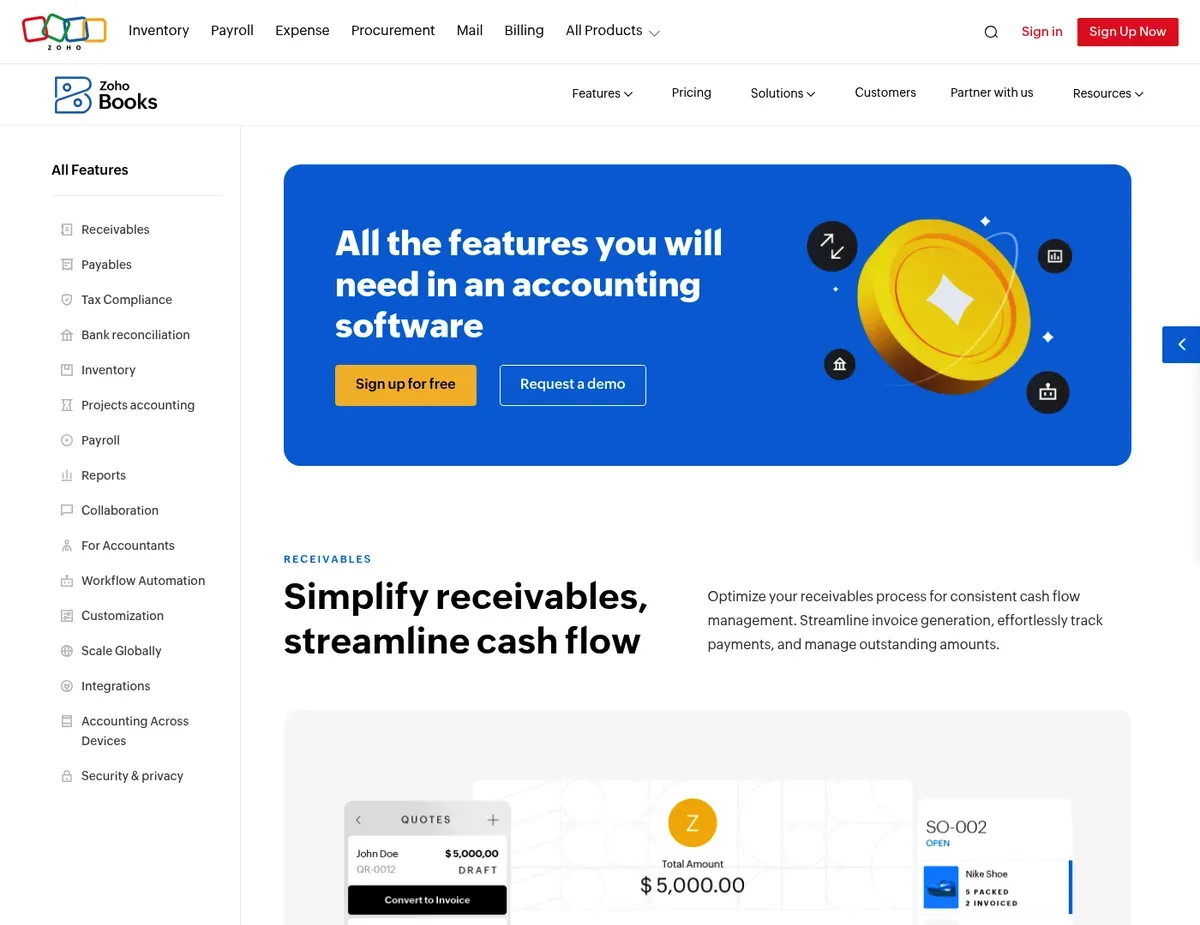
Zoho Books Financial dashboard with colored pie charts for expense breakdown by category
For micro-businesses and solopreneurs with under $50K annual revenue, Zoho Books removes the financial barrier to cloud accounting entirely. The free tier includes invoicing, expense tracking, and bank reconciliation—no hidden paywalls after 14 days or feature limitations designed to push you toward paid plans.
This genuine free tier opens the door for bootstrapped startups and side businesses to test whether cloud software beats spreadsheets without risking cash. Zoho Books also integrates natively with the full Zoho suite (CRM, Inventory, Projects) to provide end-to-end business management without data silos, making it a natural choice if you already use Zoho CRM for customer management.
The platform includes comprehensive automation workflows with auto-invoicing, payment reminders, and expense categorization rules that reduce manual bookkeeping overhead. Multi-currency support with automatic exchange rate updates is included from the Standard plan ($15/month) onward, making international invoicing accessible at low price points. Pricing overall is aggressive: $15/month for Standard, $50/month for Professional, and $100/month for Premium—roughly 40-60% less than comparable tiers from Xero or QuickBooks.
Yet Zoho Books’ free tier has hard practical limits that growing businesses quickly outgrow. The free plan restricts users to 1 and invoices to 1,000 per year, which a business with consistent monthly billing will exceed within 6-12 months. Custom reporting and budgeting features live behind the Professional plan ($50/month) paywall, forcing finance managers on lower tiers to export data to spreadsheets for analysis. Third-party integrations outside the Zoho ecosystem are limited compared to Xero’s 1,000+ integrations; there is no native HubSpot or Salesforce connection, requiring Zapier workarounds for businesses with diverse tech stacks.
Best for: Micro-businesses and solopreneurs with under $50K revenue seeking genuine free accounting software, and growing businesses already committed to the Zoho ecosystem.
Not ideal for: Businesses deeply embedded in non-Zoho ecosystems (Salesforce, HubSpot) needing native integrations, and teams larger than 3 users before reaching the Professional plan level.
Key trade-off: The free tier includes double-entry accounting and bank reconciliation—features you won’t find free in competitors—but invoice limits and single-user restrictions will require upgrading as you grow.
Caution: Free tier invoice limits and user restrictions will likely require upgrading within 6-12 months of consistent billing activity. Verify current free tier boundaries at https://www.zoho.com/books/pricing.html before committing for long-term use.
Scenario recommendations
Scenario 1 – Growing businesses with 5-50 employees needing comprehensive reporting. QuickBooks Online fits because it delivers 65+ built-in financial reports for P&L, balance sheet, and cash flow statements that satisfy auditors and tax professionals without requiring manual spreadsheet assembly. The platform’s industry-specific chart of accounts templates for retail, construction, and professional services reduce setup time and ensure you’re tracking the metrics that matter for your business model. One caveat: verify that your team size aligns with the plan’s user limits before purchasing, as growing beyond 5 users forces a jump to the $200/month Advanced tier.
Scenario 2 – Businesses with international transactions or remote teams needing multi-currency. Xero becomes particularly valuable for multi-currency needs when combined with its unlimited user model. Automatic daily exchange rate updates on all tiers (unlike QuickBooks, which gates this feature to Essentials and above) mean your P&L reflects real currency conversion gains and losses without manual adjustment. The trade-off is that US payroll integration requires a separate Gusto or ADP subscription at $40-100+ monthly, so budget for that cost if you have W-2 employees.
Scenario 3 – Service-based businesses and freelancers billing by the hour or project. FreshBooks solves the workflow friction that service businesses face daily. Built-in time tracking and auto-generated invoices from tracked billable hours mean you’re not toggling between separate tools. The mobile app with full invoicing and receipt capture functionality lets you manage billing on-the-go, and the client portal reduces payment collection friction by letting customers pay directly from the invoice link. Limitation: if you sell products or track inventory, you’ll need a Shopify or Square integration, as FreshBooks has no native inventory management.
Scenario 4 – Micro-businesses and solopreneurs under $50K revenue on tight budgets. Zoho Books delivers a genuine free tier with invoicing, expense tracking, and bank reconciliation included, eliminating the financial barrier to cloud accounting for bootstrapped startups and side businesses. The platform’s $15/month Standard plan includes multi-currency support with automatic exchange rate updates, making it accessible for freelancers with international clients at less than 1/4 the cost of comparable Xero tiers. Be aware that the free tier caps invoices at 1,000 per year and 1 user, so you’ll outgrow it within 6-12 months of consistent monthly billing; plan for the $15-50/month paid tiers as your business scales.
Setup guide
Step 1: Create an account and connect your business bank accounts. Sign up on your chosen platform and verify your business email. Once logged in, connect your primary business bank account(s) using bank feed integration—most platforms support 5,000+ US and international banks. Bank feeds eliminate manual data entry, turning a monthly reconciliation task that eats 3-4 hours into a 15-minute review of auto-categorized transactions. Authorize the secure connection once and the feed runs continuously without requiring monthly password resets.
Step 2: Set up your chart of accounts and opening balances. Import or manually configure your chart of accounts, using the platform’s industry-specific templates as a starting point (QuickBooks offers these for retail, construction, and professional services; Zoho Books includes templates for service businesses). Establish a cutoff date—typically the end of last month—and enter opening balances for each balance sheet account (checking, savings, accounts payable, owner’s equity) so your reports show accurate historical P&L from that date forward. Skip this step or get it wrong and your profitability reports will be off by thousands of dollars for months.
Step 3: Establish user permissions and roles for your team. Create user accounts for each team member who will access the software and assign permission levels: Admin (full access), Accountant (full access for financial records), Standard (invoice and expense entry only), or Limited (view-only access for stakeholders). Set these permissions before processing real transactions to ensure everyone has appropriate access without exposing sensitive financial data to staff who don’t need it. Most platforms allow 3-unlimited users depending on the tier, so confirm your plan supports your expected team size before adding accounts.
Step 4: Run a parallel test by processing one week of real transactions in both old and new systems. Use actual bank transactions, invoices, and expenses from last week to test the platform’s workflows in your real business context. Process the transactions in both your legacy system (spreadsheet, desktop software, or old cloud platform) and your new software, then reconcile the balances to confirm they match. This catches setup errors—wrong account mapping, incorrect opening balances, missing integrations—before you switch completely, preventing the catastrophic discovery of mismatched balances weeks after cutover.
Step 5: Validate automated reporting and train your team on the new workflows. Generate your key financial reports (P&L, balance sheet, cash flow) from the new platform and compare them line-by-line to your previous system, verifying that revenue, expenses, and profit figures match within $10 (allowing for rounding). Schedule a 30-minute training session with team members showing them the new invoice entry process, expense logging, time tracking (if applicable), and how to pull reports. Most platforms offer built-in tutorials and customer support for onboarding; use these resources to accelerate adoption and reduce support tickets from confused team members.
FAQ
Q: Can I switch business finance software mid-year without losing historical data?
Yes, you can migrate mid-year by exporting historical data from your old system and importing it into the new platform. Most cloud accounting software supports CSV or Excel imports for opening balances and historical transactions. The key is establishing a clear cutoff date (typically end of last month) and processing all transactions on or after that date only in the new system, while keeping your old system in read-only mode for reference. Verify that your old platform can export data in a format the new one accepts—contact vendor support if you’re uncertain about import compatibility before purchase.
Test the import on a backup copy first to catch errors (mismatched account codes, date format issues, decimal rounding) before running it on your live data.
Q: What is the best business finance software for non-accountants?
Go with FreshBooks if you’re a solopreneur or small team without accounting background, because the interface uses everyday business language (invoices, expenses, projects) rather than accounting terminology (journal entries, asset accounts, cost basis). FreshBooks prioritizes invoicing and time tracking workflows that match how service providers actually work, with auto-generated invoices from tracked billable hours and payment reminders that reduce collections friction. Zoho Books is also accessible for non-accountants, especially if your revenue is under $50K and you want to test cloud accounting free before commitment.
QuickBooks Online has more accounting jargon and feature density, which can feel overwhelming if you’ve never set up a chart of accounts or balanced a trial balance.
Q: Do these finance tools handle multi-currency and international tax compliance?
Yes, all four platforms support multi-currency transactions and automatic exchange rate updates, but the feature availability differs by tier. Xero and Zoho Books include multi-currency on all plans, while QuickBooks requires the $60/month Essentials tier or higher. FreshBooks includes multi-currency invoicing on all tiers as well.
However, international tax compliance (VAT/GST calculation, local tax reporting) depends on your country of operation—Xero and QuickBooks have stronger support for UK, Australian, and Canadian tax requirements than FreshBooks. If you operate in multiple countries with different VAT/tax rules, confirm that the platform offers native tax compliance for each country before purchasing, or plan for a tax advisor’s manual review of reports to ensure accuracy.
Q: How do forecasting capabilities differ between these top platforms?
QuickBooks Online includes a cash flow projector that models financial scenarios based on historical data, and budgeting tools that let you compare actual spending against targets by account. Xero offers budgeting with budget-vs-actual comparisons and project cost-to-completion forecasting for service businesses. FreshBooks provides limited forecasting, with no dedicated cash flow projector, so service businesses must manually build forecast models in spreadsheets. Zoho Books restricts custom budgeting and forecasting to the Professional plan ($50/month) and above, forcing lower-tier users to export data for spreadsheet analysis. For growing businesses needing accurate 90-day cash flow forecasts to manage payroll and inventory costs, QuickBooks Online or Xero are stronger choices than FreshBooks or free-tier Zoho Books.
Q: What is the safest way to validate that bank reconciliation is accurate after switching platforms?
Reach for QuickBooks Online or Xero after migration because both include machine learning-powered bank feed categorization that learns from your corrections over time, reducing manual review work. Run reconciliation for at least two months in the new platform before fully trusting the automation, making manual corrections as needed so the system learns your categorization preferences. Each correction teaches the AI to categorize similar transactions correctly next month, gradually reducing the manual review burden from hours to minutes. FreshBooks and Zoho Books offer bank feed reconciliation but with less sophisticated automation, so plan for more manual categorization work if you choose those platforms.
Final verdict
QuickBooks Online emerges as the top choice for comprehensive reporting and GAAP compliance because the 65+ built-in financial reports, industry-specific chart of accounts, and cash flow projector deliver audit-ready financial statements without requiring spreadsheet assembly or outside accounting consultation. The platform’s machine learning-powered bank feed reconciliation cuts manual transaction review from hours to minutes monthly. The trade-off is per-seat pricing that forces a $200/month upgrade when your accounting team exceeds 5 people; budget-conscious teams should start on Essentials ($60/month) and plan for potential escalation.
Xero is the strongest alternative for businesses with international transactions or unlimited team collaboration needs, since unlimited users across all tiers and automatic multi-currency exchange rates prevent hidden cost escalation as you grow. The requirement for a separate payroll subscription (Gusto or ADP at $40-100+/month) adds to total infrastructure cost, making this better suited for businesses that already use a standalone payroll provider or have no W-2 employees.
FreshBooks is the pick for service-based businesses and freelancers who bill by the hour or project, because integrated time tracking, invoicing, and receipt capture eliminate the workflow friction of toggling between separate tools. The mobile app and client payment portal accelerate cash collection, while the project profitability dashboard shows which engagements are truly profitable.
Zoho Books earns consideration for micro-businesses under $50K revenue wanting genuine free accounting software with invoicing and bank reconciliation included. The free tier removes financial barriers for bootstrapped startups, and the $15/month Standard plan with multi-currency support is the most aggressive pricing in the market. However, plan to upgrade to paid tiers within 6-12 months as your invoice volume and team size exceed free-tier limits.
Your final decision depends on three factors: team size (QuickBooks and Xero for 5+ users; FreshBooks and Zoho for solopreneurs), business model (FreshBooks for service-based; QuickBooks or Zoho for all types), and budget (Zoho for under $50K revenue; QuickBooks or Xero for growth-stage). Run a 7-day parallel test with real transactions in your top two choices before committing, to validate that workflows feel natural and reporting matches your expectations.
Sources
- ↑ Xero — features page — https://www.xero.com/us/features/
- ↑ Xero — features page — https://www.xero.com/us/features/
- ↑ FreshBooks — features page — https://www.freshbooks.com/features
- ↑ FreshBooks — features page — https://www.freshbooks.com/features

Leave a Reply