
hr software small business Employee directory grid with profile cards showing photo
TL;DR: Small businesses juggling payroll, compliance, and HR workflows on tight budgets should start with Gusto for its transparent per-employee pricing and bundled payroll-plus-HR approach. If you’re operating on zero budget, HubSpot Free HR gets you started. Teams managing remote employees at scale who need IT device provisioning alongside HR should evaluate Rippling, despite its opaque pricing.
How we evaluated these tools
Small business owners and HR managers face a concrete problem: you need to onboard employees, track time off, file compliance paperwork, and manage payroll—often without a dedicated HR department. We evaluated four leading platforms based on how they solve this tension for teams of 5–100 employees working with limited budgets, non-technical administrators, and multi-state compliance obligations.
Our evaluation focused on these key decision points:
All-in-one payroll and HR platform cost — Whether payroll processing is included in base plans or requires separate purchase, and the monthly cost for small teams of 5–50 employees.
Setup speed for non-technical administrators — How quickly a solo HR manager without IT support can configure the platform, import employee data, and launch onboarding workflows without hiring an implementation specialist.
Built-in compliance and new hire reporting across multiple states — Automated federal and state tax filing, new hire reporting, and I-9 verification for companies hiring across multiple states without dedicated HR staff. [1]
IT device management and app provisioning included — Whether the platform includes laptop provisioning, security policy enforcement, and app access management without requiring a separate MDM solution.
Pre-built integrations with payroll processors and communication tools — Availability of pre-built connectors to Gusto, QuickBooks, ADP, Slack, Teams, and other tools already in use by small businesses without custom API configuration.
Free tier availability and feature completeness — Whether the platform offers a permanent free tier with core HR features, and what limitations apply for teams of 5–100 employees on tight budgets.
Our analysis is based on official product pages, public pricing documentation, vendor feature pages, and structured product comparisons across these six decision axes.
HR software pricing and feature availability change frequently—verify current rates and plan details at each vendor’s pricing page before committing to a contract. Last reviewed: 2026-04-30
What matters when choosing hr software small business
Selecting HR software for a small business requires weighing competing priorities: you need tools that handle payroll and compliance without forcing you into enterprise-grade complexity, integrate with the systems you already use, and fit within a budget where every $20/month matters. The right platform depends on which operational tensions your team faces most acutely.
Payroll integration vs. flexibility. If you already use a payroll processor like QuickBooks or ADP, you may prefer an HR-only platform like BambooHR that integrates via pre-built connectors rather than forcing you to switch vendors. Conversely, if you want a single vendor managing both payroll and HR to reduce setup friction, Gusto bundles them together but commits you to their payroll processing. Small businesses often underestimate the cost of running dual vendors—API sync failures, duplicate data entry, and separate billing cycles compound over time.
Compliance automation vs. manual oversight. Teams hiring across multiple states face a compliance burden: new hire reporting, I-9 verification, state tax filing, and benefits administration must all comply with local rules. Platforms like Gusto and Rippling automate much of this; HubSpot Free HR does not. If your team is small and stays in one state, manual compliance may be acceptable. If you’re scaling across multiple states, automated compliance becomes a cost-saver—one wrong filing can trigger penalties exceeding your annual software budget.
Setup speed vs. customization depth. A non-technical HR manager needs to configure onboarding workflows, upload employee data, and launch the platform in under a day. BambooHR excels here with its visual interface and pre-built checklists. Rippling’s breadth of features (HR + IT + Finance) creates a steeper learning curve and typically requires a dedicated implementation partner. Gusto falls between—easy for basic payroll setup but custom workflows require the Premium tier. HubSpot Free HR is the fastest to deploy but lacks payroll and compliance automation.
Cost transparency vs. feature bundling. Gusto publishes per-employee pricing upfront ($40/month base + $12/employee for standard payroll). BambooHR and Rippling require sales conversations, making budget comparison impossible until after a demo. HubSpot Free HR offers genuine zero-cost core HR but requires integrations for payroll and benefits. Small businesses with tight cash flow need upfront cost visibility to avoid surprise implementation costs or locked-in annual contracts.
These tensions shape which platform wins for your specific team size, workflow, and budget constraint. The sections below help you map your priorities to the right tool.
Comparison table
The table below compares each product across pricing, setup speed, compliance capabilities, and free tier availability.
| Product | Pricing Model | Setup Speed | Compliance & New Hire Reporting | Free Tier |
|---|---|---|---|---|
| Gusto | $40/mo base + $12/employee; includes payroll | 1–2 days for basic setup; custom workflows require Premium tier | Automated tax filing, I-9 verification, new hire reporting across all 50 states | Paid-only; no free tier |
| BambooHR | $100–150/mo estimated; payroll is add-on module | Under 30 minutes; intuitive onboarding builder | Limited; focuses on HR workflows; compliance add-ons separate | Paid-only; no permanent free tier |
| Rippling | Enterprise quote-based; includes HR, IT, payroll | 2–4 weeks; requires onboarding specialist due to platform breadth | Comprehensive automated compliance across all 50 states | Paid-only; no free tier |
| HubSpot Free HR | Free forever for core HR; payroll requires integration | 15 minutes; integrates with existing HubSpot workflows | Lacks built-in compliance; requires separate payroll integration | Genuine free tier with no employee limits |
The comparison above summarizes the core trade-offs across pricing, time-to-value, regulatory fit, and budget ceiling. The choice hinges on whether you prioritize speed (HubSpot), compliance automation (Gusto or Rippling), ease of use (BambooHR), or zero cost (HubSpot Free HR). Read the detailed product reviews below to understand the specific strengths and limitations of each option.
Product reviews
Gusto
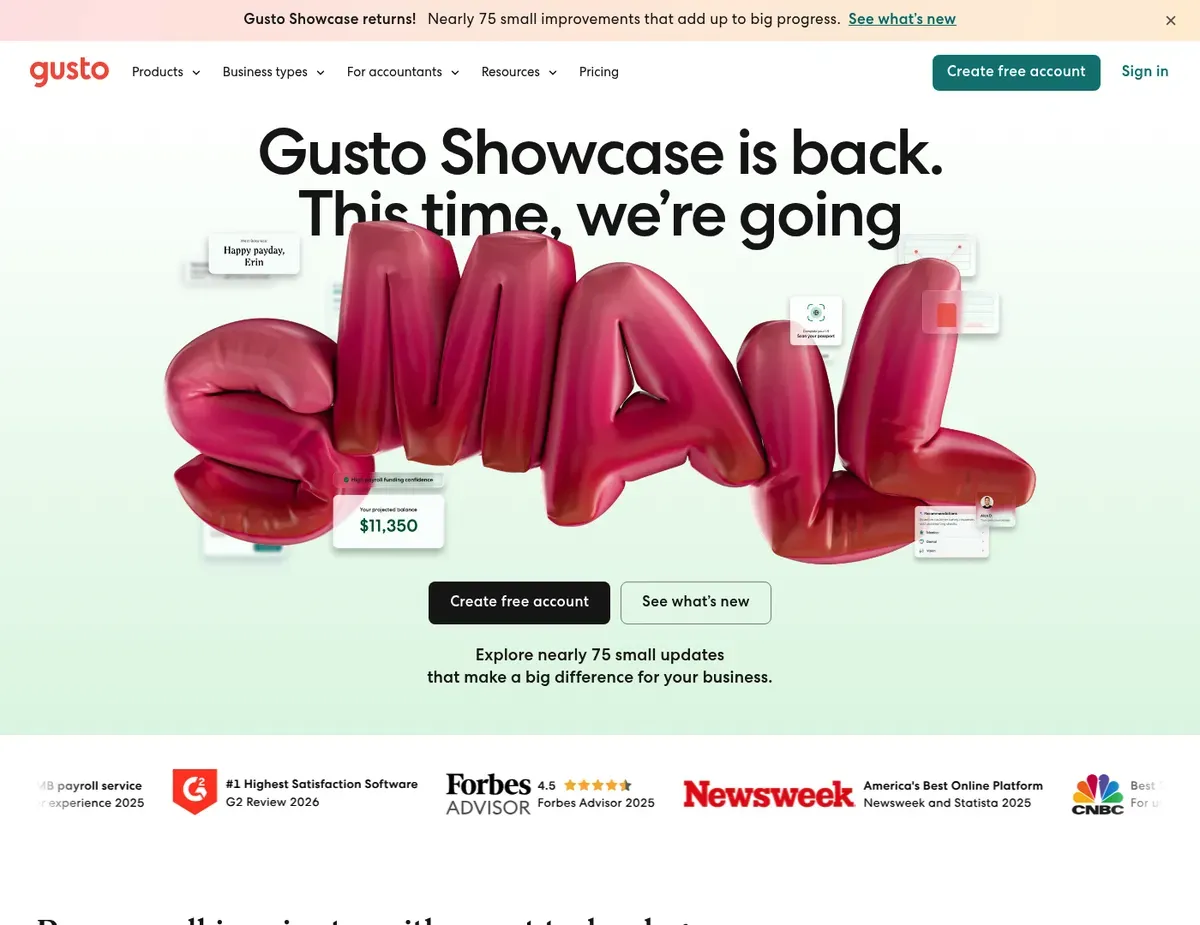
Gusto Employee directory grid with profile cards showing photo
Gusto eliminates the complexity of managing separate payroll and HR vendors. Onboarding, payroll, tax filing, compliance, and benefits all live in one system with a single login. The platform handles automated federal and state tax filing in its base plans, removes the need for a separate payroll processor, and provides an employee self-service portal where team members update direct deposit, download pay stubs, and request PTO without flagging down a manager.
For teams of 10–50 employees, consolidating what would otherwise be two vendors (payroll processor plus HRIS) into one contract reduces operational friction significantly.
Gusto’s commonly cited strengths include its built-in compliance tooling and integrated time tracking, though advanced workflows require higher-tier plans. New hire reporting, I-9 verification, and benefits administration work across all 50 states without manual paperwork—critical for companies scaling across multiple states or those without dedicated HR staff. For hourly teams, integrated time tracking with GPS geofencing feeds hours directly into payroll runs. This eliminates the spreadsheet workaround that kills small business HR productivity. The self-service portal reduces administrative burden: employees manage their own direct deposit, benefits elections, and PTO requests without constantly asking the HR manager for help. For teams struggling with manual time tracking or managing a separate payroll processor, these features deliver measurable operational savings. [2]
Gusto’s limitations center on feature gating and lack of performance management depth. The Core plan ($40/month base + $12/employee) handles basic payroll and compliance. Custom onboarding checklists and workflow automation live behind the Plus plan at $80/month base plus $12/employee—a 100% cost increase for teams wanting more than basic payroll.
Custom workflows and the full onboarding builder sit even further behind the Premium tier with custom pricing not publicly listed. Gusto also lacks a built-in performance management module. Teams needing 360-degree reviews, goal tracking, or eNPS surveys must use the Lattice integration or manage reviews manually in spreadsheets. For companies with complex performance review cycles or those scaling beyond 50 employees, this gap becomes costly—adding Lattice or another performance tool creates a second vendor relationship and integration point.
Best for: Small businesses wanting payroll and HR in a single platform without managing separate vendor relationships, and teams with 10–50 employees who need automated tax filing and compliance across multiple states.
Not ideal for: Teams under 10 employees on a zero-dollar budget (payroll requires paid subscription starting at $40/month base), and companies with structured performance review cycles requiring built-in 360-degree feedback and OKR tracking.
Unlike HubSpot Free HR, Gusto requires a paid subscription for any team size. Micro-businesses on zero budgets must use HubSpot’s free core HR module and integrate with a separate payroll tool. Gusto’s custom onboarding checklists and workflow builder are gated behind the Premium plan with custom pricing not publicly listed—verify current pricing and plan tiers at https://gusto.com/pricing before committing to understand the true cost of custom workflows for your team size.
BambooHR
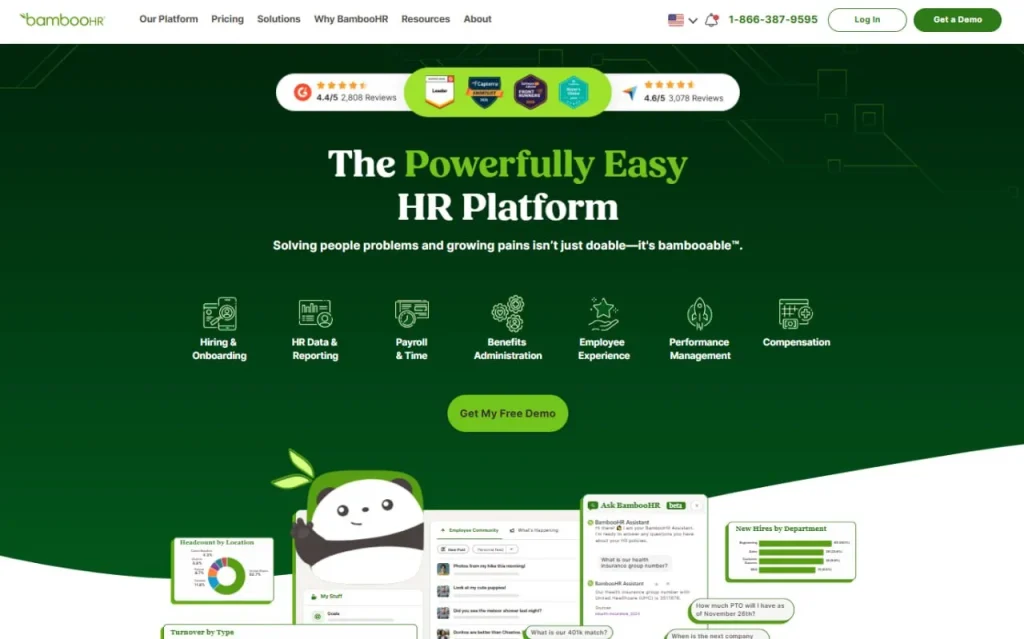
BambooHR Employee information database with customizable fields and filterable table view
BambooHR solves a specific pain point: getting new hires processed and onboarded in under 30 minutes without IT support or complex configuration. The platform’s defining strength is its industry-leading onboarding experience. Customizable checklists, electronic document signing, and automated task assignment remove the friction that kills small HR teams.
For HR managers juggling multiple new hires during growth periods, this speed eliminates a major time sink. The platform’s visual interface surfaces pending tasks, time-off requests, and employee anniversaries in a dashboard that requires no training to navigate. BambooHR’s built-in performance management module supports self-assessments, peer reviews, and manager evaluations without third-party integrations—a critical advantage over Gusto for companies running structured annual reviews or 360-degree feedback cycles.
BambooHR’s core limitation is its pricing structure: payroll processing is an add-on module with separate pricing, time tracking requires another add-on, and API access for custom integrations is restricted to higher-tier plans. For teams needing unified HR plus payroll in one subscription, this creates a dual-vendor management burden and hidden costs that only surface after a sales conversation. A team of 20 employees might budget $100–150/month for the core HRIS, then discover that adding payroll, time tracking, and custom integrations doubles that cost to $250–300/month—a shock for small businesses planning based on initial quotes.
Additionally, BambooHR’s compliance and new hire reporting across multiple states is not fully automated. Companies need manual processes or separate integrations to handle state-specific tax filing and I-9 verification. The platform excels at HR workflows but forces teams to manage payroll compliance elsewhere. [3]
Best for: Teams of 15–75 employees who need strong onboarding and performance review workflows, already have a payroll processor in place, and prioritize ease of use over advanced automation or IT management features.
Not ideal for: Teams wanting unified payroll and HR from a single vendor without managing add-on modules and dual pricing, and companies needing built-in automated compliance reporting across multiple states.
Unlike Gusto, BambooHR treats payroll as an optional add-on rather than a core included feature. This flexibility works well if you already have a payroll provider, but requires dual-vendor management for teams starting from scratch. BambooHR’s pricing is not publicly listed and requires a sales conversation, making total cost for teams of 5–100 employees opaque—verify current rates and confirm which features require add-on modules at https://bamboohr.com/pricing before committing to ensure your cost estimate is complete.
Rippling
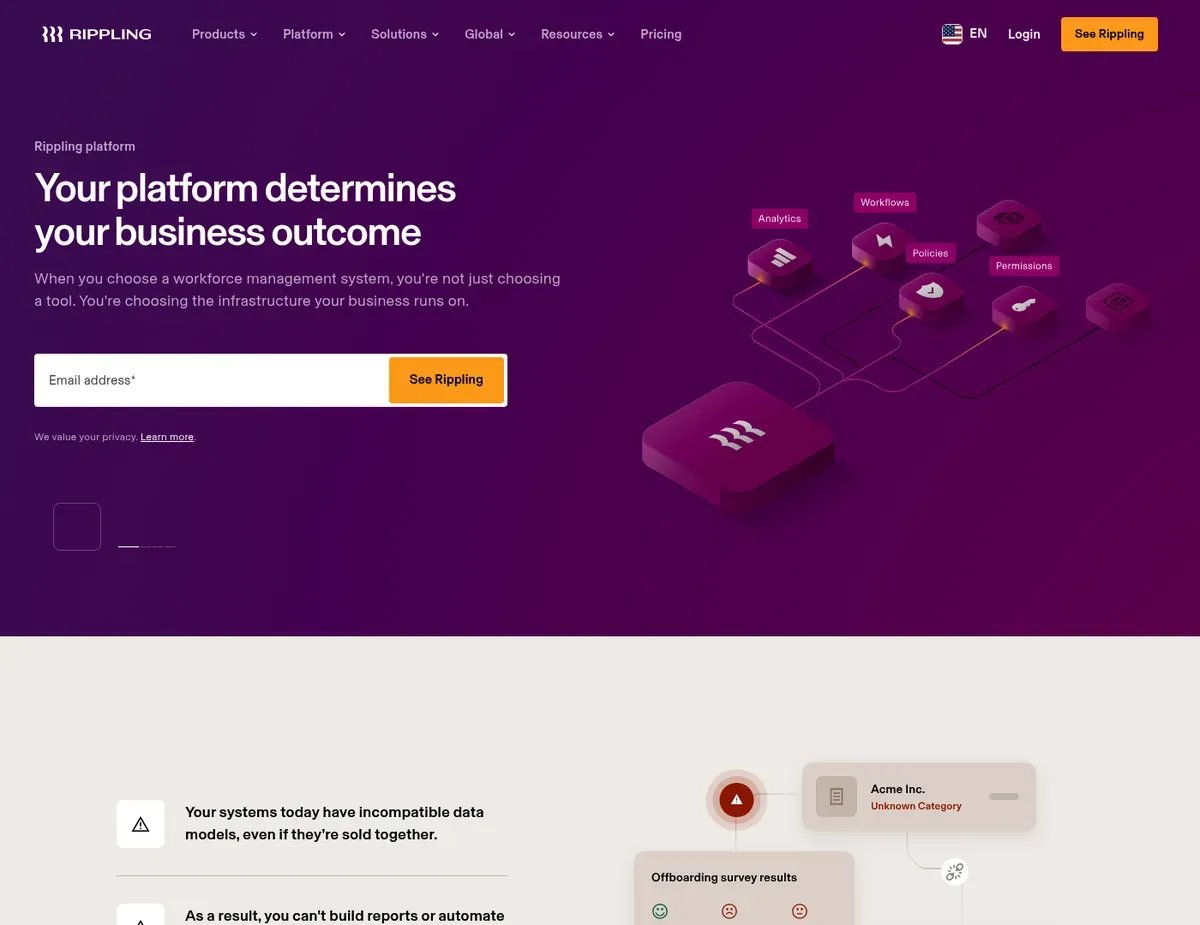
Rippling Unified employee management dashboard showing HR
Rippling handles more than just HR. It unifies HR, IT, and finance operations in a single platform—a capability that most HR software competitors do not offer. During onboarding, Rippling simultaneously provisions laptops, creates email accounts, enrolls employees in benefits, and adds them to payroll in one workflow.
For mid-market companies scaling from 20 to 100 employees and managing remote or hybrid teams, this unified capability eliminates the coordination nightmare of juggling multiple vendors: no separate MDM solution, no manual IT tickets for app access, no waiting for HR to sync employee data to the payroll system. Rippling’s automated device management reportedly includes remote wipe, security policy enforcement, and inventory tracking—capabilities that normally live behind a separate $5–15/month per-device subscription with mobile device management tools. For IT-heavy organizations or those with strict security compliance requirements, embedding device management into the core HR platform reduces both cost and operational friction. [4]
Rippling’s limitations center on pricing opacity, steep learning curves, and minimum team size thresholds that exclude early-stage teams. Pricing is entirely quote-based with no transparent self-serve calculator—you cannot compare budgets across vendors without a sales conversation, a major red flag for budget-conscious small businesses. The breadth of features (HR + IT + Finance) creates a steeper implementation curve than single-purpose competitors.
Setup typically requires a dedicated onboarding specialist rather than a non-technical HR manager running setup independently. Additionally, minimum contract and employee thresholds are not publicly documented, creating barriers for teams under 10 employees who might want to pilot the platform before full commitment. For companies already satisfied with their current payroll processor or those with standalone IT management, Rippling’s bundled approach forces you to pay for capabilities you may not use.
Best for: Companies with 20–100 employees who want unified HR and IT management in a single platform, and organizations with remote or hybrid teams needing automated device provisioning and security policy enforcement as part of core onboarding.
Not ideal for: Teams under 10 employees who need simple HR tracking without IT management complexity and do not want opaque enterprise-style pricing, and budget-conscious small businesses who need transparent per-employee pricing visible without a sales demo.
Unlike Gusto, Rippling includes IT device management and app provisioning alongside HR. Teams wanting unified employee lifecycle management get more capability but face higher costs and complexity if they only need HR functions. Rippling’s pricing is entirely quote-based with no transparency about what features are included at different price points—verify current rates and confirm minimum contract terms at https://rippling.com/pricing before committing to ensure small-business readers understand the onboarding commitment required.
HubSpot Free HR
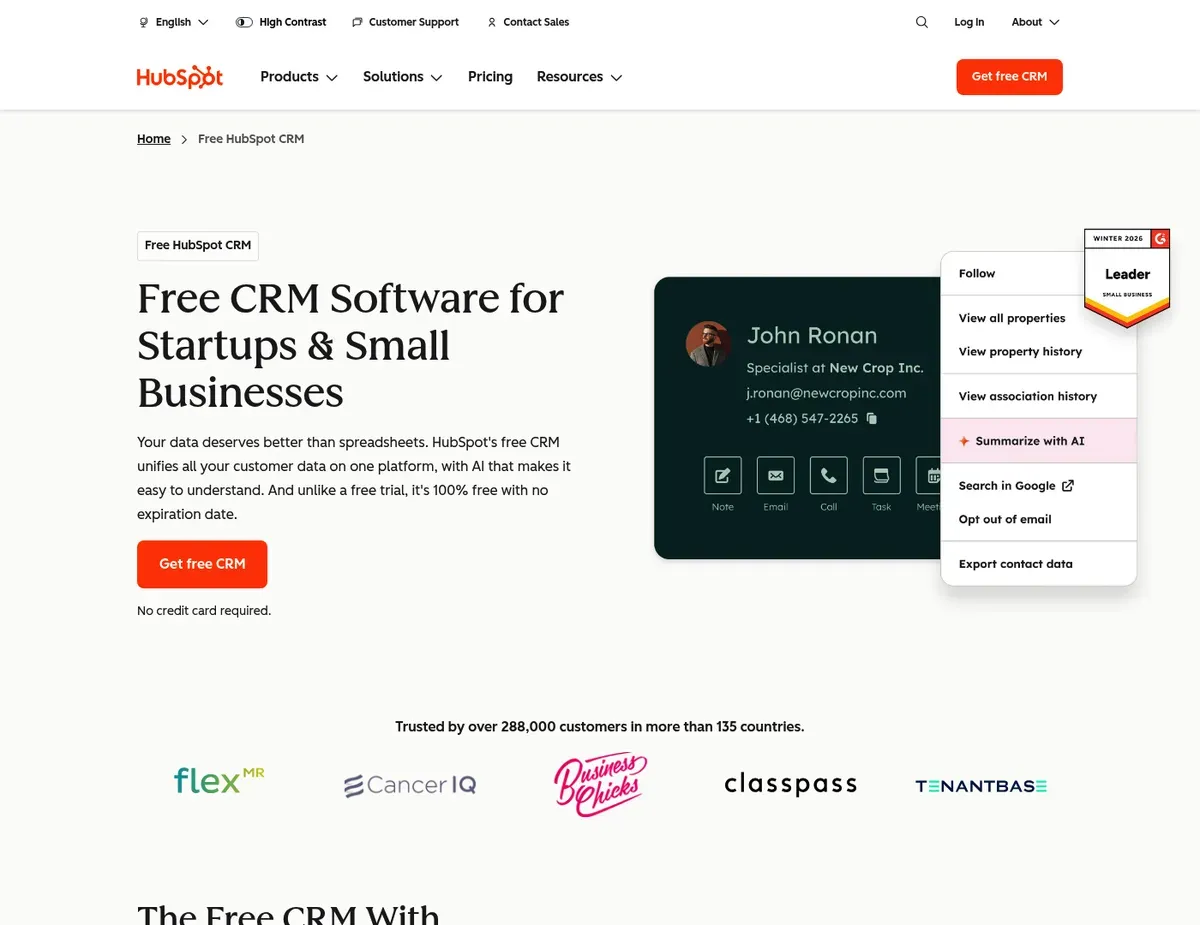
HubSpot Free HR Employee records grid within HubSpot CRM interface showing contact details
For micro-businesses and startups under 10 employees, HubSpot Free HR removes the paywall entirely. Core HR functionality—employee records, onboarding checklists, time-off tracking—is genuinely free with no employee limits or time restrictions. This is not a restricted trial tier that expires after 30 days; it is a permanent free module available to any HubSpot user.
For founders bootstrapping on zero budget, HubSpot Free HR provides employee data centralization with organizational features that basic spreadsheets lack. The tight integration with HubSpot’s CRM means HR data connects to sales and marketing workflows—useful for companies already using HubSpot as their central business system and wanting to avoid another login, another vendor relationship, and another monthly bill. The employee self-service portal allows team members to request PTO and view their own information without requiring manager intervention for routine tasks.
HubSpot Free HR’s limitations are severe for any team needing payroll, benefits, or performance management. The platform lacks built-in payroll processing entirely—you must integrate with a separate payroll provider such as Gusto or QuickBooks and manage employee compensation workflows outside HubSpot. There is no benefits administration module.
Teams offering health insurance, dental, or vision plans must use a separate benefits platform and manually sync enrollment data back into HubSpot. Performance management features are essentially absent at the free tier—no built-in 360-degree reviews, goal tracking, or employee satisfaction surveys. For teams needing structured annual reviews or those scaling beyond 10 employees, HubSpot Free HR becomes a fragment of a larger system that must be assembled from multiple vendors.
Best for: Micro-businesses and startups under 10 employees who need core HR tracking at zero cost and don’t yet require payroll, benefits administration, or performance reviews, and companies already using HubSpot CRM who want HR data in the same ecosystem.
Not ideal for: Teams wanting unified payroll, benefits, and HR from a single platform without managing integrations and separate vendors, and organizations with complex compliance requirements across multiple states who need automated new hire reporting and tax filing.
Unlike Gusto, HubSpot Free HR does not include payroll processing. Teams wanting employee compensation handled in the same system must pay for Gusto, BambooHR (with add-on), or Rippling and manage a payroll integration. HubSpot Free HR’s integration capabilities with payroll processors and communication tools are not fully enumerated on the public product page—verify specific connector availability at https://hubspot.com/products/crm before committing to confirm that your intended payroll provider integrates smoothly with the free HR module.
Scenario recommendations
Scenario 1 – Solo founder with 3–5 employees bootstrapping on zero budget: Go with HubSpot Free HR when your team is under five people, you have no budget for payroll software, and you want to centralize employee data without adding monthly fees. The free tier includes basic employee records and onboarding checklists, letting you track who you hired and what documents they signed. You will need to pair it with a separate free or low-cost payroll tool like Wise or Wave Accounting to handle actual wage payments, but HubSpot provides the employee data backbone at zero cost. The major caveat is that HubSpot Free HR lacks compliance automation—if you’re hiring across multiple states, you’ll need to manually file new hire paperwork and I-9 documents yourself or use a separate compliance service.
Scenario 2 – Growing team of 10–20 employees with a payroll processor already in place: Stick with BambooHR if you already use QuickBooks or ADP for payroll and want an intuitive HRIS for onboarding and performance reviews without switching payroll vendors. BambooHR’s onboarding workflows and performance management features deliver the best-in-class experience for non-technical admin work—you can configure the entire platform in an afternoon without implementation help. The add-on payroll module is optional, so you keep paying your existing payroll processor while using BambooHR as pure HRIS. One caveat: BambooHR doesn’t automate multi-state compliance, so if you’re hiring people in different states, you still need to manage state tax filing separately or integrate a compliance tool.
Scenario 3 – Team of 25–50 employees wanting payroll and HR bundled in one platform: Reach for Gusto when you’re scaling beyond 20 people, want payroll and HR in a single vendor to reduce setup complexity, and can commit to predictable per-employee costs. Gusto’s automated tax filing, I-9 verification, and new hire reporting across all 50 states eliminate the compliance manual labor that kills small HR managers’ productivity. The integrated time tracking with GPS geofencing is a major win for teams with hourly employees—hours flow directly into payroll without spreadsheet import errors. One limitation: if you need advanced performance management features beyond basic onboarding, Gusto requires the Lattice integration, adding another vendor to your stack.
Scenario 4 – Remote-first company of 40–80 employees needing IT device management and unified workflow: Make the commitment to Rippling when your team is large enough to justify the implementation complexity and you need to manage not just HR but also IT device provisioning and app access in one platform. Rippling eliminates coordination chaos: onboard a new hire once, and their laptop provisions, email creates, benefits enroll, and payroll records populate automatically. For distributed teams or those with strict security compliance requirements, unified device management is worth the opaque pricing and sales conversation. The trade-off is that implementation requires a dedicated specialist—you cannot set up Rippling yourself in an afternoon like you can with BambooHR or Gusto. Rippling is overkill for teams under 30 people who just need basic HR and already have a separate IT management process.
Setup guide
Follow these steps to configure and launch your chosen HR platform.
Step 1: Audit your current HR data and compliance requirements. Before switching to any platform, catalog what HR data you currently maintain—employee records, tax withholding forms, benefits elections, time-off balances—and where they live (spreadsheets, email, previous HR software). Identify which states you hire in and document your current compliance process: how do you file new hire reports, I-9 verifications, and state tax returns? This audit prevents the most common setup mistake—discovering mid-implementation that critical employee data doesn’t match between your old system and the new platform, or that you need a feature gated behind a higher-tier plan than you budgeted. Spend 1–2 hours on this audit. It saves 5+ hours of implementation frustration.
Step 2: Choose your platform based on payroll integration and compliance needs. If you already have a payroll processor (QuickBooks, ADP, Wave), verify that your chosen HR platform integrates with it before signing any contract—this prevents the costly switch of payroll vendors. If you’re hiring across multiple states and lack compliance expertise, prioritize platforms with automated new hire reporting and tax filing (Gusto or Rippling). If you’re bootstrapping on zero budget, HubSpot Free HR is the only option that doesn’t require a paid subscription. Run through the four scenarios above to map your situation to a platform. Then schedule a 15-minute product tour to confirm the integration exists and pricing matches your budget.
Step 3: Export and reformat your employee data before the import. Most HR platforms expect employee files in a specific format (CSV, Excel), with columns for first name, last name, email, department, job title, start date, and salary. Spend 30 minutes exporting your employee data from spreadsheets or your old HR system and creating a test import file. The platform will validate this file and surface errors—missing email addresses, duplicate records, dates in the wrong format—before you import into the live system. This test run prevents data corruption that would require manual cleanup later.
Step 4: Configure onboarding workflows and document requirements for your team. Gusto, BambooHR, and Rippling all include onboarding checklist builders that automate task assignment and progress tracking. Spend 1–2 hours documenting what documents every new hire needs to sign (offer letter, confidentiality agreement, benefits enrollment, tax forms), which manager reviews and approves each task, and what self-service tasks employees complete themselves. This configuration happens once and then scales across every new hire—time spent here is an investment that eliminates manual process repetition. If using HubSpot Free HR, you will need to build this workflow using external tools or spreadsheet templates since the free tier lacks advanced onboarding automation.
Step 5: Pilot the platform with 2–3 new hires before full rollout. Before switching your entire employee database to the new system, onboard 2–3 new hires using the new platform while keeping your old system running in parallel. This pilot surfaces real-world friction that demos never reveal: Does time tracking integrate correctly with payroll? Can employees self-enroll in benefits without calling the HR manager? Does the new hire portal actually work on mobile? After the pilot hiring cycle, run a sync audit—confirm that all employee data in the new platform matches your source of truth and that payroll processed correctly. Only after a successful pilot should you migrate your entire employee database and decommission the old system.
FAQ
Q: Can I get HR software for my small business for free?
Yes, but with significant limitations. HubSpot Free HR is the only genuinely free HR platform with no employee caps or time restrictions, providing employee records, onboarding checklists, and time-off tracking at zero cost. However, it lacks payroll processing, benefits administration, and automated compliance—you will need to integrate with separate payroll and benefits tools to create a complete HR system. For teams under 10 employees who need only basic employee data centralization and can manage payroll separately, HubSpot Free HR solves the core problem at zero cost. Teams needing payroll or compliance automation must commit to paid platforms like Gusto (starting at $40/month base) or BambooHR (estimated $100–150/month). For businesses growing beyond basic employee tracking, the free tier is a foundation requiring additional tools for payroll and compliance.
Q: How much does HR software typically cost per month for a small team?
Small-business HR software costs range from $0 (HubSpot Free HR) to $150+/month depending on features and team size. Gusto starts at $40/month base plus $12/employee for basic payroll and HR—a team of 10 costs roughly $160/month, and a team of 25 costs roughly $340/month. BambooHR estimates $100–150/month for the core HRIS, with additional charges for payroll and time tracking add-ons that can double the cost. Rippling and high-end platforms require custom quotes but typically run $150+/month minimum for teams over 20 employees. Budget conservatively: the published base price often excludes add-ons (payroll modules, compliance features, integrations) that teams discover they need mid-implementation. Verify total cost including all necessary add-ons at vendor pricing pages before committing.
Q: Do I need payroll built into my HR platform, or is integration enough?
Integration is sufficient if you already use a separate payroll processor that you trust and want to keep, but bundled payroll eliminates one vendor relationship and reduces sync failures. If you’re starting from scratch, bundled payroll (Gusto, Rippling) streamlines onboarding because new hire data flows directly from HR to payroll without manual import. If you’re switching platforms but keeping your current payroll processor, integration via pre-built connectors (BambooHR + QuickBooks) works fine and lets you avoid re-implementing payroll unnecessarily. The trade-off: bundled payroll forces you to switch payroll vendors if you ever want to leave the HR platform, while integration keeps payroll portability but requires managing two separate systems. For teams under 25 employees, the simplified setup of bundled payroll (Gusto) usually wins. For teams with complex payroll requirements or those already locked into a payroll vendor, integration-only HRIS (BambooHR) is the right call.
Q: How long does it take to implement HR software for a small business?
Setup time ranges from 15 minutes (HubSpot Free HR) to 4+ weeks (Rippling) depending on platform complexity and your team size. HubSpot Free HR can be configured in 15 minutes—create your account, add employees, and start—but lacks payroll and compliance features. Gusto and BambooHR typically take 1–2 days: a non-technical HR manager can configure onboarding workflows, import employee data, and go live in an afternoon. Rippling requires 2–4 weeks and a dedicated onboarding specialist due to its breadth of features (HR + IT + Finance); implementation complexity is the trade-off for unified device provisioning and IT management. Plan for 3–5 additional hours if you need to export, reformat, and validate your existing employee data before import. The biggest implementation delays come from data quality issues (duplicate records, missing information) discovered during import—audit your employee data upfront to prevent this.
Q: What’s the easiest HR software to set up without an IT team?
BambooHR is the easiest platform for non-technical HR managers because its visual interface requires no coding or IT support to configure onboarding workflows, employee records, and performance reviews. The platform’s drag-and-drop checklist builder and intuitive dashboard make setup self-guided—most HR managers complete configuration in under 30 minutes without external help. Gusto is a close second for ease of use but requires the Plus or Premium plan for custom onboarding workflows; the Core plan is limited to basic payroll setup. HubSpot Free HR is fastest to deploy (15 minutes) but lacks HR-specific automation like custom onboarding workflows. Rippling requires the most IT involvement because its breadth of features (device provisioning, app access management, compliance) assumes technical knowledge of IT infrastructure—non-technical teams will need an implementation partner, making it unsuitable for self-service setup. If ease of use is your primary constraint, BambooHR is the clear winner; if budget is the constraint, HubSpot Free HR; if you need payroll bundled with ease, Gusto Core plan is the compromise.
Final verdict
Gusto takes the top slot for small businesses balancing payroll integration, compliance automation, and transparent pricing in a single platform. For teams of 10–50 employees who want to eliminate vendor sprawl—removing the separate payroll processor, integrating new hire compliance reporting, and enabling self-service benefits administration—Gusto’s bundled approach reduces operational friction despite its lack of advanced performance management. The published per-employee pricing ($12/employee for standard payroll) is transparent, allowing budget-conscious small businesses to forecast costs accurately without a sales conversation.
For teams already committed to a separate payroll provider and prioritizing ease of setup and strong performance review workflows, BambooHR is the strongest fit. Its visual onboarding builder and clean interface allow solo HR managers to configure the entire platform without IT support. Its built-in performance management eliminates the Lattice integration that Gusto teams must add separately.
For distributed or remote-first teams of 20+ employees willing to commit to implementation complexity in exchange for unified HR, IT, and device management, Rippling’s capability to provision laptops, create email accounts, and enroll in benefits in one workflow justifies the opaque pricing and multi-week setup time. Organizations with strict security compliance requirements or those managing dozens of remote employees across multiple states will recoup the implementation cost through reduced IT overhead and faster employee onboarding.
For micro-businesses and startups under 10 employees bootstrapping on zero budget, HubSpot Free HR is the only option that provides core HR functionality at zero cost. Teams starting here can integrate with Wave Accounting or another free payroll tool and upgrade to paid platforms like Gusto as they scale beyond five employees and compliance requirements become more complex. The free tier is a launchpad, not a long-term platform—expect to migrate to paid HR software within 18–24 months as your team grows beyond basic employee data centralization.
The choice ultimately depends on which operational tension you prioritize: unified payroll and compliance (Gusto), ease of use and performance management (BambooHR), integrated IT management (Rippling), or zero cost and HubSpot ecosystem lock-in (HubSpot Free HR). Verify current pricing and feature availability at each platform’s pricing page before signing any contract. Pilot with 2–3 new hires to confirm the system works as expected before migrating your entire employee database.
For teams that have outgrown these HR platforms, explore our comprehensive guide to bookkeeping software for more financial management options.
Sources
- ↑ Gusto — Features page — https://gusto.com/features
- ↑ Gusto — Homepage — https://gusto.com
- ↑ BambooHR — Product tour — https://bamboohr.com/tour
- ↑ Rippling — Platform page — https://rippling.com/platform

Leave a Reply