5 Best Ecommerce Website Builders Compared for 2026

ecommerce website builder Tiered subscription plans highlighting add-on services and payment processing
This article may contain affiliate links. We may earn a commission when you sign up through our links — at no extra cost to you. Our recommendations are based on independent evaluation and are not influenced by commissions.
TL;DR: For small business owners and entrepreneurs launching an online store without coding expertise, Shopify stands out as the best all-in-one ecommerce website builder for most small businesses in 2026, thanks to its hosted infrastructure, massive app ecosystem, and native multi-channel selling capabilities. The platform eliminates technical complexity while providing the scalability growing businesses need. However, the lack of a free tier and potential transaction fees when using third-party payment gateways mean monthly costs can accumulate quickly compared to self-hosted alternatives.
This comparison is written for non-technical founders and small business owners who need to choose an ecommerce platform within the next few weeks—entrepreneurs who cannot afford to rebuild their store six months in because they picked a platform that cannot scale with their growth. Whether you are selling five handmade products or planning a catalog of thousands, the decision you make now determines your monthly operating costs, your ability to sell across social channels, and whether you will hit a ceiling when your business takes off. The stakes are real: the wrong choice can mean wasted months of setup time, unexpected transaction fees that erode margins, or a migration project that costs more than the original store build.
What matters when choosing ecommerce website builder
The decision tension every founder faces is between immediate simplicity and long-term scalability—and the wrong trade-off in either direction is costly. An ecommerce website builder that feels effortless on day one may cap your sales channels, lock you into expensive add-ons, or make checkout customization impossible when you need it. Conversely, a platform built for enterprise complexity can overwhelm a small team with configuration overhead and delay your launch by weeks.
The first criterion is total cost of ownership, not just the advertised monthly price. A $39/month base plan can balloon to $150+/month once you add essential apps for abandoned cart recovery, product reviews, and email marketing—features some competitors include natively. Transaction fees are the hidden margin killer: Shopify charges 0.5% to 2% on every sale if you do not use their payment processor, while BigCommerce charges zero regardless of gateway.
For a store doing $50,000 in monthly sales, that difference alone is $250–$1,000 per month.
The second criterion is setup complexity matched to your technical resources. If you have no developer and need a live store this weekend, Wix and Squarespace offer visual drag-and-drop editors that require zero coding. WooCommerce, by contrast, requires hosting configuration, SSL certificate setup, and ongoing plugin conflict resolution—tasks that can stall a launch for weeks if you lack WordPress experience.
Third, consider the growth ceiling before forced migration. Wix imposes hard product variant limits that break down for complex apparel, and Squarespace lacks the third-party integrations needed for B2B portals or ERP connections. Shopify and BigCommerce are built for scale, but Shopify’s app dependency creates a different kind of lock-in: migrating away means rebuilding not just your theme but all the custom functionality baked into your app stack.
Fourth, think about multi-channel readiness. If selling on Instagram, Amazon, or Walmart is part of your strategy, native integrations matter. Shopify and BigCommerce include these out of the box; WooCommerce requires third-party plugins that often experience sync delays and inventory discrepancies. The cost and complexity of multi-channel selling varies dramatically between platforms, and underestimating it is a common cause of failed expansion.
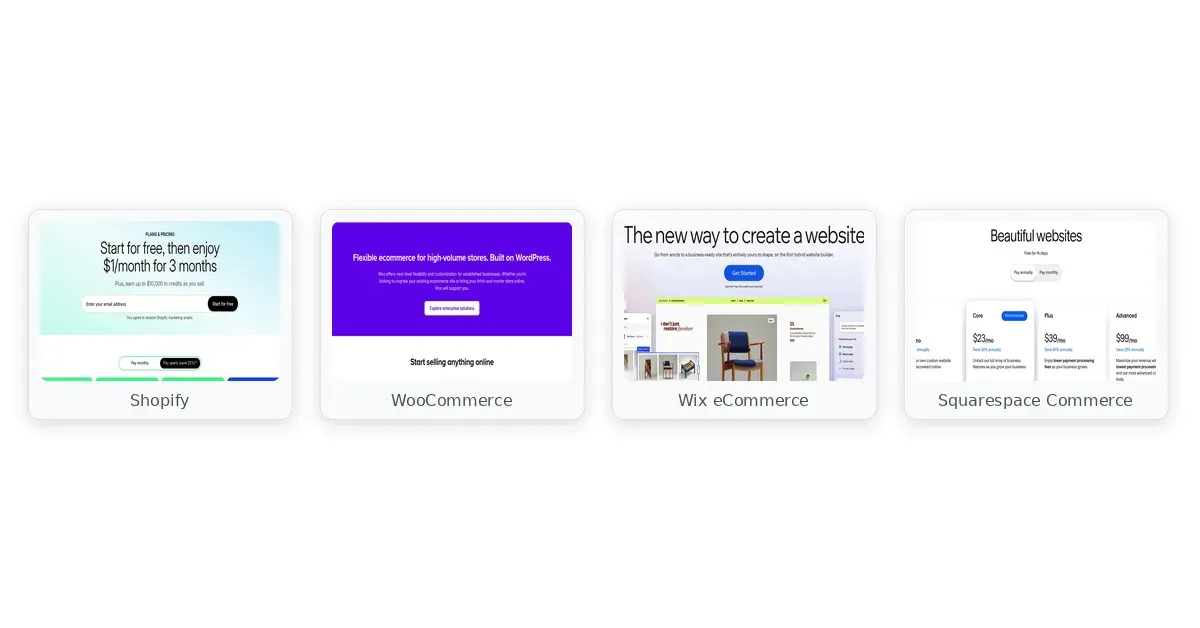
ecommerce website builder comparison — Shopify, WooCommerce, BigCommerce
Comparison table
The table below compares each ecommerce website builder across pricing, setup speed, differentiators, and constraints.
| Feature | Shopify | WooCommerce | BigCommerce | Wix eCommerce | Squarespace Commerce |
|---|---|---|---|---|---|
| Starting Price | $39/mo | Free (WP hosting extra) | $39/mo | $27/mo | $28/mo |
| Free Trial | 3 days | No | 15 days | 14 days (limited) | 14 days |
| Transaction Fees | 0.5–2% (external gateway) | None (your gateway) | None built-in | Varies by plan | 3% on lower plans |
| Setup Difficulty | Easy | Moderate–Hard | Easy | Very Easy | Easy |
| Scalability | Unlimited | Unlimited (self-hosted) | High (native features) | Moderate | Moderate |
| Multi-Channel | Excellent | Plugin-dependent | Excellent | Good | Basic |
| Best For | Rapid-growth stores | Technical control | Feature-heavy stores | Design-first brands | Visual storytellers |
Comparison chart of top 5 ecommerce platforms by price, features, and scalability.
While the table provides quick reference points, the real differences emerge in how these platforms handle specific business scenarios. Wix may appear to win on starting price, but the free plan cannot connect a payment gateway—making it useless for actual selling. WooCommerce’s “free” label obscures the reality that hosting, security, and premium plugins typically cost $30–$100/month once you account for the infrastructure a professional store requires. The comparison below digs into what each platform actually delivers for specific business scenarios.
Product reviews
Shopify
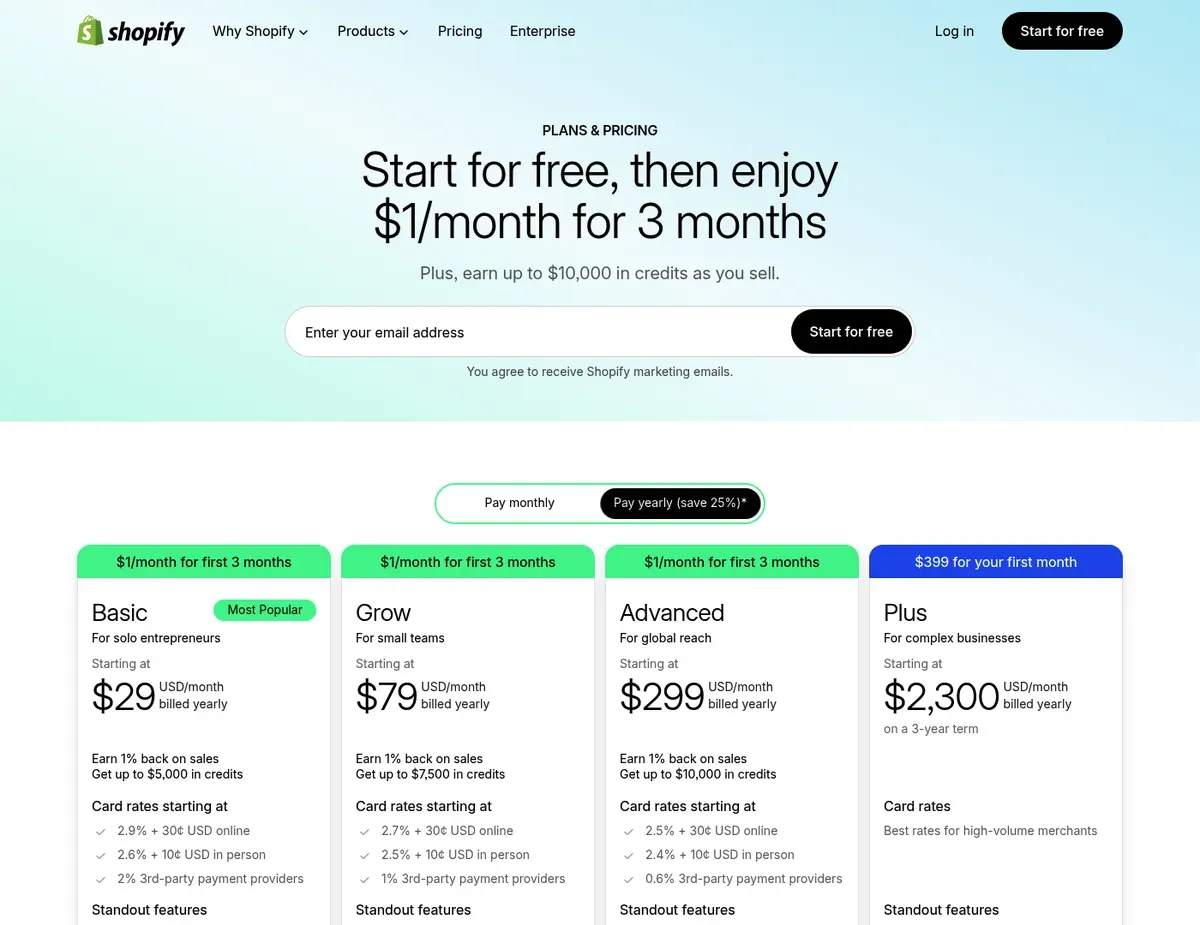
Shopify Tiered subscription plans highlighting add-on services and payment processing
If you are building a high-growth startup that needs to scale internationally without hiring a development team, Shopify is the platform built for that trajectory. The hosted infrastructure removes every technical burden—PCI compliance, server security, database backups—so you can focus entirely on product and marketing rather than infrastructure. For many founders, the hands-off hosting experience alone justifies the monthly fee.
Where Shopify excels is its app ecosystem and multi-channel capabilities. With over 8,000 apps in the marketplace, you can extend your store’s functionality in virtually any direction: subscription management, advanced analytics, dropshipping automation, wholesale portals, and dozens of other specialized workflows. The native integrations with Instagram, Amazon, and Walmart mean you can sync inventory across channels without installing third-party apps or managing complex API configurations.
Automated abandoned cart recovery comes built into standard plans, reducing one of the most common sources of lost revenue.
Trade-offs to be aware of emerge when you need customization beyond what the app ecosystem provides. Customizing the checkout page requires upgrading to Shopify Plus, which starts around $2,000/month—a non-starter for small businesses wanting branded checkout experiences. Learning Shopify’s Liquid templating language is necessary for any visual customization beyond basic theme settings, forcing many merchants to hire developers for changes that would be simple drag-and-drop edits on other platforms.
The transaction fees ranging from 0.5% to 2% on sales apply when you use third-party payment gateways instead of Shopify Payments, which may not be available or optimal in every region.
Unlike WooCommerce, Shopify locks you into a proprietary ecosystem where migrating your store’s theme and custom Liquid code to another platform requires a complete rebuild.
Unlike Wix, Shopify requires engaging a developer or learning a coding language to make significant structural changes to the storefront design.
⚠ Caution: Pricing reflects the published tier as of publication date — verify: Shopify — pricing before committing, as vendor pricing changes without notice and app costs accumulate quickly beyond the base subscription.
WooCommerce
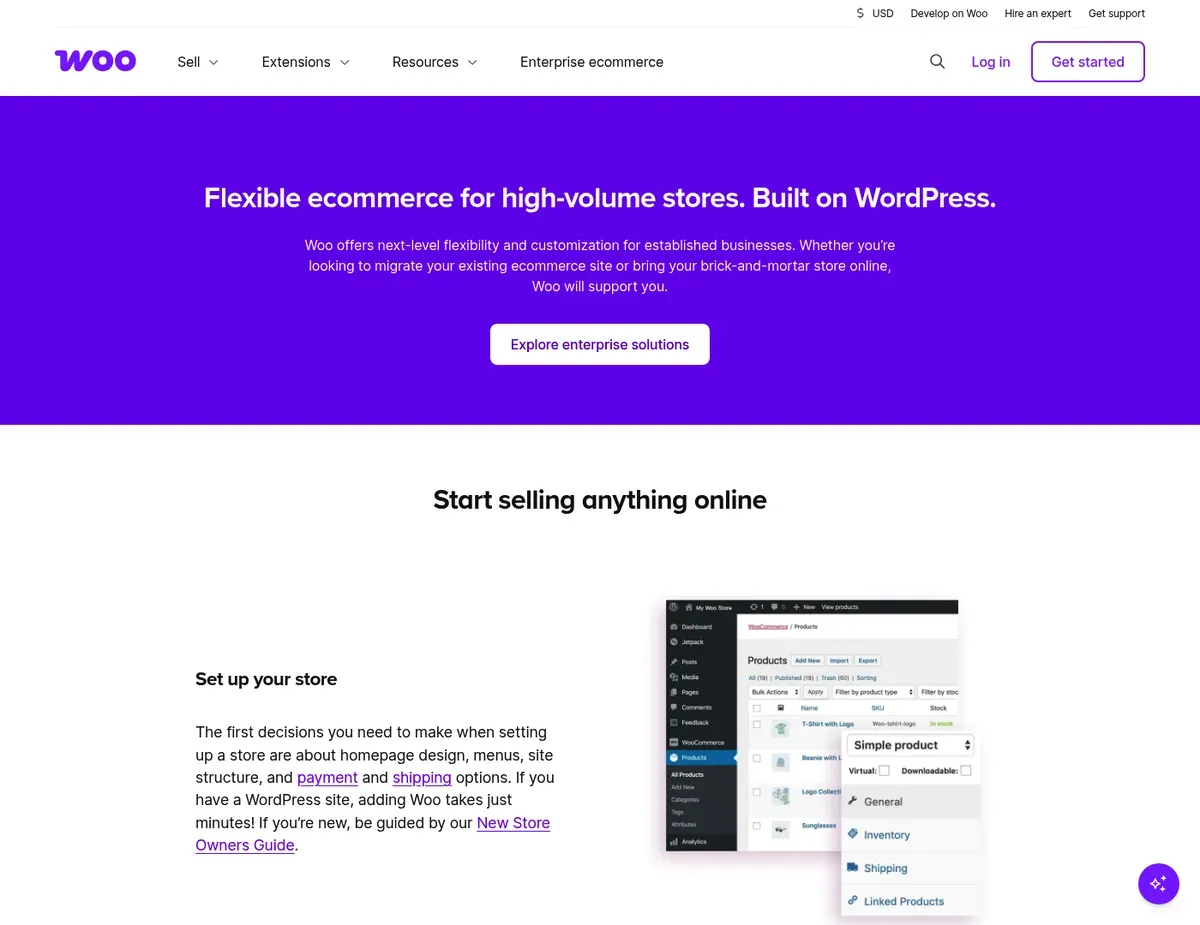
WooCommerce Open-source flexibility highlighting WordPress integration and native store
For technically inclined founders who want complete control over their store’s infrastructure and data, WooCommerce offers the flexibility that hosted platforms cannot match. The plugin is free and open-source, giving you full ownership of your customer data, server location, and codebase—advantages that matter for businesses with specific compliance requirements or long-term platform independence goals. If you have prior WordPress experience or a developer on your team, WooCommerce minimizes monthly platform costs while maximizing customization potential.
Key advantages stem from WooCommerce’s position within the WordPress ecosystem. You have access to thousands of free and premium plugins for marketing, SEO, content management, and specialized ecommerce functionality—far more than any hosted platform’s app marketplace. WooCommerce provides unlimited products and bandwidth with no platform-imposed sales volume limits, meaning you never hit a ceiling where the platform forces you to upgrade or migrate. The deep integration with WordPress blogging and content marketing tools makes it exceptional for SEO-driven stores where organic content and product pages work together.
Potential constraints include substantial hurdles for non-technical founders. Conflicting WordPress plugins frequently break the storefront layout or checkout process during routine updates, and debugging these conflicts requires technical knowledge or paid developer time.
There is no native centralized technical support—you rely on developer forums, your hosting provider’s support team, or freelancers to resolve issues. Page load speeds degrade significantly as product catalogs grow without manual server caching and image optimization, performance work that hosted platforms handle automatically.
Unlike Shopify, WooCommerce shifts the burden of PCI compliance, server security patching, and database backups entirely onto the store owner. Unlike BigCommerce, WooCommerce lacks native multi-channel inventory syncing out-of-the-box, requiring third-party plugins that often experience sync delays and inventory discrepancies across channels.
⚠ Caution: Quality control of third-party extensions in the WordPress repository is highly variable and can introduce security vulnerabilities — verify: Woocommerce — features before installing plugins, and budget for security monitoring if you choose this platform.
BigCommerce
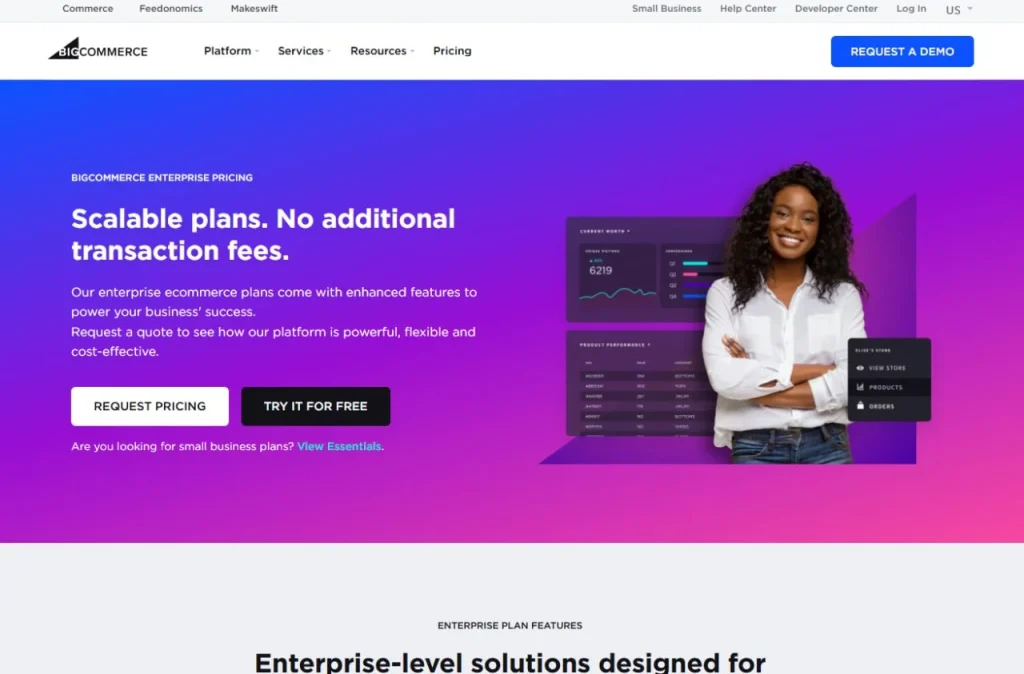
BigCommerce tiered subscription levels and payment processing
BigCommerce targets mid-market businesses that have outgrown basic Shopify plans but are not yet at enterprise scale. Where the platform earns its reputation is in the native features included at every tier—features that competitors push into paid apps or higher plan gates. Zero transaction fees apply regardless of which payment gateway you choose, and advanced capabilities like B2B wholesale pricing groups, product filtering, and faceted search come built-in rather than requiring expensive add-ons.
Notable capabilities for scaling businesses include native multi-channel integration with Amazon, eBay, and Google—meaning you can expand to marketplaces without installing and configuring third-party apps. The robust native API supports custom integrations with existing ERPs or CRM systems, making BigCommerce suitable for businesses with complex backend requirements. Advanced product filtering and faceted search help customers navigate large catalogs—essential for stores with hundreds or thousands of SKUs where discovery drives conversion.
Considerations to note include setup complexity and theme flexibility. The initial setup is steeper than drag-and-drop competitors, often stalling rapid launches for founders who expect a visual, intuitive builder.
Free theme selection is severely limited, frequently forcing immediate investment in a paid custom theme—costs that do not appear in the advertised monthly price. Headless commerce setups using their API are poorly documented for non-enterprise users, leading to costly agency dependencies when you need advanced customization.
Unlike Shopify, BigCommerce includes advanced features like abandoned cart recovery and custom SSL certificates in its baseline plans, reducing initial app bloat. Unlike Wix, BigCommerce uses a rigid stencil-based architecture that makes granular, click-and-drag style design edits frustratingly restrictive for non-developers.
⚠ Caution: Plan availability depends on negotiated terms — verify: Bigcommerce — pricing before launching, and note that annual sales limits on standard plans may force upgrades faster than expected.
Wix eCommerce
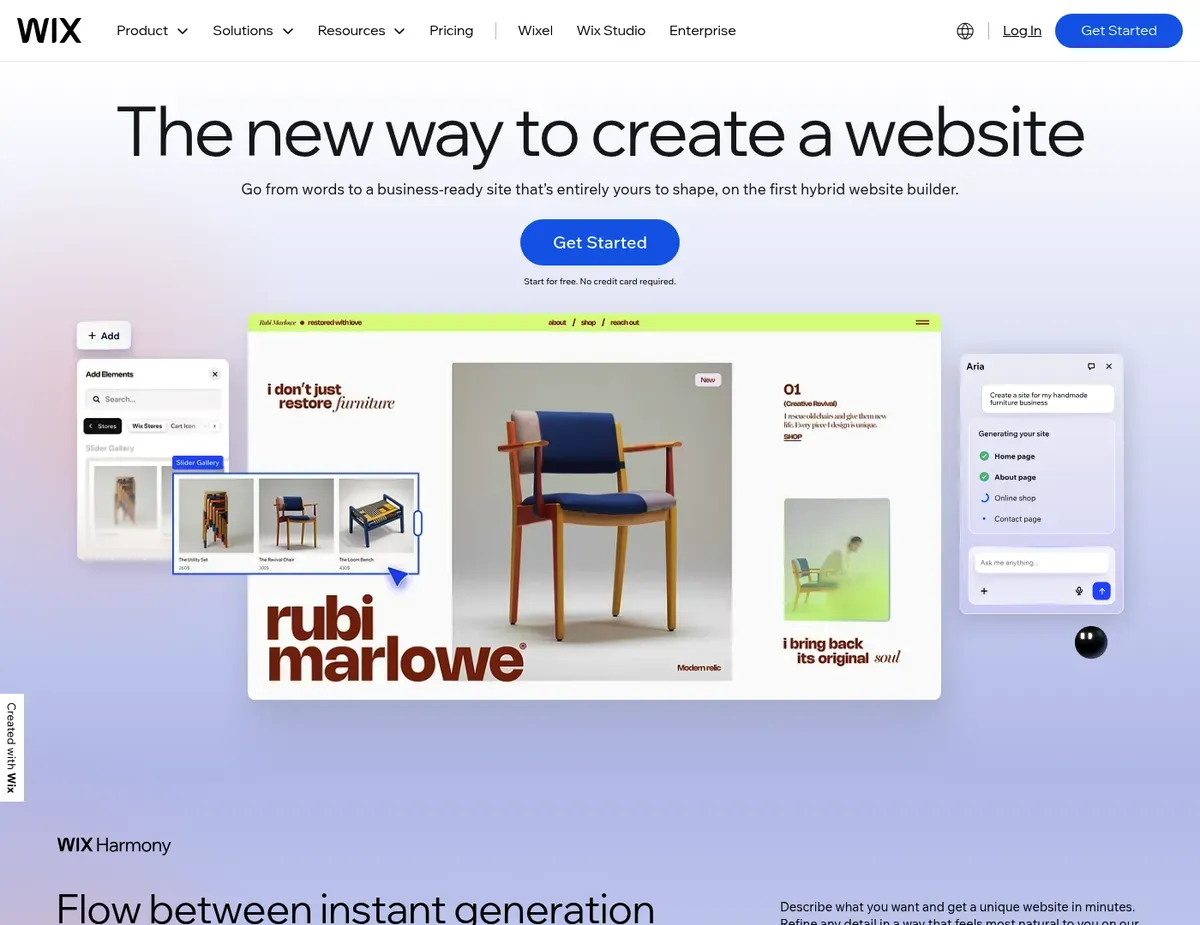
Wix eCommerce Drag-and-drop design freedom paired with tiered business and eCommerce feature
Wix eCommerce positions itself for creative businesses and artisans who prioritize aesthetic brand presentation over complex logistics. The platform’s core promise is design freedom without compromise—an unrestricted drag-and-drop visual editor allows pixel-perfect customization without touching code, enabling founders to create stores that look exactly like their brand vision. For absolute beginners, Wix often provides one of the faster paths from signup to sale, with a professional-looking live store achievable in a single afternoon.
Particularly strong in visual design and ease of use, Wix offers an AI website builder (Wix ADI) that can generate a complete store layout from a brief questionnaire, giving non-designers a professional starting point they can then customize. Built-in dropshipping and print-on-demand catalogs are native features for inventory-light businesses, eliminating the need to install and configure third-party apps for these popular fulfillment models.
The all-in-one ecosystem natively combines store management with booking systems, blogs, and email marketing—useful for service-based businesses adding a product component.
Where the platform falls short is apparent as stores grow. Founders cannot switch templates after publishing without manually rebuilding the entire site’s layout and product pages—a severe operational risk if the brand outgrows the initial design direction.
Hard product variant limits, such as 100 variants per item, break down completely for complex apparel or highly customizable goods where size, color, material, and personalization options combine. The checkout process is less optimized for high-volume upselling compared to dedicated platforms, contributing to lower conversion rates at scale.
Unlike Shopify, Wix prioritizes total design freedom over standardized, high-converting checkout flows, often trading checkout speed for visual branding.
Unlike WooCommerce, Wix entirely restricts server access and code export, meaning founders cannot easily migrate their backend data and frontend design to another host.
⚠ Caution: Template lock-in is a severe operational risk — verify: Wix — pricing that the plan you choose supports your long-term design needs, because changing direction later requires a complete rebuild.
Squarespace Commerce
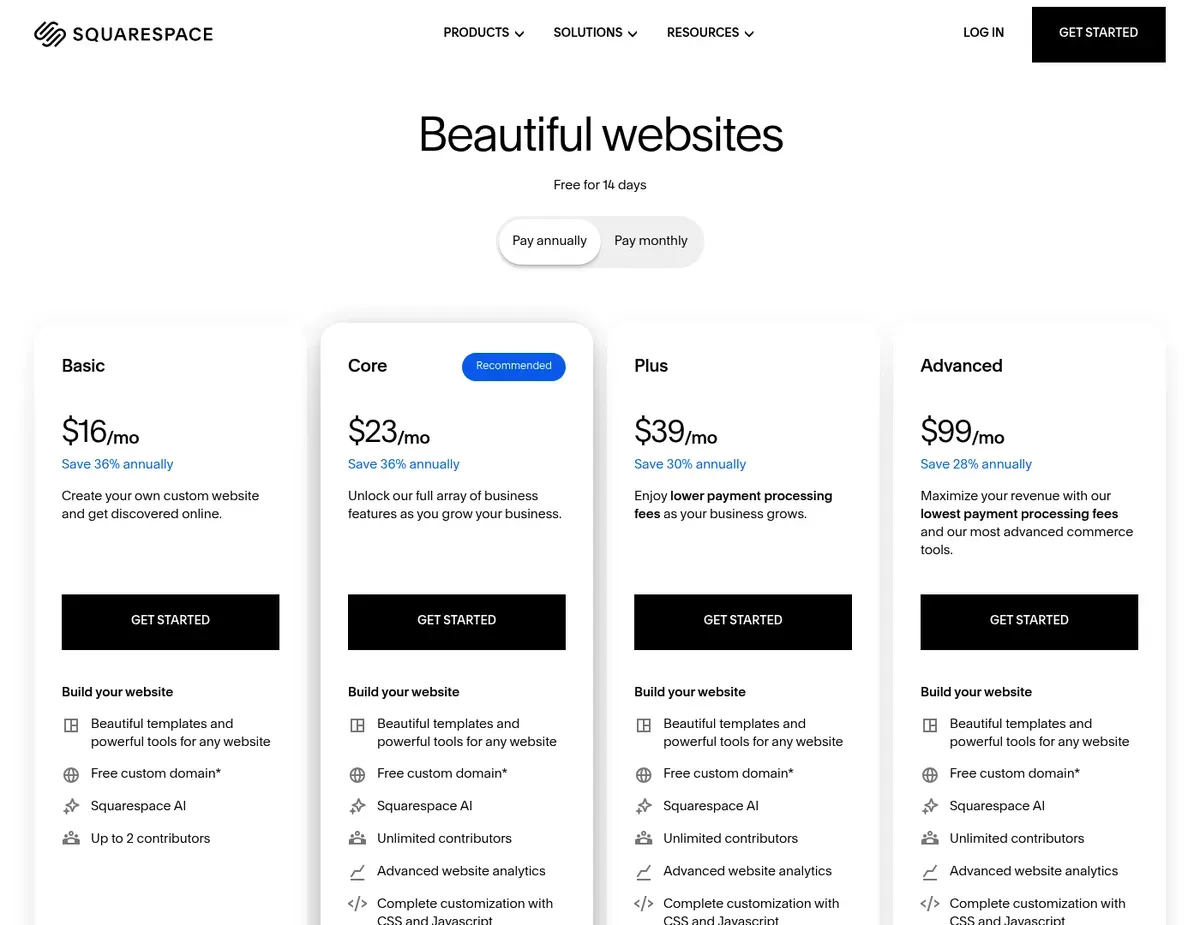
Squarespace Commerce Premium aesthetic templates with integrated commerce and business plan tiers
Squarespace Commerce serves artisanal brands, artists, and photographers whose products are inherently visual. Where the platform stands apart is in its award-winning template designs—mobile-responsive layouts optimized for luxury, lifestyle, and portfolio brands where the store is as much about brand presentation as transaction processing. For small boutiques with curated, lower-volume inventories, Squarespace delivers a polished presence without the learning curve of more complex platforms.
Key advantages center on design quality and content integration. The unified backend seamlessly blends inventory management with world-class blogging and content marketing, making Squarespace exceptional for lifestyle brands where editorial content and visual storytelling directly drive product sales.
Native Instagram shopping integration enables social selling without third-party tools, and real-time carrier shipping rate calculations come included. The built-in email campaigns and automated customer outreach tools reduce the need for separate marketing software.
Where Squarespace runs into trouble is for stores with complex operational needs. Extremely limited third-party app integrations compared to Shopify permanently restrict custom functionality like advanced subscription management—there simply is no app ecosystem to fill the gaps.
Inventory management lacks granular backend tracking such as variant-level low stock alerts or batch tracking, functionality physical goods businesses require. Founders cannot edit the native checkout page code or layout, preventing brand consistency in the final critical purchase step.
Unlike Wix, Squarespace restricts design placement to structured grid blocks, preventing accidental design breakage but severely limiting layout creativity.
Unlike BigCommerce, Squarespace completely lacks native B2B wholesale tools, forcing founders to use clunky manual workarounds like hidden pages and password protection for trade accounts.
⚠ Caution: The basic Business plan intentionally gates essential commerce features like abandoned cart recovery — verify: Squarespace — pricing that the Commerce plan includes all features you need before committing to a lower tier.
Scenario recommendations
Scenario 1 – Growing startup with ambitions to scale: Shopify is ideal when your business needs an app ecosystem and native multi-channel selling to support rapid expansion. The platform’s hosted infrastructure eliminates technical debt that would otherwise slow your team, and the 8,000+ app marketplace means you can add functionality as needed without custom development. The caveat is that app costs accumulate—budget an extra $50–$150/month beyond the base subscription for essential tools like reviews, email marketing, and advanced analytics.
Scenario 2 – Budget-conscious founder with WordPress skills: WooCommerce makes sense if you already know WordPress and can handle your own hosting, security, and updates. The zero platform fees and unlimited products mean your costs scale with your choice of hosting provider and premium plugins, not an arbitrary platform tier. The trade-off is time: expect to spend 10–20 hours on initial setup and configuration that hosted platforms handle in their onboarding wizards, plus ongoing maintenance for plugin conflicts and security patches.
Scenario 3 – Creative brand prioritizing design: Wix suits particularly well when your brand’s visual identity is the primary competitive advantage and your catalog is under 100 products. The drag-and-drop editor lets you create a storefront that looks exactly like your vision without hiring a developer, and the AI builder can produce a functional starting point in minutes. The constraint to watch is template lock-in—choose your initial design carefully, because switching templates later requires rebuilding every page manually.
Scenario 4 – High-volume seller hitting platform limits: Reach for BigCommerce when you have outgrown basic plans on other platforms and need features like B2B wholesale pricing, advanced product filtering, and zero transaction fees at the standard tier. The native multi-channel integrations with Amazon and eBay support marketplace expansion without third-party app dependency. Be prepared for a steeper learning curve and limited free themes—budget for a paid theme and plan extra time for initial setup compared to visual-first builders.
Setup guide
Follow these steps to configure, test, and launch your online store on any of the reviewed platforms.
FAQ
Q: Which ecommerce platform balances ease of use for non-technical founders with enough scalability to support growth over the next 2-3 years?
Shopify takes the top slot for non-technical founders planning for multi-year growth. The hosted infrastructure removes every technical burden—server management, security patches, PCI compliance—while the app ecosystem provides an upgrade path for nearly any functionality you might need. The caveat is cost: as you add apps and potentially expand internationally, monthly expenses can reach $150–$300, and transaction fees apply if you cannot use Shopify Payments in your region.
Verify your payment gateway options before committing.
Q: Which builder provides the fastest path to a functional live store for a non-technical founder during the free trial period?
Wix is the right call for founders who need a professional-looking store live within hours. The drag-and-drop editor and AI website builder let you create and publish a complete storefront without touching code, and the free plan lets you experiment indefinitely. However, the free plan cannot process payments, so you will need to upgrade to at least the $27/month eCommerce plan to actually sell. The trade-off is scalability—complex product catalogs and multi-channel selling are not Wix’s strengths.
Q: What is the safest way to migrate product data and preserve SEO rankings when switching from a template-locked platform like Wix or Squarespace?
Migrating from template-locked platforms requires exporting your product data as a CSV file and importing it into your new platform, but SEO preservation demands additional steps. Set up 301 redirects for every product URL to maintain search rankings, and recreate your content structure on the new platform before pointing your domain. WooCommerce and Shopify have robust import tools for this; Squarespace’s limited export functionality makes outbound migration particularly labor-intensive. Plan for 2-4 weeks of overlap where both sites are accessible during the transition.
Q: How do I validate that checkout, tax calculations, and shipping integrations work correctly on both mobile and desktop before launching to real customers?
The verification process requires placing actual test orders using real payment methods, then refunding them. Create test products at different price points to verify tax calculations, and add shipping addresses in different zones to confirm rate accuracy. Test on at least three mobile devices and two desktop browsers to catch responsive design issues. Shopify and BigCommerce have built-in test modes; WooCommerce requires enabling test mode in your payment gateway plugin. Do not skip this step—checkout failures cost real sales.
Q: Which platform minimizes total cost of ownership over two years when factoring in app subscriptions and transaction fees?
For the budget-conscious with technical skills, WooCommerce offers the lowest total cost of ownership. The platform itself is free, and you pay only for hosting ($5–$30/month) plus any premium plugins you choose.
With zero transaction fees and no sales limits, your costs scale predictably. For non-technical founders, BigCommerce often wins on value because zero transaction fees and native features reduce app dependency—what costs extra on Shopify is frequently included in BigCommerce’s base tier.
Final verdict
Shopify earns our pick for most small businesses launching in 2026 when ease of use and multi-channel capabilities are priorities: it provides the cleanest balance between ease of use, growth potential, and ecosystem depth. For founders who want to launch this month and scale for years without changing platforms, Shopify’s hosted infrastructure and multi-channel capabilities remove the most common growth blockers.
Choose WooCommerce if you have WordPress experience, want to minimize platform fees, and can handle your own technical infrastructure. Go with Wix for design-first brands with simple catalogs where visual identity matters more than operational complexity. BigCommerce stands out as the feature-heavy catalog choice for stores needing B2B tools, zero transaction fees, and native multi-channel integrations at standard tier pricing. Squarespace Commerce is the recommendation for visual artists and artisans—photographers, jewelers, makers—where the store extends a portfolio and the product count stays under 100 items.
The best ecommerce website builder for your situation depends on whether you prioritize lowest cost (WooCommerce), fastest launch (Wix), most features included (BigCommerce), best design templates (Squarespace), or most scalable all-in-one solution (Shopify). Match the platform to your actual constraints—technical skills, budget, catalog complexity, and growth plans—rather than to marketing hype, and you will avoid the costly migration that follows many wrong first choices.

Leave a Reply