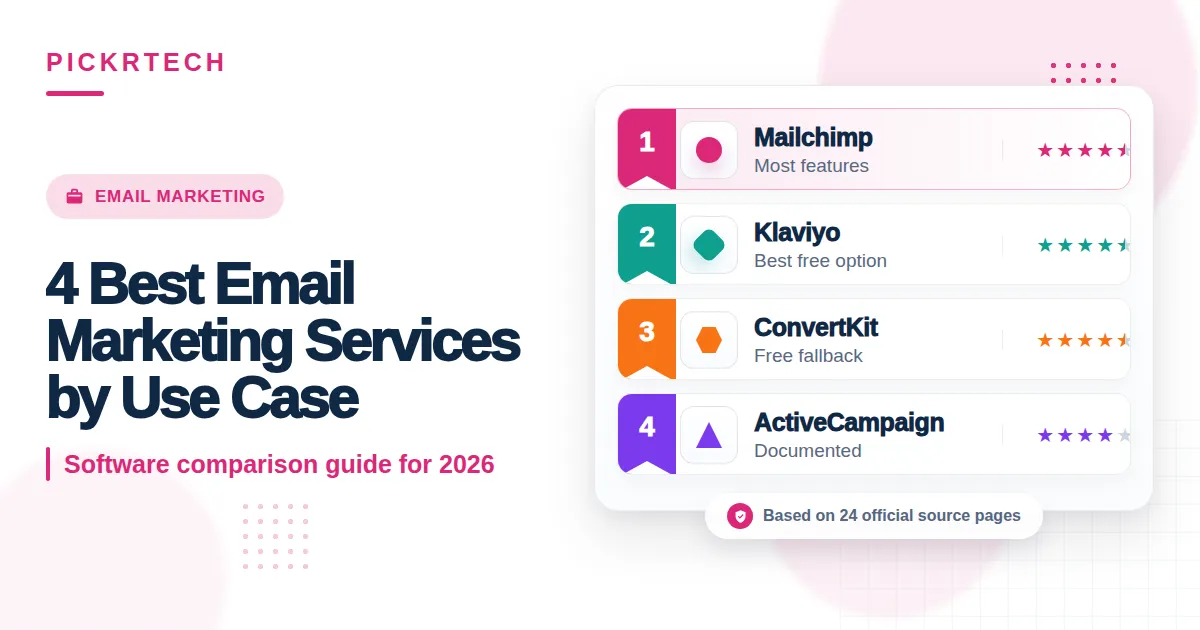
Best email marketing service Drag-and-drop email builder with a
This article may contain affiliate links. We may earn a commission when you sign up through our links — at no extra cost to you. Our recommendations are based on independent evaluation and are not influenced by commissions.
TL;DR: Klaviyo leads for e-commerce stores on Shopify with native revenue tracking per campaign—but if you’re running B2B SaaS with long nurture sequences, ActiveCampaign’s built-in CRM and unlimited automation branches justify the steeper cost and learning curve.
How we evaluated these tools
The right email platform depends entirely on what your business actually does. Selling physical products? You need different tools than someone nurturing a 6-month B2B sales cycle. Building an audience from zero as a creator?
That’s a third workflow entirely. Building a nonprofit donor program on a shoestring budget? That’s a fourth.
We looked at platforms operating across different stacks—cloud SaaS with REST APIs for custom event triggers, integration ecosystems spanning Shopify, WordPress, Salesforce, and webhooks, and team structures ranging from solo marketers to multi-person groups managing thousands of subscribers across promotional, transactional, and lifecycle campaigns.
Our evaluation framework covered seven areas:
- Pricing predictability as contacts scale past 10K subscribers — how steep are the tier jumps, and when do hidden costs emerge (like SMS add-ons)?
- E-commerce revenue attribution for Shopify/WooCommerce without external analytics — can you track which campaigns drove which sales inside the platform itself?
- Automation branching depth for multi-step lead nurture and win-back flows — do you get unlimited conditional splits, or are you capped at basic linear sequences?
- Onboarding speed for teams under five without dedicated email ops staff — how many hours until your first campaign ships, and how intuitive is the interface?
- CRM and in-app event integration depth for behavior-triggered sends — can you trigger emails from pipeline stage changes or feature-usage events via API?
- Built-in compliance guardrails for GDPR, CAN-SPAM, and double opt-in — are these baked in, or do you need third-party setup? [1]
- Free tier viability for building an audience from zero to 1,000 contacts — is the free tier genuine, or just a trial in disguise?
Our analysis draws from official product pages, public pricing documentation, vendor feature matrices, and structured editorial assessment of how these tools map to real business constraints. Pricing and features change frequently—verify current rates and tier limits directly at vendor pricing pages before committing. Last reviewed: 2026-05-12.
What matters when choosing best email marketing service
Don’t get caught chasing the longest feature list.
The real question is whether a platform fits your workflow, your budget, and your growth path without creating friction down the road.
Pricing predictability as your subscriber list grows. Low entry-level prices can hide brutal tier jumps once you cross key thresholds. Mailchimp’s contact-based tiers jump significantly past 10,000 contacts, and Klaviyo’s pricing compounds steeply when you layer in SMS. ActiveCampaign locks branching automations behind higher tiers, and ConvertKit starts charging once you exceed 1,000 subscribers. Model your cost at 3× your current list size before you commit—surprise bill shock during growth kills momentum.
Whether you need native e-commerce revenue tracking or deep B2B automation. E-commerce teams running Shopify need Klaviyo’s native catalog sync and per-campaign revenue attribution to justify email spend to leadership. B2B companies with 3–6 month sales cycles need ActiveCampaign’s CRM and branching automations to nurture leads through multi-month pipelines without jumping between tools. Creators and newsletters care about simplicity and personality more than predictive analytics. These needs don’t overlap—picking the wrong platform creates operational friction that no feature toggle will fix.
Onboarding speed and learning curve for your actual team. A solo marketer ships their first campaign on Mailchimp or ConvertKit in under an hour. A small B2B marketing team will spend 5–10 hours learning ActiveCampaign’s automation builder and CRM structure before seeing results. If you have zero email ops staff, ActiveCampaign’s power becomes a liability—it’s like buying a professional kitchen for someone who wants to make toast.
Compliance and deliverability guardrails out of the box. GDPR, CAN-SPAM, and double opt-in workflows are table stakes across all four platforms. All four support unsubscribe management and consent tracking, so this is most useful as a tiebreaker rather than a deciding factor.
Best email marketing service comparison — Mailchimp, Klaviyo
Comparison table
This table compares the four platforms across pricing, free tier viability, and primary trade-offs.
| Product | Pricing & Free Tier | Best For | Key Trade-Off |
|---|---|---|---|
| Mailchimp | Free: 500 contacts, 1,000/mo sends | All-in-one marketers + landing pages | Limited free-tier automations; steep contact tiers past 10K |
| Klaviyo | Free: 250 contacts, 500/mo sends | E-commerce stores with Shopify sync | High cost at scale; SMS add-ons double per-contact price |
| ActiveCampaign | No free tier; Starter $15/mo for 1,000 | B2B SaaS with complex nurture workflows | Steeper learning curve; 5–10 hour onboarding typical |
| ConvertKit | Free: 1,000 subscribers, unlimited forms | Bloggers, creators, podcasters | Minimal templates; basic reporting; automation requires paid tier |
Product reviews
Mailchimp
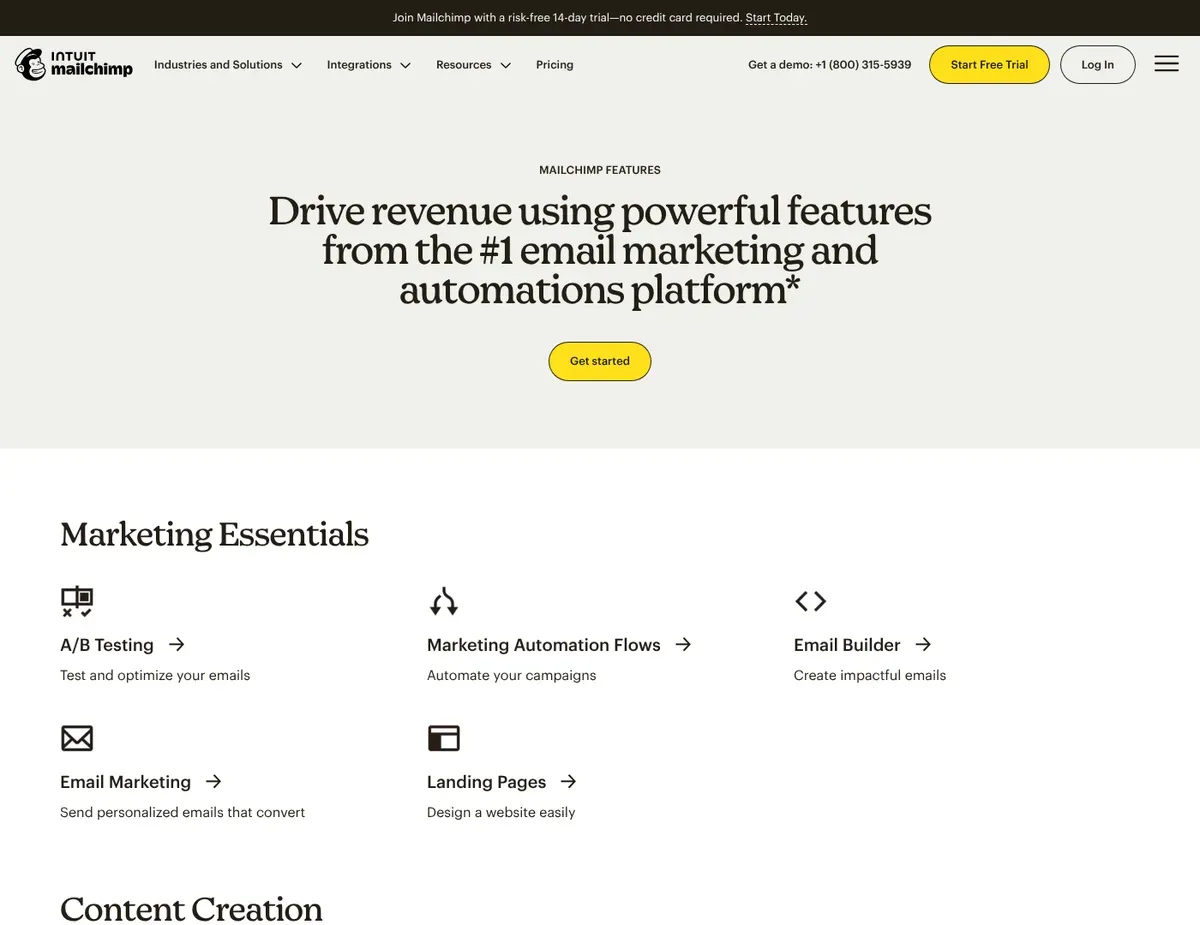
Drag-and-drop email builder with a content block sidebar showing
Mailchimp is built for small businesses and solopreneurs who need a marketing platform without draining their budget or their attention span. Its generous free tier (500 contacts, 1,000 monthly sends) plus an all-in-one suite of landing pages, social posting, and customer journeys make it the natural starting point for startups testing whether email marketing is worth their time.
Mailchimp’s real strength is breadth. Over 300 integrations span Shopify, WordPress, Salesforce, and Zapier, so you can plug it into your multi-tool stack without custom development. The template library is extensive and mobile-responsive, cutting design time for newsletters and promotional campaigns. Built-in AI features like Content Optimizer and Subject Line Helper surface actionable recommendations during campaign composition, saving you iteration cycles. A/B testing on subject lines is available on paid tiers and helps you optimize open rates systematically without spreadsheet math. [2] [3]
The limitations tighten the moment you scale past the free tier. Free automations cap at basic welcome emails and abandoned-cart flows—any multi-step branching (win-back series with conditional splits, re-engagement cascades) requires upgrading to Essentials ($13/month for 500 contacts), and contact-based pricing becomes punishing once your list exceeds 10,000 subscribers (roughly $95/month for 10,000 contacts on the Standard plan). A/B testing on the free plan requires manually duplicating campaigns and comparing numbers in a spreadsheet, adding overhead for iterative optimization.
Best for: Small businesses, startups, and marketing generalists who value integration breadth and an all-in-one platform over deep automation or e-commerce specialization.
Not ideal for: E-commerce brands requiring predictive product recommendations or revenue attribution per product; B2B teams with long, multi-branch nurture workflows; content creators prioritizing simplicity over template-driven design.
Unlike Klaviyo, Mailchimp’s e-commerce revenue tracking requires a paid plan and separate integration setup, so teams needing out-of-the-box Shopify attribution may find Klaviyo more turnkey. Contact-based pricing shown above reflects the published tier as of publication date—verify current rates and contact thresholds at https://mailchimp.com/pricing/ before relying on this article for budget planning.
Klaviyo
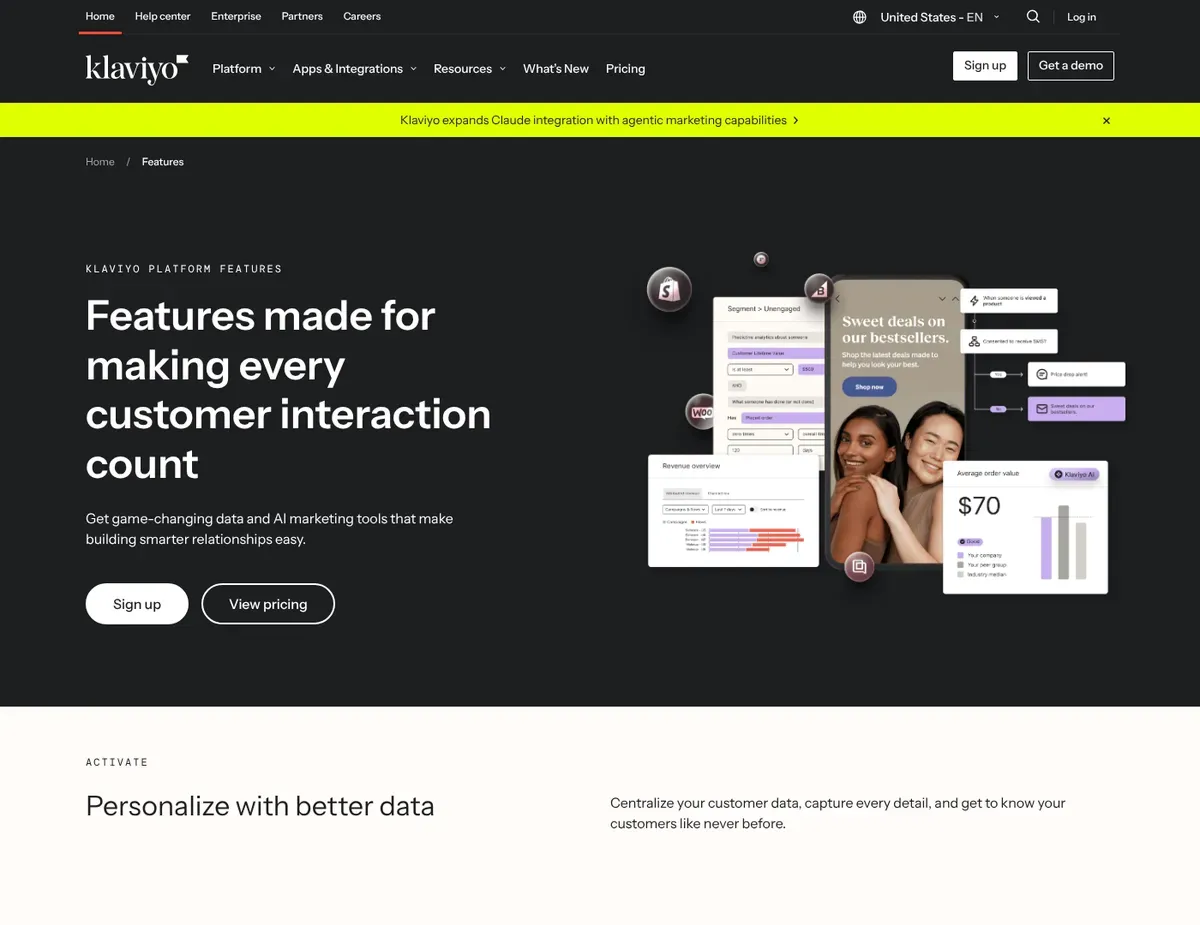
Flow builder canvas showing a drag-and-drop automation sequence with
If your business lives and dies by Shopify or WooCommerce sales and email revenue is a core KPI, Klaviyo is the answer. Klaviyo’s native integrations automatically sync product catalogs, order history, and on-site behavior, letting you track revenue attribution at the per-campaign level—a capability competitors require external analytics tools to match.
The real differentiator is predictive analytics built directly into the platform. Expected date of next order, predicted customer lifetime value, and churn-risk scoring let you run highly targeted win-back and replenishment campaigns without building custom segments in a spreadsheet or data warehouse. The flow builder supports time-delay and conditional-split nodes for sophisticated automated sequences, and built-in A/B testing for subject lines, content, and send times lets you optimize inside automated flows rather than spinning up separate tests. [4]
The limitations are tied to cost. The free tier caps at 250 contacts and 500 monthly sends—a store with 3,000 subscribers and a weekly newsletter exceeds this on the first send, forcing a paid upgrade starting at $45/month for 500 contacts. More critically, pricing doubles when you add SMS at scale; a store with 10,000 contacts running both email and SMS can quickly hit $300+/month, which blindsides budget-conscious teams. Custom reporting beyond the default dashboard requires building segments or exporting CSV data—there’s no drag-and-drop report builder for ad-hoc cross-campaign analysis, so marketing analysts end up doing manual work that should be automated.
While data syncs natively from Shopify, detailed cross-campaign analysis still requires additional configuration.
Best for: Shopify and WooCommerce merchants who need native e-commerce data sync, revenue attribution per campaign, and predictive CLV to justify email spend to leadership.
Not ideal for: Nonprofits or membership organizations without e-commerce transaction data; budget-conscious creators with small lists; B2B companies with long sales cycles and CRM-centric workflows.
Unlike ActiveCampaign, Klaviyo does not include a built-in CRM; B2B teams must maintain a separate CRM (Salesforce, HubSpot) and sync via integration, adding setup complexity for lead-management workflows. Pricing reflects the published tier as of publication date—verify current rates and SMS add-on costs at https://www.klaviyo.com/pricing before budgeting for email + SMS campaigns.
ActiveCampaign
Automation builder with a multi-path flow diagram showing ‘Wait’
Activeacampaign is built for B2B SaaS companies and service providers running long sales cycles with complex lead nurturing. The automation builder supports unlimited branching with nested conditions and goal-based exit criteria—essential for multi-step lead scoring, onboarding sequences, and re-engagement campaigns that exceed 10 decision points. Built-in CRM with deal pipelines, task management, and lead scoring eliminates the need for a separate sales tool, centralizing pipeline management alongside email automation in one platform.
The event-tracking API enables triggering automations based on in-app behavior such as feature usage, login frequency, and property changes—critical for SaaS businesses running behavior-triggered onboarding or churn-prevention sequences. Machine-learning-powered send-time optimization and predictive content (win probability, lead scoring) reduce manual guesswork in nurture sequences on Plus and Professional plans. The template editor, while less intuitive than Mailchimp’s drag-and-drop builder, works for most marketing teams, though design-heavy campaigns often require custom HTML.
Entry cost and learning curve are the primary constraints. There’s no free plan—Starter begins at $15/month for 1,000 contacts but limits automations to basic linear sequences; branching logic and conditional splits live behind the Plus plan ($49/month for 1,000 contacts), which raises entry cost for teams needing multi-step workflows. The email template editor is less intuitive than competitors, and onboarding typically requires 5–10 hours of training for a coordinator unfamiliar with CRM-pipeline concepts, adding setup friction for lean teams without dedicated email operations staff.
Best for: B2B SaaS companies and service providers running long-form nurture campaigns with conditional logic, lead scoring, and CRM handoff to sales in one platform.
Not ideal for: Startups on a zero-dollar budget validating email marketing; solo content creators wanting simplicity; e-commerce stores prioritizing native product recommendations.
Unlike Mailchimp, ActiveCampaign does not offer a free tier, so teams validating email marketing as a channel must commit to a paid plan from the start, increasing upfront risk for early-stage businesses. Onboarding typically requires 5–10 hours of training for teams unfamiliar with CRM-pipeline concepts—verify current training resources and setup timelines at https://www.activecampaign.com/resources before committing.
ConvertKit
Tag-based subscriber management screen displaying filterable lists
ConvertKit targets bloggers, newsletter writers, podcasters, and course creators who want email marketing without the marketing-automation baggage. The free tier supports up to 1,000 subscribers with unlimited landing pages, unlimited forms, and community features—more generous than Mailchimp for creators building an audience from scratch.
ConvertKit’s text-centric design and tag-based subscriber management align with how creators naturally communicate, prioritizing voice and simplicity over template-driven layouts.
Built-in landing page and link-in-bio tools (ConvertKit Commerce) let creators sell digital products and paid newsletters without integrating a separate e-commerce platform or payment processor. The platform includes community features and member-only content, which Mailchimp and Klaviyo require add-ons to match. A simple visual automation builder with linear sequences and basic conditionals reduces setup time for welcome sequences and content upgrades, and the free tier’s unlimited forms and landing pages give creators everything they need to validate a launch list before paying.
Automation and analytics walls appear once you move beyond broadcasts and basic welcome sequences. Free tier does not include the visual automation builder or funnels—creators wanting automated email sequences beyond a basic welcome must upgrade to the Creator plan ($25/month for 1,000 subscribers), which adds automation and funnel capabilities. Email templates are intentionally minimal (mostly plain-text and basic styled layouts); teams expecting drag-and-drop rich-media editors like Mailchimp’s will find limited visual customization without coding custom HTML. Reporting is basic compared to Klaviyo or ActiveCampaign—there’s no revenue attribution per product or advanced cohort analysis, requiring external tools (Google Analytics, spreadsheets) for detailed performance tracking.
Best for: Bloggers, newsletter writers, podcasters, and course creators who prefer text-centric, personal-feeling emails and simple tag-based audience management without CRM complexity.
Not ideal for: E-commerce brands requiring product recommendations and catalog sync; design-focused brands relying on heavily visual, template-driven campaigns; B2B teams with complex lead-nurture workflows.
Unlike Klaviyo, ConvertKit’s template system is intentionally minimal, so teams relying on polished, image-heavy promotional layouts must invest in custom HTML design or switch platforms for visual flexibility. Email templates are intentionally minimal with mostly plain-text layouts—verify current template options and customization flexibility at https://convertkit.com/features/email-designer before assessing design requirements for your campaigns.
Scenario recommendations
Scenario 1 – E-commerce store on Shopify needing revenue tracking
Klaviyo makes sense when your business depends on email as a revenue channel and you want to see exactly which campaigns drove which sales. The platform automatically syncs your Shopify catalog and order history, giving you revenue attribution at the per-campaign level. While detailed cross-campaign analysis still requires additional work like building segments or exporting CSV data, the foundational data sync eliminates the need for Google Analytics or external tools for basic tracking. The trade-off is cost—Klaviyo is more expensive than Mailchimp at scale, and SMS add-ons compound the per-contact price, so budget carefully once your subscriber list exceeds 5,000 contacts and you’re running weekly newsletters.
Scenario 2 – B2B SaaS with long sales cycles and CRM handoff
ActiveComponent shines when your sales process spans 3–6 months and requires multi-step lead nurturing with conditional branching based on engagement and company attributes. The built-in CRM and unlimited automation branching let your marketing and sales teams work from one source of truth—no contact syncing between platforms, no pipeline data locked in separate tools. The onboarding curve is steeper than Mailchimp’s (expect 5–10 hours of training), and you’ll need the Plus tier ($49/month) to unlock multi-step branching, so plan for both time and budget investment. This is a platform for teams with dedicated email operations resources.
Scenario 3 – Solo creator or blogger building an audience
ConvertKit fits if you’re monetizing through digital products, paid newsletters, or course sales and want an all-in-one creator platform. The free tier includes unlimited landing pages and signup forms, letting you validate a launch list without spending anything. The text-centric email experience and built-in Commerce features let you sell digital products without integrating Stripe or a separate e-commerce tool. The constraint is that free-tier automations cap at basic welcome sequences—if you need more sophisticated drip campaigns, you’ll move to Creator at $25/month.
Scenario 4 – Startup or small business wanting a free entry point and room to grow
Mailchimp’s free tier (500 contacts, 1,000 monthly sends) lets you build your initial list and send promotional campaigns without upfront cost, and the all-in-one suite including landing pages and basic automations means you’re not juggling three separate tools. The downside surfaces as you grow—contact-based pricing becomes expensive once you exceed 10,000 subscribers (roughly $95/month)—so if growth is rapid, plan a migration to Klaviyo (for e-commerce) or ActiveCampaign (for B2B) as you scale.
Setup guide
Follow these steps to configure your account and launch your first email campaign.
Step 1: Create an account and import your contact list. Sign up on your chosen platform and download your existing subscriber list in CSV format (name, email, any custom fields). Import the list into your platform’s audience section—Mailchimp and Klaviyo include automated duplicate-detection, while ActiveCampaign and ConvertKit require manual list review for cleanliness. This step takes 30–60 minutes depending on list size and custom field count. If you’re starting from scratch, skip this step and proceed to Step 2.
Step 2: Set up your first automated welcome sequence. Navigate to the automations or flows section and create a new workflow triggered when someone joins your email list. Write a 2–3 email welcome sequence (welcome email → value-add follow-up → soft CTA) and test it by signing up with a personal email address. On Mailchimp and ConvertKit, this is straightforward drag-and-drop; on ActiveCampaign, test your conditional splits thoroughly before going live. This step takes 45–90 minutes depending on platform and comfort with automation builders.
Step 3: Design and send your first campaign to a test segment. Create a new email campaign from a template and customize it with your brand colors, copy, and call-to-action. On all four platforms, test-send to yourself and a colleague to verify mobile rendering and link functionality. Use a small test segment (50–100 contacts) to validate open rates and click performance before sending to your full list. This step takes 30–60 minutes and is critical for catching typos and broken links before broadcast.
Step 4: Connect your website, e-commerce store, or CRM for data syncing. On Mailchimp, navigate to Integrations and authenticate Shopify, WordPress, or Zapier; on Klaviyo, sync your Shopify store from the Integrations dashboard; on ActiveCampaign, connect your CRM (Salesforce, HubSpot) and set up event-tracking API credentials if running behavior-triggered campaigns; on ConvertKit, add your website domain to verify ownership for on-site tracking. This step takes 20–45 minutes and requires admin access to your connected tool.
Step 5: Create a signup form and add it to your website or landing page. On Mailchimp, Klaviyo, and ConvertKit, the signup form builder is built-in and intuitive—copy the embed code and paste it into your website’s footer or sidebar. On ActiveCampaign, the form builder is less polished, so many teams use Zapier or a webhook to sync signups from Typeform or another form tool instead. This step takes 15–30 minutes and completes your launch setup.
FAQ
Here are answers to common questions about selecting and migrating email marketing providers.
Q: Which email marketing service is best for beginners with no automation experience?
Mailchimp is your starting point if you want to send email without learning automation concepts. The interface is intuitive, the free tier is genuine (500 contacts), and templates are pre-built so you can send your first campaign in under an hour. ConvertKit is also beginner-friendly if you’re a creator or writer—the text-centric approach and unlimited landing pages on the free tier let you focus on audience building before paying. If you’re a B2B team and need anything beyond basic broadcasts, expect to outgrow Mailchimp and face a steeper learning curve on ActiveCampaign, so be realistic about your automation needs upfront.
Q: Can I switch providers without losing my subscriber list?
Yes—your subscriber list is your data, and all four platforms allow you to export contacts in CSV format. Download your list from your current platform, add it to your new platform via bulk import, and update your website signup forms and landing pages to point to your new email address. The trickier part is migrating active automations (welcome sequences, abandoned-cart flows, nurture drips)—you’ll need to manually recreate these in your new platform, which is why the setup guide above takes 2–4 hours. Some teams use migration services like Zapier or third-party tools, but manual recreation is safer and lets you clean up automation logic at the same time.
Q: How much does an email marketing service cost per month?
Mailchimp’s free tier is genuinely free up to 500 contacts; paid plans start at $13/month for 1,000 contacts. Klaviyo’s free tier caps at 250 contacts; paid plans start at $45/month for 500 contacts. ActiveCampaign has no free tier; Starter begins at $15/month for 1,000 contacts, but branching automations require Plus at $49/month. ConvertKit’s free tier supports 1,000 subscribers; Creator plan (with automation) starts at $25/month. All pricing scales with contact count, and SMS add-ons compound the per-contact cost, so model your cost at 3× your current list size before committing.
Q: Is Klaviyo worth it for small e-commerce stores?
Klaviyo makes sense if email is a meaningful revenue channel (10%+ of sales) and you want to track ROI per campaign without building custom analytics dashboards. For stores with 500–2,000 products and weekly promotional sends, Klaviyo’s native Shopify sync and revenue attribution typically pay for themselves within 6–12 months through better targeting and optimization. For stores with fewer than 500 contacts or ad-hoc seasonal campaigns, Mailchimp’s cheaper contact-based pricing may be a better fit until you reach predictable weekly send volume.
Q: What’s the difference between a free tier and a free trial?
A free tier is unlimited in time (you can use it forever at no cost, with contact or feature limits). A free trial is time-limited (usually 14–30 days) and requires a credit card. Mailchimp, Klaviyo, and ConvertKit offer genuine free tiers with contact limits; ActiveCampaign offers only a free trial (no free plan). If you’re a startup validating email marketing before committing budget, the free tier difference matters—Mailchimp and ConvertKit let you stay free indefinitely at 500/1,000 contacts, while ActiveCampaign forces a decision after 14 days.
Final verdict
For e-commerce stores on Shopify or WooCommerce, Klaviyo takes the top slot. Native product catalog sync and per-campaign revenue attribution reduce the need for external analytics setup—and for DTC brands, that visibility is non-negotiable. While advanced analytics still require additional configuration, the foundational data integration justifies the cost. The per-contact price scales steeply at 10,000+ contacts, but for stores running 2–4 weekly campaigns and generating meaningful email revenue, the ROI pays for itself.
For B2B SaaS companies with long sales cycles, ActiveCampaign catches attention as the strongest fit. The combined CRM and unlimited-branching automation lets your marketing and sales teams collaborate from one platform without syncing contact data between tools. Onboarding is steeper and pricing is higher than generalist platforms, but for teams running multi-month nurture sequences with conditional lead scoring, the operational friction reduction is worth the investment.
For solo creators and newsletter writers, ConvertKit is the recommendation—the free tier (1,000 subscribers, unlimited landing pages) and text-centric email experience align with how creators build audiences and monetize through digital products. The lack of advanced automations doesn’t matter when your primary workflow is broadcasts and welcome sequences.
For small businesses and startups validating email as a channel, Mailchimp remains the default choice. The genuinely free tier and all-in-one platform (landing pages, social posting, basic automations) let you launch and iterate without upfront cost. Plan to migrate to Klaviyo or ActiveCampaign as you scale, but Mailchimp is the safest starting point when budget is tight and you need room to grow.
Sources
- ↑ ConvertKit — GDPR compliance guide — https://convertkit.com/help/gdpr
- ↑ Mailchimp — AI features — https://mailchimp.com/features/ai/
- ↑ Klaviyo — A/B testing features — https://www.klaviyo.com/features/a-b-testing
- ↑ Klaviyo — Flows automation builder — https://www.klaviyo.com/features/flows
