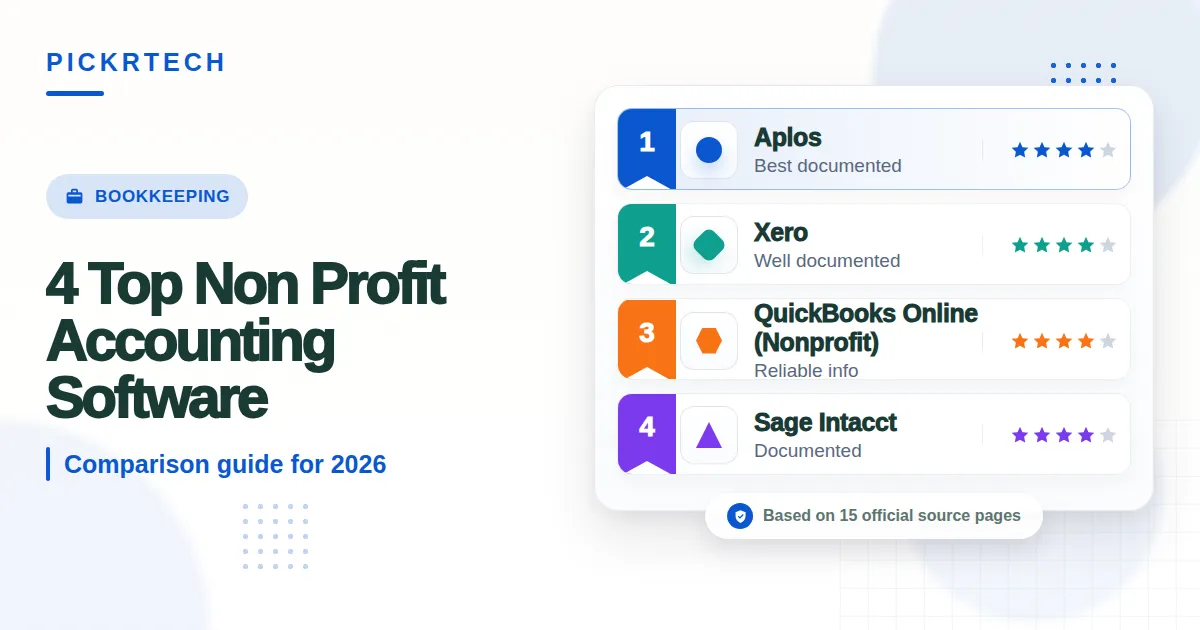
Non profit accounting software Dashboard displaying income vs
This article may contain affiliate links. We may earn a commission when you sign up through our links — at no extra cost to you. Our recommendations are based on independent evaluation and are not influenced by commissions.
TL;DR: Aplos stands out for nonprofits needing native fund accounting and integrated donor management in one platform. If you’ve already invested in Salesforce or similar tools, Xero’s vast integration ecosystem and unlimited user access might serve you better—even though you’ll need to solve fund accounting separately. [1] [2]
How we evaluated these tools
Nonprofit organization leaders and finance managers face a distinctive financial challenge: you must track restricted and unrestricted funds separately, generate FASB-compliant statements, manage grant lifecycles, and handle donor acknowledgments—all while operating under tight budget constraints. Unlike standard business accounting software, nonprofit platforms must enforce fund accounting controls to prevent compliance violations and audit findings. [3]
We evaluated these four tools based on how well they solve this operational reality for organizations of different sizes and complexity levels.
Our evaluation focused on five core criteria:
Fund accounting depth for FASB 117 compliance — Whether the platform natively enforces restricted versus unrestricted fund tracking, or requires manual workarounds that increase reconciliation overhead.
Donation tracking and grant lifecycle management — Built-in donor databases, contribution history, and grant-to-expense mapping capabilities that reduce reliance on separate CRM systems.
Transparent pricing and nonprofit discounts — Whether pricing is published upfront or requires negotiation, and whether volume discounts are available for smaller organizations.
Setup complexity and intuitive interface access — Whether limited IT staff can configure the system without extensive professional services, and whether board members can access read-only reports easily.
Integration with nonprofit CRM and donation platforms — Seamless connections to Salesforce, Blackbaud, Donorbox, GiveWP, and similar tools that nonprofits already use.
We based this evaluation on official product pages, public pricing documentation, vendor feature specifications, support resources, and structured editorial analysis. Pricing and feature availability can change between publication cycles—verify current rates and capabilities at each vendor’s official pricing page before making a final decision. Last reviewed: 2026-05-04.
What matters when choosing non profit accounting software
Selecting the right nonprofit accounting software requires balancing compliance rigor against implementation ease and total cost of ownership. The stakes are higher than typical business software decisions because a misaligned system can expose your organization to audit risk, donor confidence issues, and regulatory penalties.
Native fund accounting versus workarounds. True fund accounting automatically separates restricted and unrestricted funds at the transaction level, ensuring that grant restrictions flow through to financial statements without manual intervention. Software that requires class tracking or custom reporting to approximate fund accounting forces reconciliation overhead that grows as your grant portfolio expands. For organizations managing more than three concurrent grants, native fund accounting becomes essential. Smaller organizations with simple fund structures can sometimes manage with tracking categories, but this trade-off disappears once you reach mid-sized scale.
Donor and grant lifecycle integration. Nonprofits that maintain separate Excel sheets for donor records, a different CRM for pledge tracking, and a third system for grant compliance create reconciliation nightmares and lose operational visibility. Platforms that bundle donor management, contribution history, and grant-to-program expense mapping into a single interface eliminate redundant data entry and provide finance staff with complete context when answering board questions about fund utilization.
Implementation reality versus feature breadth. A powerful system that requires months of configuration, certified partner engagement, and dedicated financial expertise provides less value to organizations with lean finance teams. The best tool for your nonprofit is the one your staff can actually operate independently within 30–60 days of go-live—not the one with the longest feature list that sits partially configured due to implementation friction.
Integration ecosystem fit. Most nonprofits already use Salesforce, Blackbaud, or similar donor-facing platforms. Accounting software that integrates natively or via popular apps like Zapier and direct APIs reduces the manual data entry burden and keeps donor records in sync across systems. Tools that lack integration pathways force you to choose between manual workarounds or expensive custom development.
These trade-offs shape which platform makes sense for your specific organizational profile. Understanding them upfront prevents costly platform switches and failed implementations.
Non profit accounting software comparison — QuickBooks Online
Comparison table
The table below compares each platform across fund accounting capabilities, pricing, and integration breadth.
| Platform | Fund Accounting | Donor & Grant Management | Pricing | Integration Breadth |
|---|---|---|---|---|
| QuickBooks Online (Nonprofit) | Class tracking workaround | External CRM required | $30–120/mo | 750+ third-party apps |
| Aplos | Native fund accounting | Integrated donor DB | $59–199/mo | Limited API support |
| Xero | Tracking categories only | Requires add-ons | $13–80/mo | 1,000+ integrations |
| Sage Intacct | Multi-dimensional reporting | Enterprise integration | Custom quote | Marketplace + APIs |
The table above shows the primary trade-off landscape. QuickBooks and Xero win on integration breadth but lack native fund accounting. Aplos provides the tightest nonprofit feature set but with reduced integration flexibility. Sage Intacct offers the most advanced reporting but at a cost and implementation burden only mid-sized-to-large nonprofits can justify.
Product reviews
QuickBooks Online (Nonprofit)
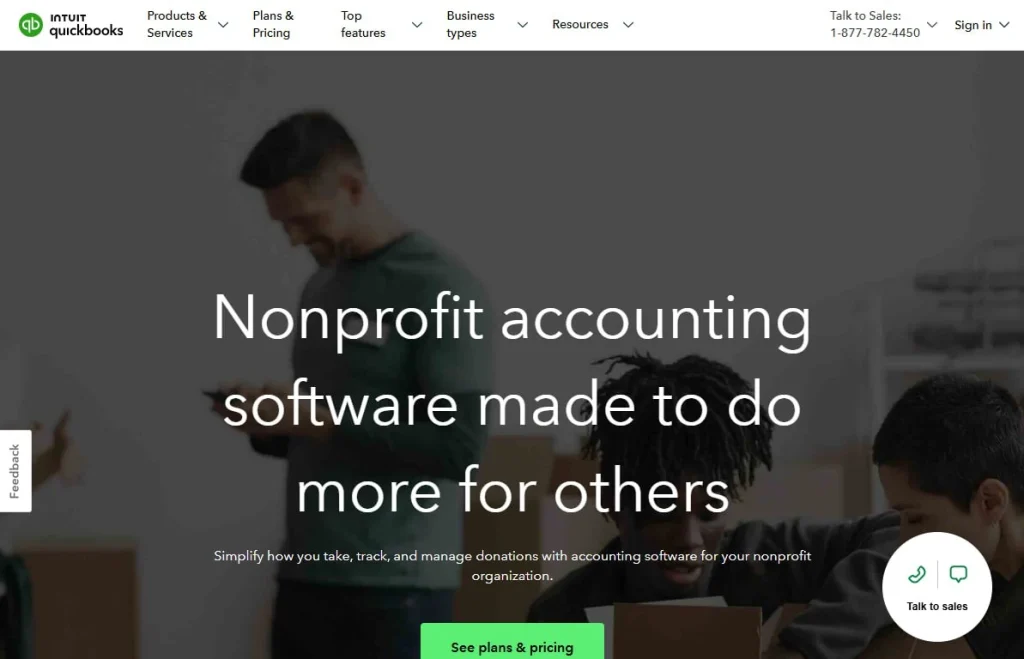
QuickBooks-style nonprofit accounting
QuickBooks Online (Nonprofit) is built for small to mid-sized nonprofits that are already comfortable with Intuit’s interface or need seamless integration with Salesforce, PayPal, or other donation platforms. The platform extends QuickBooks’ widely recognized dashboard and reporting tools with nonprofit-specific features such as class tracking and donation acknowledgment templates. If your finance staff learned on QuickBooks in prior roles, the learning curve is minimal—a meaningful advantage when staff turnover is common in nonprofits.
The platform’s reporting flexibility and third-party integration marketplace are genuine strengths. QuickBooks connects with over 750 applications, meaning you can link your accounting to Salesforce, Donorbox, GiveWP, and other platforms without custom API work. Bank feeds automatically categorize transactions and match them to existing records, reducing manual data entry by 30–40% compared to spreadsheet workflows. Standard financial reporting templates come across all subscription tiers, letting finance managers generate donor summaries and program expense reports without custom configuration.
But QuickBooks Online lacks native fund accounting—arguably the single most important operational limitation for many nonprofits. You must manually manage restricted versus unrestricted balances using class tracking and custom reports, which increases reconciliation overhead and audit risk. Generating FASB-compliant statements like the Statement of Functional Expenses requires significant manual mapping and custom report building rather than default templates. This means your finance manager spends hours on month-end reporting instead of focusing on financial analysis. File attachment and storage limits on lower-tier plans also restrict the ability to attach grant documentation directly to corresponding financial records, forcing you to maintain a separate grant management system.
Best for: Small nonprofits already in the Intuit ecosystem or requiring tight integration with external donation platforms like PayPal and Stripe.
Not ideal for: Organizations managing complex restricted grants that require automated fund accounting controls and FASB-compliant reporting without manual mapping.
Unlike Aplos, QuickBooks Online doesn’t provide integrated donor management, requiring you to maintain a separate CRM and reconcile data across platforms manually. Unlike Sage Intacct, QuickBooks enforces rigid account boundaries and lacks multi-entity consolidation, making it impractical for nonprofits managing multiple chapters or distinct funds that need automatic rollups. [4]
Verify current subscription rates at https://quickbooks.intuit.com/pricing/ since vendor pricing changes without notice.
Aplos
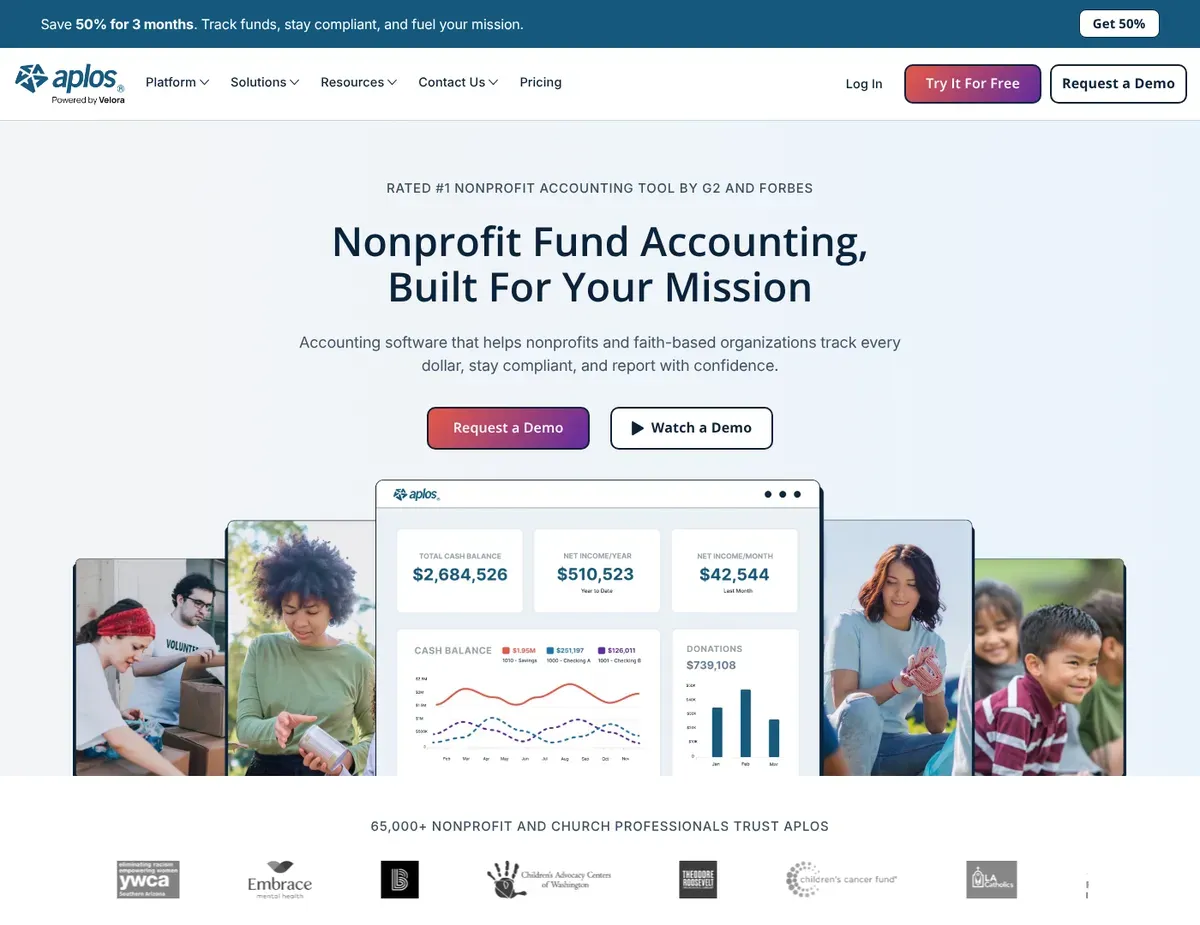
Specialized fund accounting dashboard separating restricted and
Aplos is purpose-built for churches, faith-based organizations, and small to medium-sized nonprofits that want native fund accounting without the complexity or cost of enterprise systems. The platform positions itself as “accounting designed for nonprofits from the ground up,” and this specialization shows in every interface element—from fund setup wizards to donor contribution tracking. Organizations in this segment report that Aplos reduces month-end close time by 40–50% compared to spreadsheet-based fund tracking because the system enforces fund accounting at the transaction level rather than requiring reconciliation afterward.
Aplos’s automatic handling of restricted and unrestricted fund separation is where it truly shines. The platform natively separates restricted and unrestricted balances without requiring class tracking workarounds, meaning transactions flow automatically to the correct fund. The integrated donor management database tracks contribution history directly in the platform, eliminating the need to maintain donor records in a separate system. The system automatically generates FASB-compliant nonprofit financial statements, including the Statement of Functional Expenses, which can be generated with a few clicks rather than hours of manual report building.
These three capabilities together create a cohesive operational model where your finance teams don’t juggle multiple systems. [5]
Integration breadth and user scaling are where limitations emerge. Aplos has limited API and third-party integration capabilities compared to QuickBooks and Xero, which may restrict automated data synchronization with specialized HR platforms or advanced CRM systems. If your nonprofit uses Salesforce or NetSuite, you may need to maintain manual data sync processes or pay for custom integration work. User limits on lower-tier plans can also force mid-sized organizations to upgrade prematurely just to add basic data-entry staff or external bookkeepers—a hidden cost that isn’t obvious until deployment. The platform also lacks advanced inventory and project management modules, which may be required by nonprofits operating social enterprises or large-scale community programs.
Best for: Churches and faith-based organizations needing integrated accounting and donor management without enterprise complexity, or mid-sized nonprofits requiring strict fund accounting compliance.
Not ideal for: Large nonprofits with existing investments in Salesforce or advanced CRM systems, or organizations operating social enterprises requiring inventory management.
Unlike QuickBooks Online, Aplos provides native fund accounting out-of-the-box, eliminating the need to manipulate classes to track restricted funds. Unlike Xero, Aplos limits third-party integrations, meaning organizations with existing specialized HR or CRM ecosystems may face manual data entry workflows instead of API-driven automation.
Verify current per-tier user limits at https://www.aplos.com/pricing/ to confirm the plan supports your projected headcount without a costly upgrade.
Xero
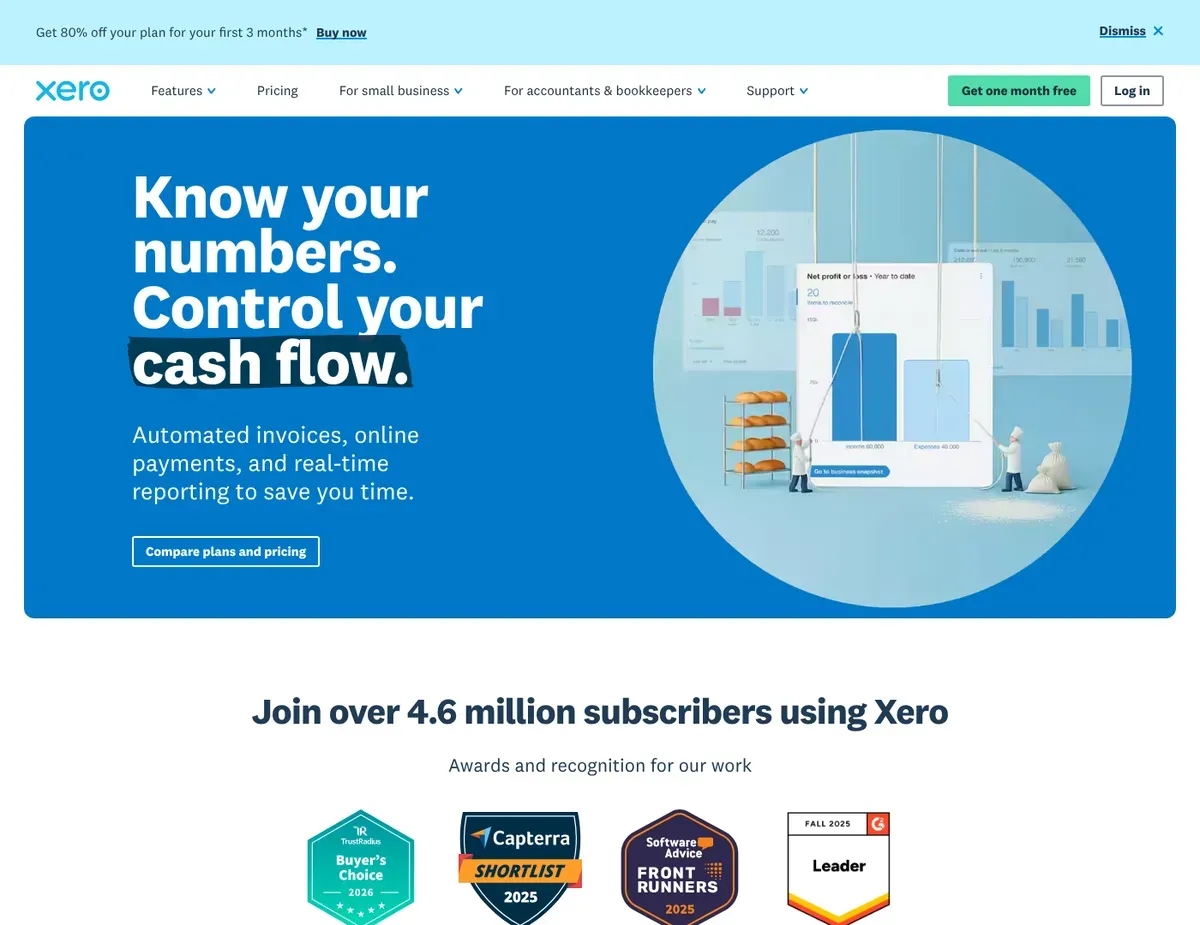
Clean
Xero delivers a modern, cloud-native interface designed for tech-savvy nonprofits comfortable building a customized stack through third-party integrations and add-ons. Its unlimited user access across all tiers is a distinctive advantage: your board members, staff, and external accountants can access reports simultaneously without per-seat cost penalties, making it ideal for collaborative governance structures where 8–15 stakeholders need real-time financial visibility. The interface emphasizes real-time visibility—interactive graphs, customizable invoice editors, and streamlined bank reconciliation make Xero feel modern compared to traditional accounting software.
Xero’s integration ecosystem is its defining strength. With over 1,000 connected apps in its official marketplace, you can link Xero to Donorbox, GiveWP, Salesforce, Gusto, and countless specialized nonprofit tools. The intuitive mobile applications let staff capture receipts and approve expenses on-the-go, reducing data-entry delays during grant cycles. The user experience is clean and uncluttered—new users typically become productive within 2–3 weeks without formal training, which is notably faster than Sage Intacct or QuickBooks Online for organizations without accounting backgrounds.
Xero lacks built-in fund accounting and requires configuring tracking categories or integrating dedicated apps like ExpenseTrak to manage restricted funds effectively. This means you must solve fund accounting as a separate problem—either through manual category discipline (error-prone) or additional software (additional cost). Inventory management capabilities are basic and require third-party add-ons for nonprofits running social enterprises or thrift stores, limiting Xero’s utility for mission-driven enterprises. Customer support primarily relies on email and help guides, lacking immediate live phone support during critical fiscal year-end closing periods when you need urgent assistance.
Best for: Tech-forward nonprofits comfortable assembling a tech stack via integrations, or organizations requiring unlimited simultaneous user access for collaborative board and committee financial review.
Not ideal for: Nonprofits wanting an all-in-one solution with native donor management and fund accounting without third-party add-ons.
Unlike Aplos, Xero requires third-party add-ons to handle true fund accounting and donor management, increasing your monthly SaaS costs and reliance on multiple vendors. Unlike Sage Intacct, Xero lacks advanced dimensional reporting, meaning complex grant tracking across multiple programs requires extensive manual tracking category configuration instead of automated dimensional logic.
Verify current fund-accounting app availability and pricing at https://www.xero.com/integrations/ before committing.
Sage Intacct
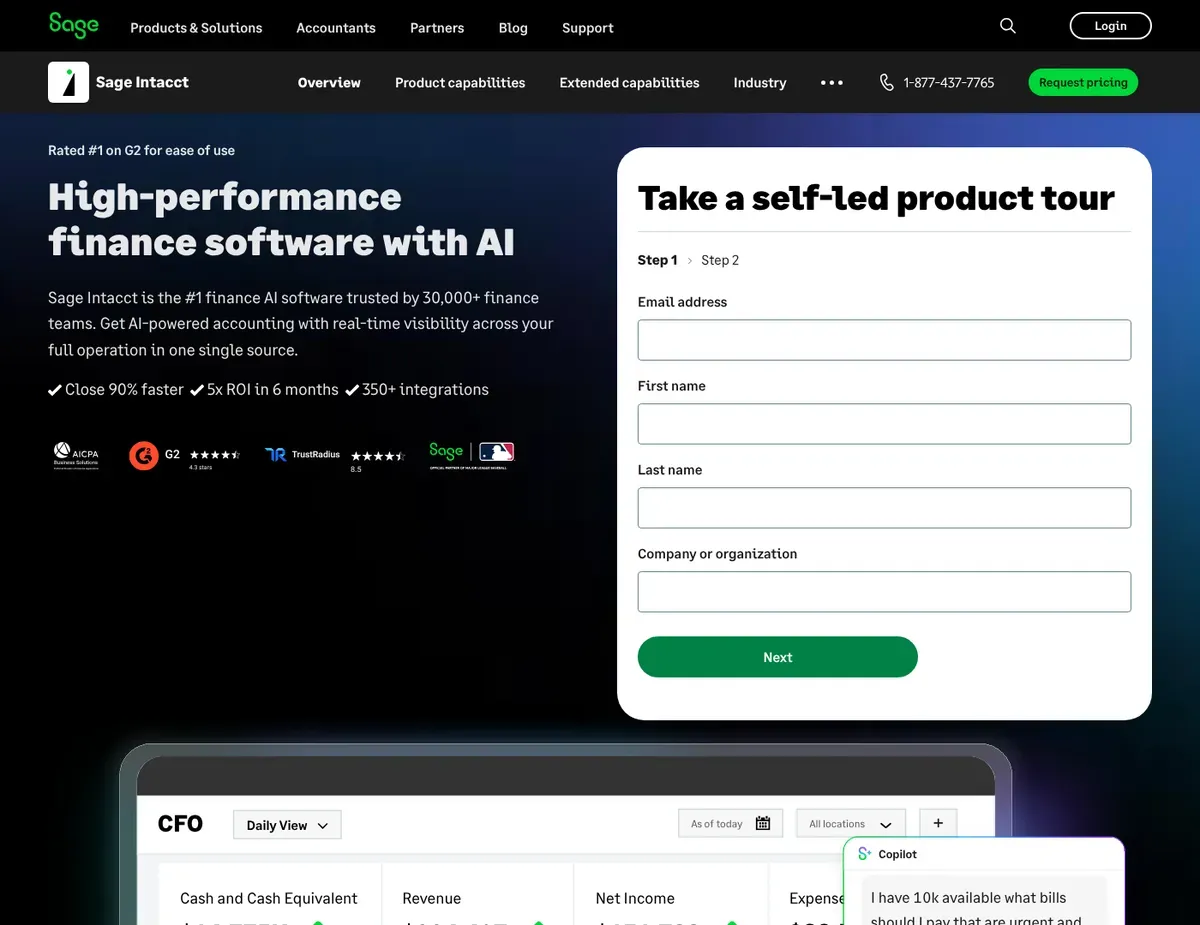
Complex financial dashboard with multi-dimensional reporting grids
Sage Intacct addresses the most complex nonprofit accounting scenarios: large NGOs managing multiple subsidiaries, organizations with 20+ concurrent grants, and networks requiring real-time financial consolidation across chapters. The platform’s dimensioning capabilities let your finance teams track across funds, programs, grants, and locations simultaneously, without forcing a choice between reporting dimensions. For organizations that have outgrown mid-market tools and need the flexibility of an ERP-class system, Sage Intacct’s feature set is unmatched in the nonprofit space. [4]
True multi-dimensional reporting is Sage Intacct’s core strength. The platform tracks across funds, programs, grants, and locations simultaneously without rigid account structures. The system includes advanced multi-entity consolidation that automates financial roll-ups for nonprofits managing multiple chapters, subsidiaries, or distinct funds—a capability that would otherwise require weeks of manual Excel work each month.
You get strict compliance controls with robust audit trails for complex organizations, which is essential for networks managing federal grants or serving as pass-through entities.
The limitations are significant and often deal-breakers for smaller nonprofits. Sage Intacct pricing is custom and quote-based, making it prohibitively expensive for organizations with budgets under $1M—implementation costs alone often exceed $50,000 before any monthly software fees. Implementation requires a certified partner and significant setup time, often taking weeks to months to properly configure complex nonprofit fund structures. This means months will pass before your organization can go live, delaying operational benefits. The learning curve is steep for non-financial staff; the extensive feature set requires dedicated, trained financial professionals to operate effectively, which smaller nonprofits often lack. Sage Intacct does not include built-in donor management or online giving forms, requiring enterprise-level integrations for comprehensive donor CRM functionality—a major gap for mission-driven organizations where donor stewardship is a core function.
Best for: Large nonprofits and associations requiring complex multi-entity management and grant consolidation, or organizations with dedicated finance teams needing advanced automation for federal grant tracking.
Not ideal for: Small nonprofits lacking dedicated financial professionals or organizations with budgets under $500K that cannot absorb implementation fees.
Unlike QuickBooks Online, Sage Intacct requires a lengthy implementation process with certified partners, delaying time-to-value but providing a deeply customized architecture. Unlike Aplos, Sage Intacct does not include built-in donor management or online giving forms, requiring enterprise-level integrations for comprehensive donor CRM functionality.
Verify current pricing and implementation timelines at https://www.sage.com/en-us/products/sage-intacct/pricing/ since custom quotes vary significantly by organization size.
Scenario recommendations
The following scenarios help identify the best software based on specific organizational needs.
Scenario 1 – Small volunteer-run organizations with simple fund structures: Go with Aplos when your nonprofit has fewer than three active grants and your finance team consists of one part-time bookkeeper or volunteer. Aplos’s intuitive fund accounting setup and included donor database eliminate the need to maintain separate systems, and the $59/month entry price fits tight nonprofit budgets. The main caveat is that user limits on the Core plan may require an upgrade if you add additional data-entry staff during grant cycles, so verify user-seat limits against your projected headcount before committing.
Scenario 2 – Tech-savvy mid-sized nonprofits with existing software ecosystems: Reach for Xero if your organization already uses Salesforce for donor management, Gusto for payroll, and Donorbox for online giving. Xero’s unlimited user access means your full finance team and board members can access reports simultaneously without per-seat penalties, and the 1,000+ integration marketplace lets you automate data flow between systems. The trade-off is that you’ll need to configure tracking categories carefully to approximate fund accounting, or add a third-party fund-tracking app—a setup task that requires technical staff or a consultant but saves money on software licensing compared to an all-in-one platform.
Scenario 3 – Organizations migrating from QuickBooks Desktop or already familiar with Intuit products: Stick with QuickBooks Online (Nonprofit) if your finance team already knows Intuit’s interface and you’re managing fewer than five grants with straightforward restricted/unrestricted splits. The interface feels familiar, the onboarding is quick, and the 750+ integrations mean you can connect to your existing donor CRM without custom work. The limitation is that you’ll need to spend 10–15 hours per month on FASB reporting configuration and reconciliation—a manual overhead that grows as your grant portfolio expands, so plan for a platform upgrade within 2–3 years if you’re growing.
Scenario 4 – Large NGOs and associations managing multiple chapters or complex grants: Implement Sage Intacct if your organization manages 10+ concurrent grants, operates chapters in multiple regions, or serves as a pass-through entity for federal funding. Sage Intacct’s multi-dimensional reporting and automated consolidation eliminate the manual spreadsheet work that drains finance teams in large nonprofits, and the strict audit trails satisfy federal compliance requirements. The caveat is that implementation will take 4–6 months and cost $50,000–$150,000 in partner services, so this choice is only viable if your annual budget exceeds $2M and you have dedicated financial staff who can champion the deployment.
Setup guide
Follow these steps to configure your chosen accounting platform and ensure accurate fund tracking.
Step 1: Create an account and configure your fund structure. For Aplos, sign up on the platform and work through the fund setup wizard to define each restricted and unrestricted fund your organization manages. For Xero, create an account and set up tracking categories that correspond to each fund or program; this configuration happens in the Settings panel and typically takes 20–30 minutes. For QuickBooks Online, navigate to Settings > Chart of Accounts and add a Class for each fund—this parallel structure allows you to track by fund even though fund accounting isn’t native. For Sage Intacct, your implementation partner will handle fund configuration as part of a structured scoping session; do not attempt this yourself. [6]
Step 2: Import your historical transaction data and reconcile opening balances. Export your general ledger from your old system (spreadsheet, prior accounting software, etc.) and map accounts to the new platform’s chart of accounts. Most cloud platforms provide CSV import tools; upload your transactions in batches by fund or program to ensure balanced data. Reconcile opening balances for each fund against your last financial statement, confirming that restricted fund balances match grant documentation. This step typically takes 2–3 weeks for organizations with 2–3 years of history and is best done by your finance manager or external bookkeeper before any staff users log in.
Step 3: Connect your bank feeds and reconcile the first month of transactions. Link your nonprofit’s primary operating and grant-restricted bank accounts to the platform using online banking credentials or Plaid integration. Most modern platforms process feeds daily, automatically downloading and pre-categorizing transactions. Spend your first month reconciling transactions to ensure the system is coding donations to the right funds and grant expenses to the correct program codes. This hands-on work prevents reconciliation nightmares later and trains your team on the platform’s workflow—allocate 3–5 hours per week during month one.
Step 4: Integrate your donor management and online giving platforms. For Aplos, skip this step since donor management is built-in; focus instead on testing the integrated giving forms and creating your first fundraising campaign. For Xero, connect Donorbox or GiveWP through the integration marketplace—these apps push donation data to Xero automatically, eliminating manual transaction entry. For QuickBooks Online, use Zapier or native integrations to push donation records from your CRM or giving platform; test with a small donation batch to confirm funds are coding to the right account. For Sage Intacct, your implementation partner will configure API connections to your donor platform as part of go-live setup.
Step 5: Train your finance team and create month-end close procedures. Schedule 2–3 training sessions for all staff with system access, focusing on how your nonprofit’s fund structure works within the platform and which accounts code to which funds. Create a written month-end close checklist that specifies which reconciliations must complete before the books close (bank reconciliation, fund balance validation, grant expense coding review). Document your organization’s unique procedures—for example, if you require grant pre-approval before expense posting, configure workflow rules or create a manual approval step. Test the close process with a full cycle before your first audit, ensuring all fund reports and FASB statements generate correctly.
FAQ
Q: Can I use regular accounting software designed for businesses instead of a nonprofit-specific platform?
For nonprofits, regular business accounting software creates audit risk and reporting headaches. Standard accounting software like QuickBooks Desktop or generic Xero configurations lack fund accounting enforcement, meaning your finance team must manually ensure that restricted funds stay separate from unrestricted balances—a reconciliation burden that grows exponentially as your grant portfolio expands. Business accounting software does not generate FASB 117-compliant financial statements (Statement of Functional Expenses, Statement of Activities with fund segmentation) without significant manual report building. If your nonprofit manages even one restricted grant, a nonprofit-specific platform like Aplos or QuickBooks Online (Nonprofit) is worth the marginal investment because it prevents costly audit findings and protects donor confidence in your financial controls. Verify your auditor’s expectations around fund accounting before selecting a platform.
Q: What is the best software for nonprofits with strict grant tracking requirements?
When grant compliance is your top priority, Aplos is the right choice because it provides native fund accounting that enforces restricted-fund discipline at the transaction level. Aplos automatically separates restricted and unrestricted balances, generates FASB-compliant statements with a single click, and integrates donor records so you can see at a glance which donors funded which grants—a complete audit trail auditors love. However, if you manage 10+ concurrent grants across multiple program areas, Sage Intacct’s multi-dimensional reporting provides finer-grained tracking across funds, programs, grants, and locations simultaneously, eliminating the workaround-and-reconcile pattern that plagues smaller platforms. The Sage Intacct trade-off is cost and implementation time; reserve this choice for large organizations with dedicated finance teams and budgets exceeding $2M annually.
Q: How do I decide between native fund accounting and adding a third-party app to handle fund tracking?
Native fund accounting (Aplos, Sage Intacct) is worth the investment if you manage more than two concurrent restricted grants or if your audit firm requires documented proof that fund restrictions are enforced at the system level. The alternative—configuring tracking categories in QuickBooks Online or Xero and manually reconciling restricted balances monthly—works for very small nonprofits but becomes error-prone as grant complexity grows. If you have the technical staff to maintain custom tracking discipline (i.e., someone reviews the category coding on every transaction entry), a category-based workaround can work temporarily. However, if you’re hiring a bookkeeper or accountant, insist they have native fund accounting in the platform; external staff are more likely to misapply fund codes when the system doesn’t enforce them.
Q: What should I verify before going live to ensure our platform correctly tracks restricted funds?
Before your first audit under the new platform, run a full test cycle: create a test grant with restricted balances, enter sample transactions across multiple funds, and confirm that the month-end reports show each fund’s balance correctly segregated. For Aplos and Sage Intacct, this should happen automatically; for QuickBooks Online and Xero, verify manually that your tracking categories rolled up correctly. Specifically, check that the Statement of Functional Expenses (or whatever report your auditor expects) shows program expenses, management & general expenses, and fundraising expenses in the correct rows and that restricted balances do not flow into unrestricted rows. Have your external accountant or audit firm sign off on the configuration before your year-end close; this prevents discoveries during the audit cycle.
Final verdict
Aplos is the strongest choice for small to medium nonprofits because it delivers native fund accounting, integrated donor management, and FASB-compliant reporting without enterprise complexity or cost. For organizations managing three to five grants with a part-time finance team, Aplos eliminates the month-end reconciliation overhead that drains productivity in other platforms. Most nonprofits report a 40–50% reduction in close time compared to spreadsheet tracking.
For tech-forward organizations already invested in Salesforce or similar platforms, Xero deserves serious consideration despite its fund-accounting limitations. The 1,000+ integration ecosystem, unlimited user access, and modern interface make Xero the better fit if you’re comfortable assembling a tech stack via third-party add-ons. If your organization fits this profile, the integration flexibility and collaborative access outweigh the manual fund-tracking overhead.
QuickBooks Online (Nonprofit) remains the best choice for organizations already embedded in Intuit’s ecosystem or requiring seamless integration with PayPal and Stripe donation flows. The platform’s familiar interface and 750+ third-party app marketplace make it the path of least resistance for nonprofits transitioning from QuickBooks Desktop.
Sage Intacct is the pick for large, complex nonprofits managing multiple chapters, multi-million-dollar grant portfolios, or federal pass-through structures. The multi-dimensional reporting and automated consolidation justify the implementation cost and learning curve only for organizations with annual budgets exceeding $2M and dedicated financial staff.
Your decision ultimately hinges on three factors: (1) how many concurrent grants your organization manages (fewer than three suggests Aplos; more than ten suggests Sage Intacct), (2) whether you’ve already invested in donor CRM systems (yes = Xero; no = Aplos), and (3) your finance team’s technical comfort and available time for month-end reconciliation (limited = Aplos; robust = Sage Intacct). Use these profiles to eliminate platforms, not to overthink the choice—any of these four will serve your nonprofit better than spreadsheets or generic business software.
Sources
- ↑ Aplos — Donor Management Features — https://www.aplos.com/software/donors/
- ↑ Xero — Pricing Plans — https://www.xero.com/pricing/
- ↑ Aplos — Software Features Overview — https://www.aplos.com/software/features/
- ↑ Sage Intacct — Product Overview — https://www.sage.com/en-us/products/sage-intacct/
- ↑ Aplos — Accounting Features — https://www.aplos.com/software/accounting/
- ↑ QuickBooks — Reporting Features — https://quickbooks.intuit.com/features/reports/

Leave a Reply